Guide
The sketch editor
Need to fit a sketch to a wall of different proportions, or remove something? That's what “Edit sketch” is for.
freeCrop and margins
3 credits, ProAI changes
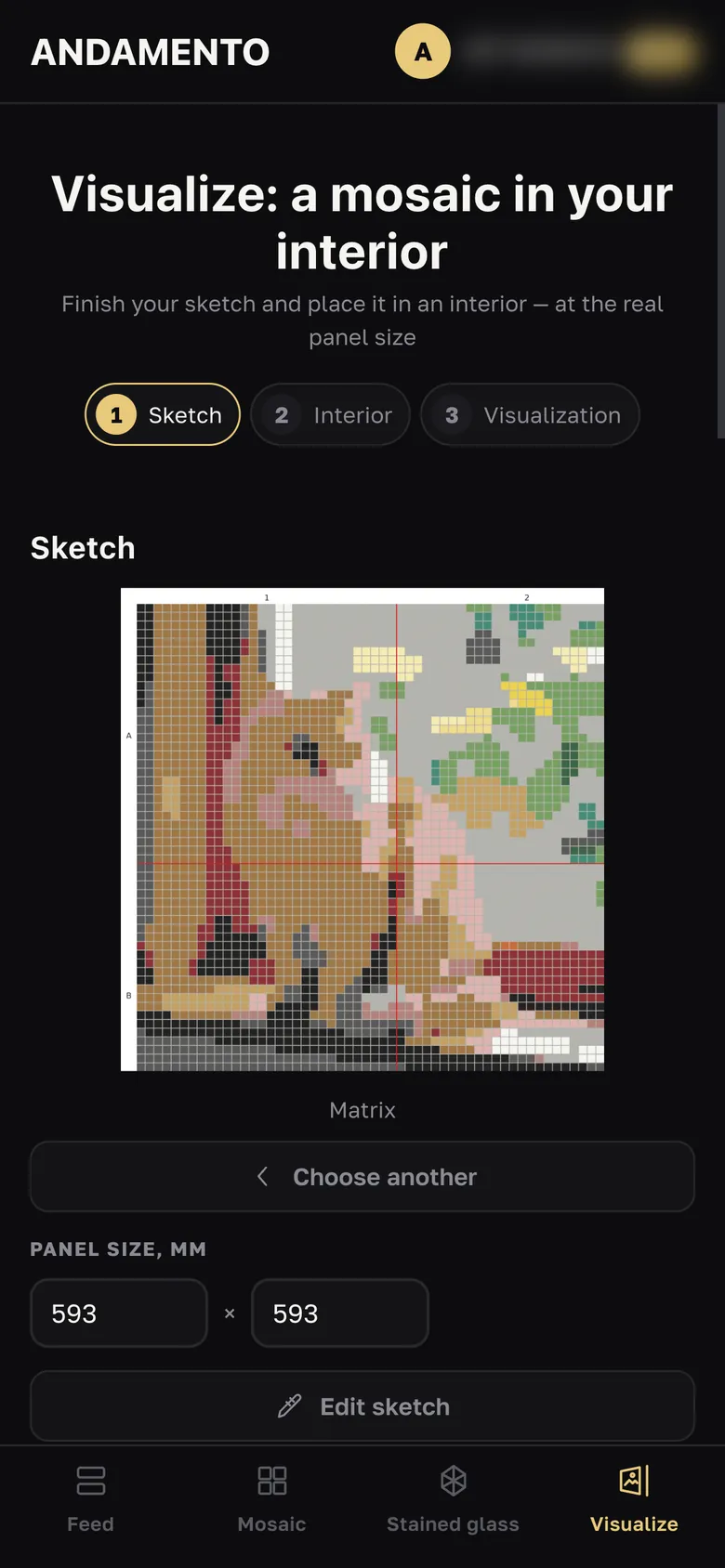
Open the editor
In Visualize, at the Sketch step — the “Edit sketch” button.
Crop and size
Zoom, Fit, Fill, Centre; proportions and size in millimetres to match your wall.
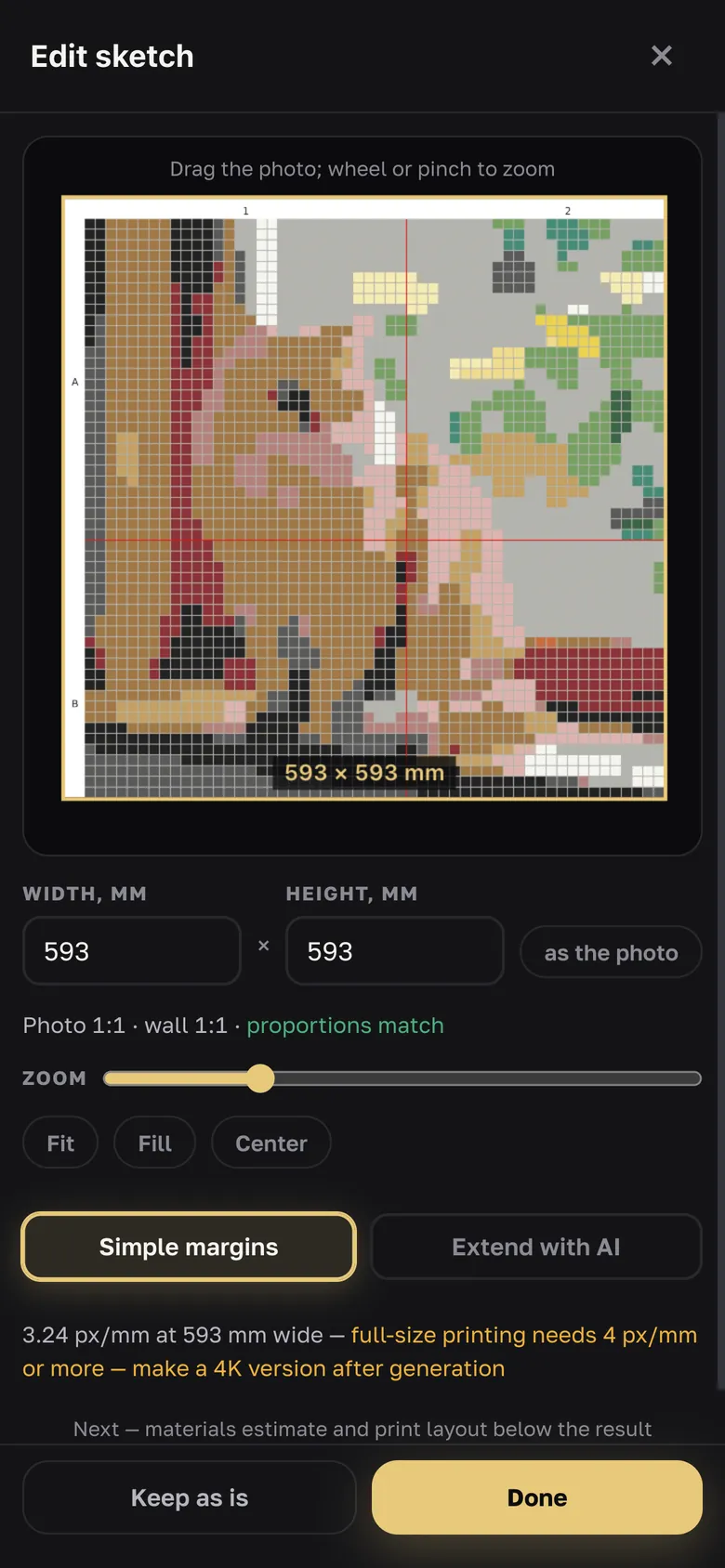
Empty margins
“Simple margins” — tone, tesserae or mirror, with an eyedropper; free. “Extend with AI” — AI continues the picture into the margins: 3 credits, with Pro.
“Change with AI”
Ready actions — remove background, remove an object, warm or cool palette, more contrast, simplify details, more space — or your own text. 3 credits per request, with Pro. Saving the edited sketch to your account is free.
Try it yourself
10 credits on sign-up and up to 3 every day — free.