ANDAMENTO.pro
Выберите язык · Choose your language · Elige tu idioma · Escolha seu idioma
Andamento turns a photo or a prompt into a mosaic or stained-glass sketch — on a palette of real materials, in millimetres, with an estimate and an assembly guide. Here is how to use each section.
Andamento's creator Sergey Kolbasov shows every section of 3.0 in 17 minutes. Video chapters →
One guide per section: what it is, steps with an app screen, what it costs, and a button to try it right away.
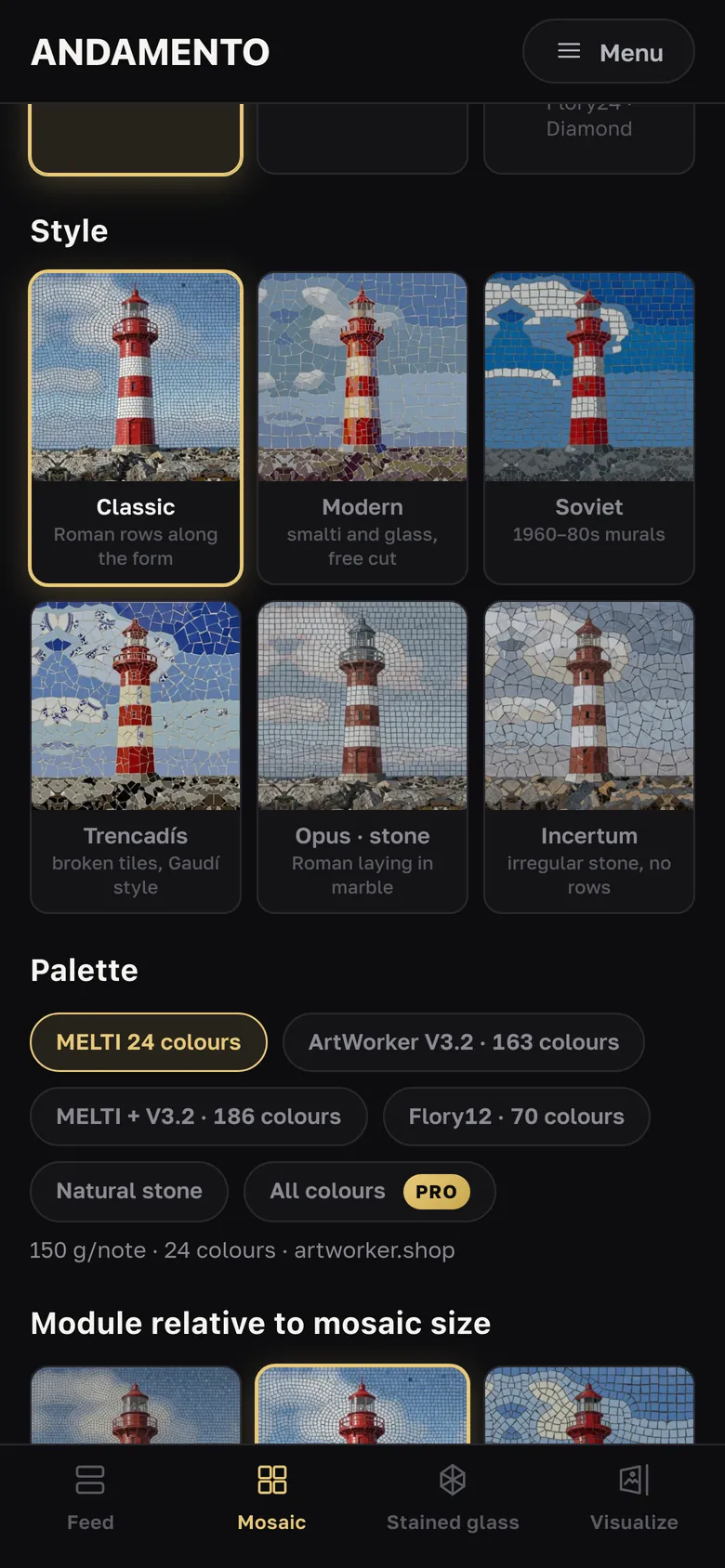
Six styles — from Roman rows to Trencadís and irregular stone, palettes of smalto, glass and natural stone, size in millimetres.
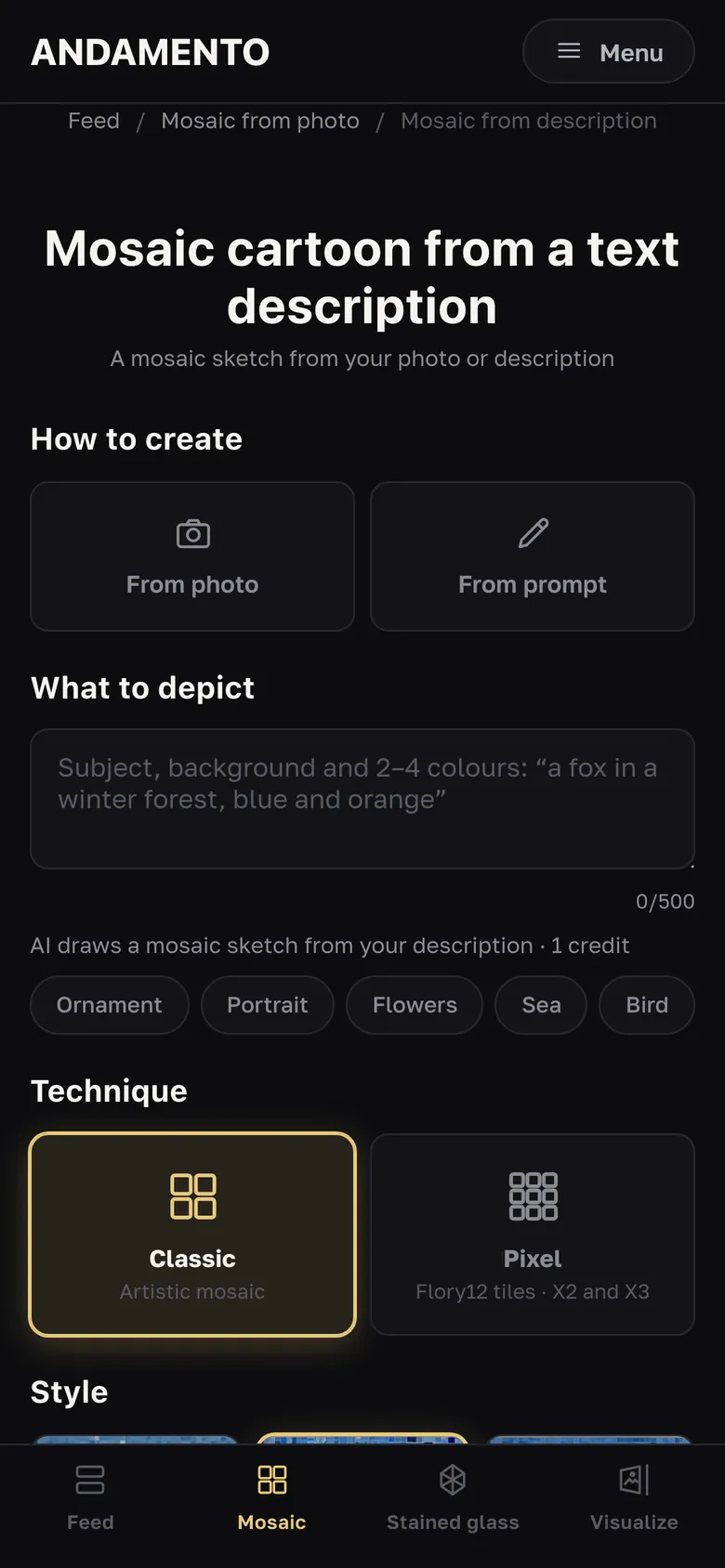
Describe the subject and pick an AI mode: X1 Basic, X2 Boost or X3 Ultra — 1, 2 or 3 credits.
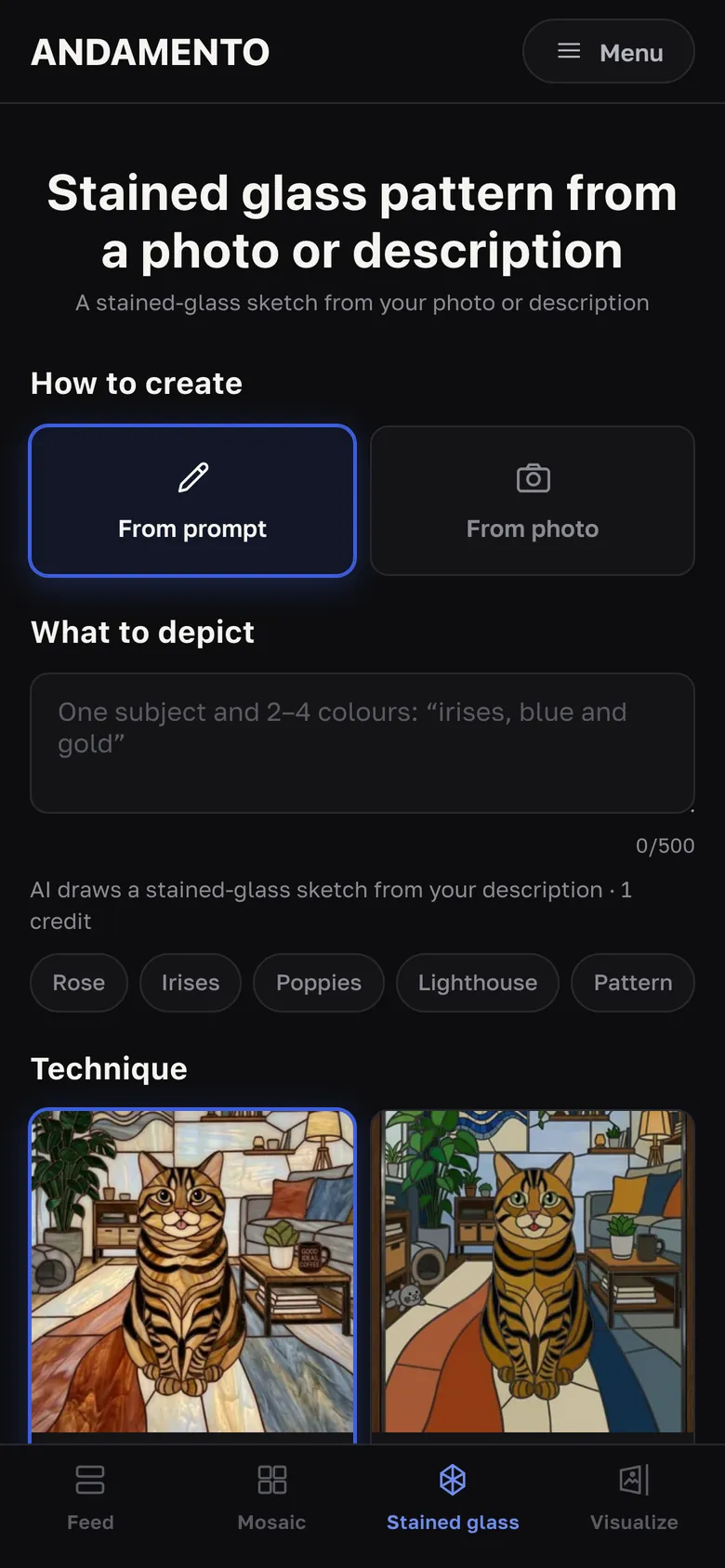
Tiffany or leaded, window, arch, pendant or rosette — with a glass estimate.
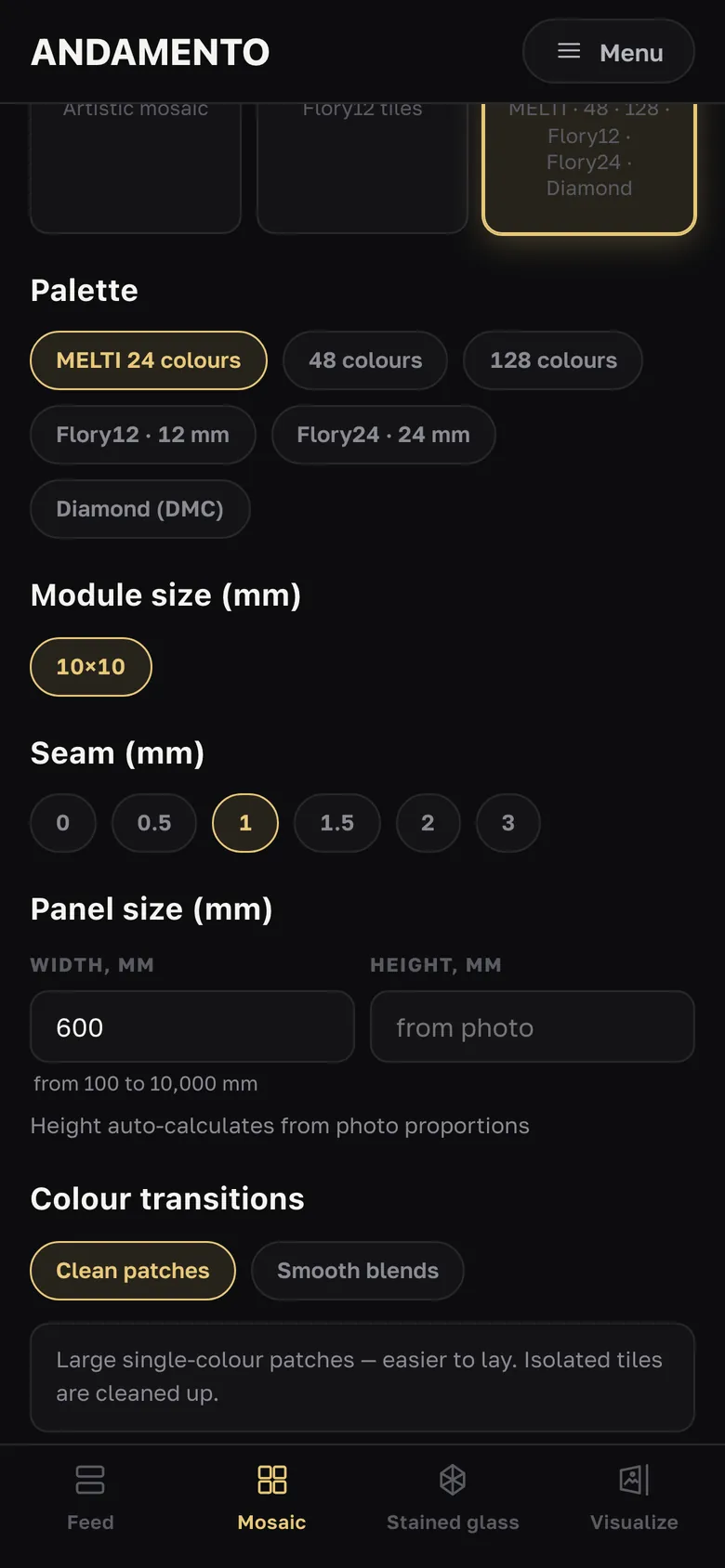
Mosaic by numbers and diamond painting with DMC-compatible codes — a chart to lay sheet by sheet.
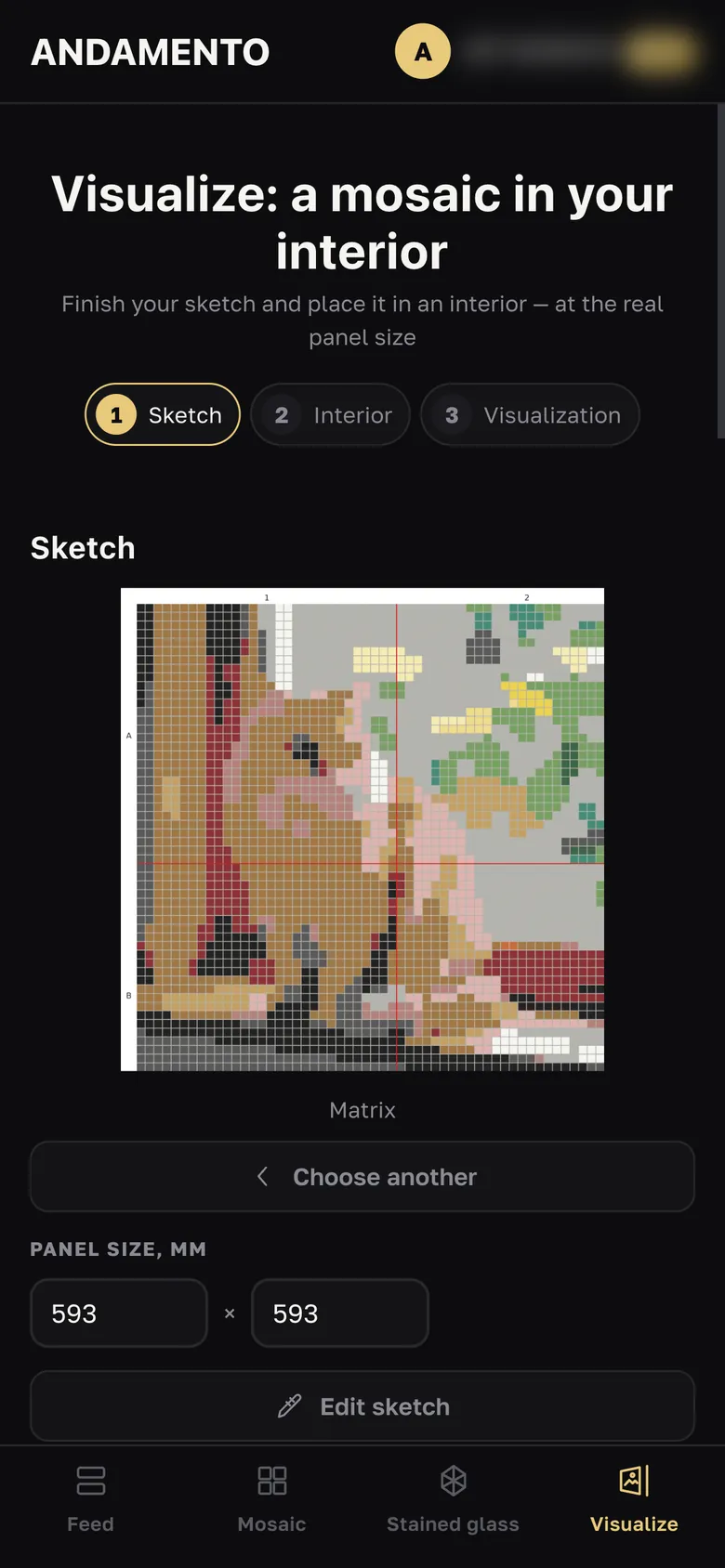
Your sketch on a wall, floor or window in your room — at its real size, in three steps.
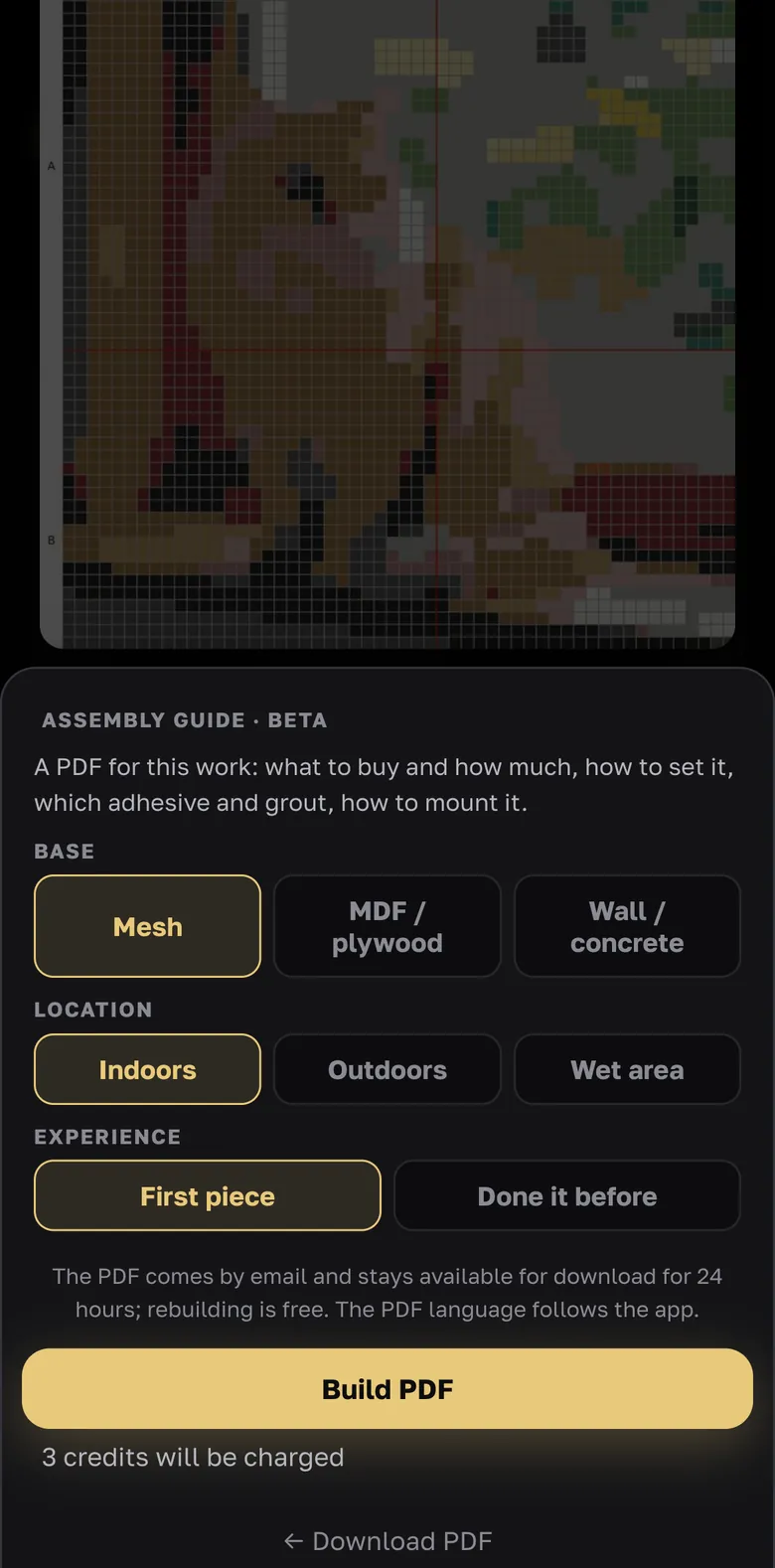
How much material to buy, a PDF sketch passport and an assembly guide for your work.
A photo or a prompt, style, palette and size in millimetres.
The sketch on a wall, floor or window in your room.
How much of each material to buy — and an artworker.shop cart.
A sketch passport, a print layout and an assembly guide in PDF.
10 credits when you sign up and up to 3 every day — free. A prompt sketch in X1 mode works even without an account, once a day.
Выберите язык · Choose your language · Elige tu idioma · Escolha seu idioma