
ANDAMENTO guides
Step-by-step guides to the apps: from a sketch on your phone to assembly files in ANDAMENTO WEB. Every guide ends with a button to try it in the app right away.
A sketch from your phone
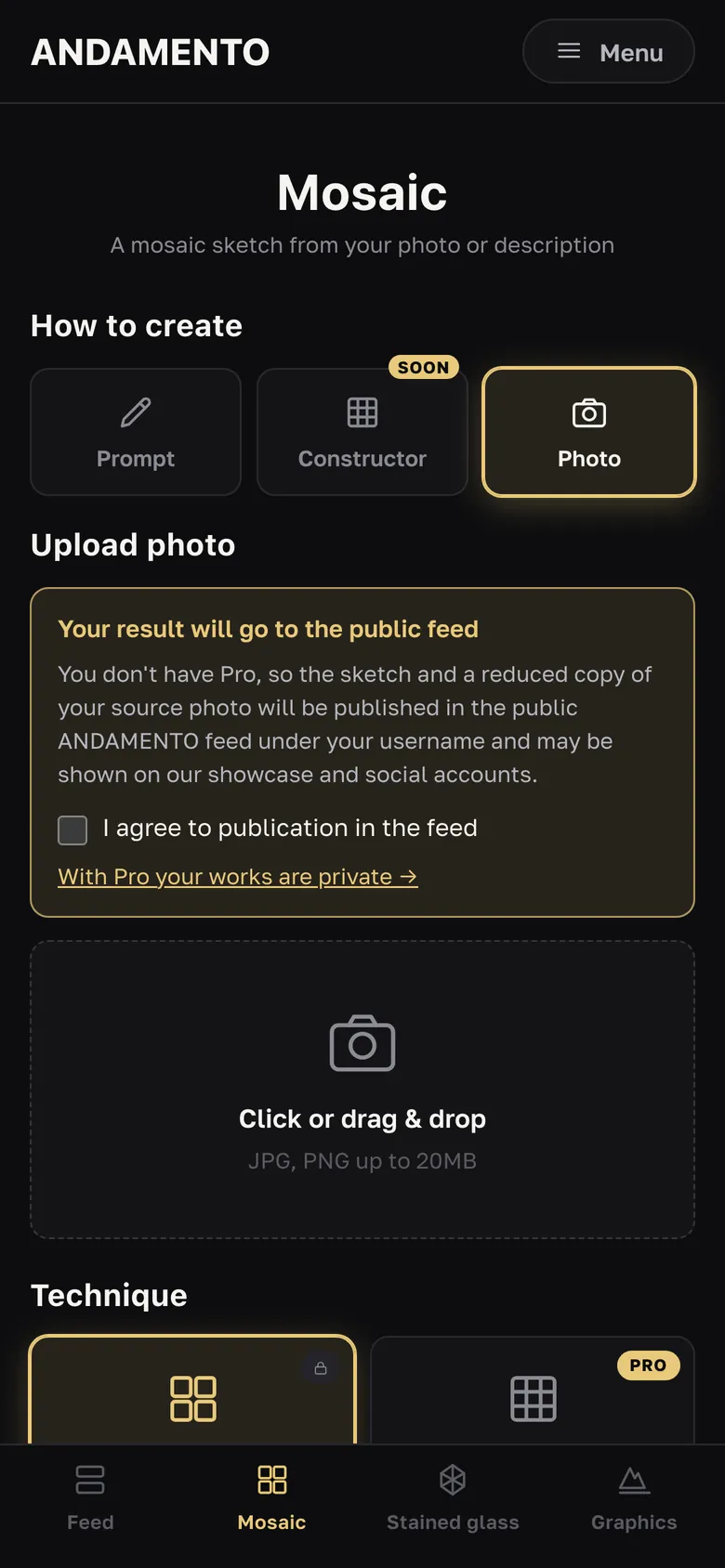
A mosaic sketch from a photo
From a photograph to a sketch you can lay a real mosaic from: with a real smalto palette, panel size and tile module.

A mosaic sketch from a prompt
No suitable photo? Describe what you want to see. A sketch in the chosen historical style appears in a couple of minutes.
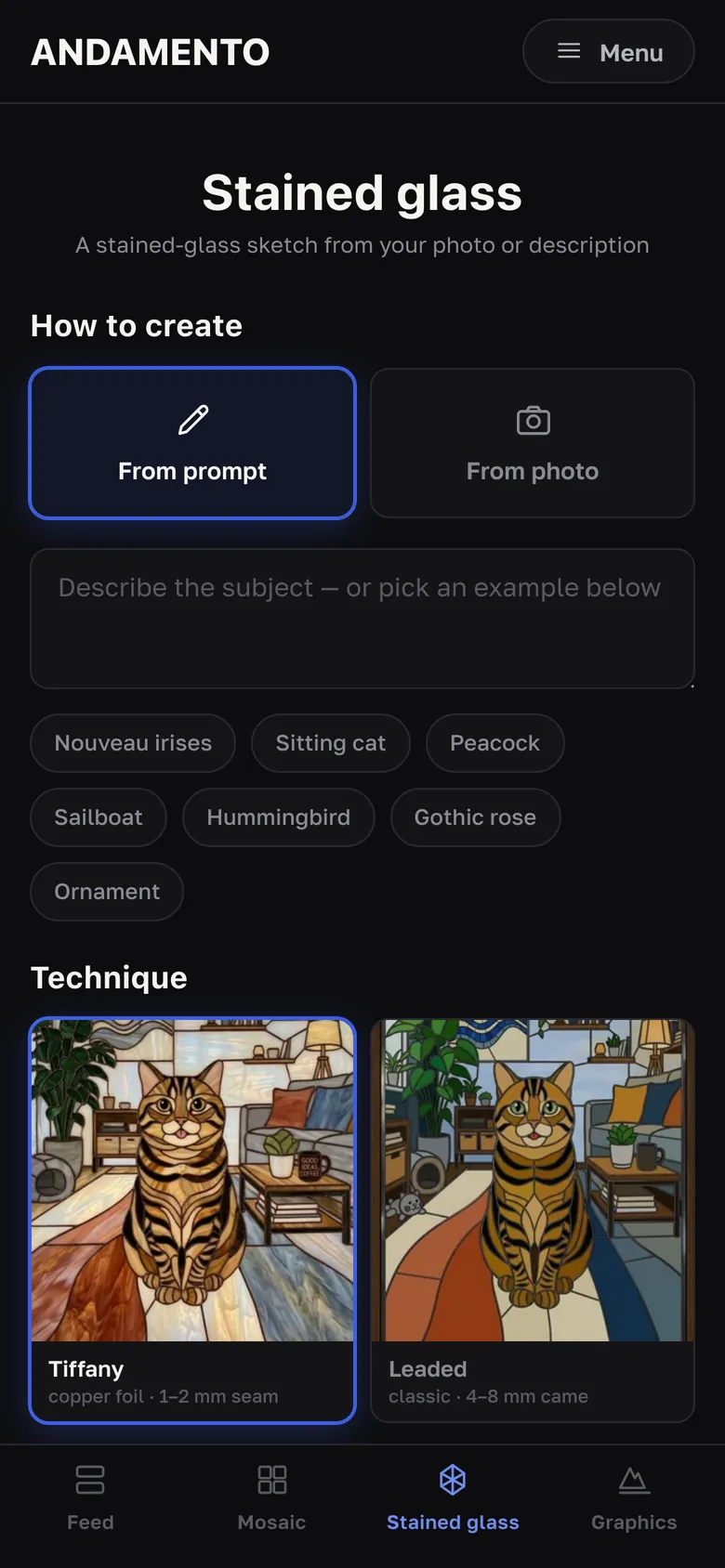
A stained-glass sketch
Stained glass for a specific opening: choose the technique, glass size, shape and dimensions — the app shows the design and an approximate element count.
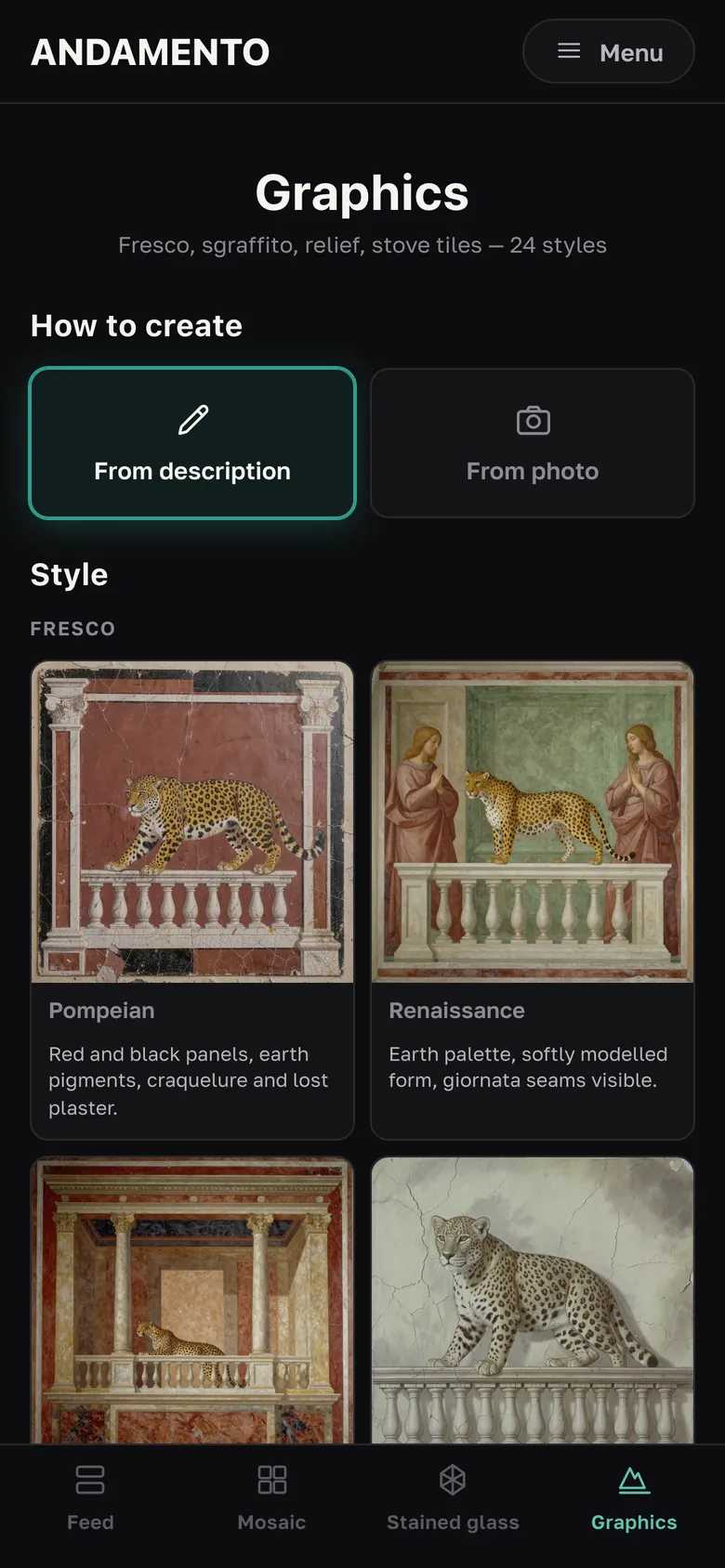
Fresco, sgraffito, relief — 24 styles
For walls, facades and stoves — sketches in six groups of four styles.
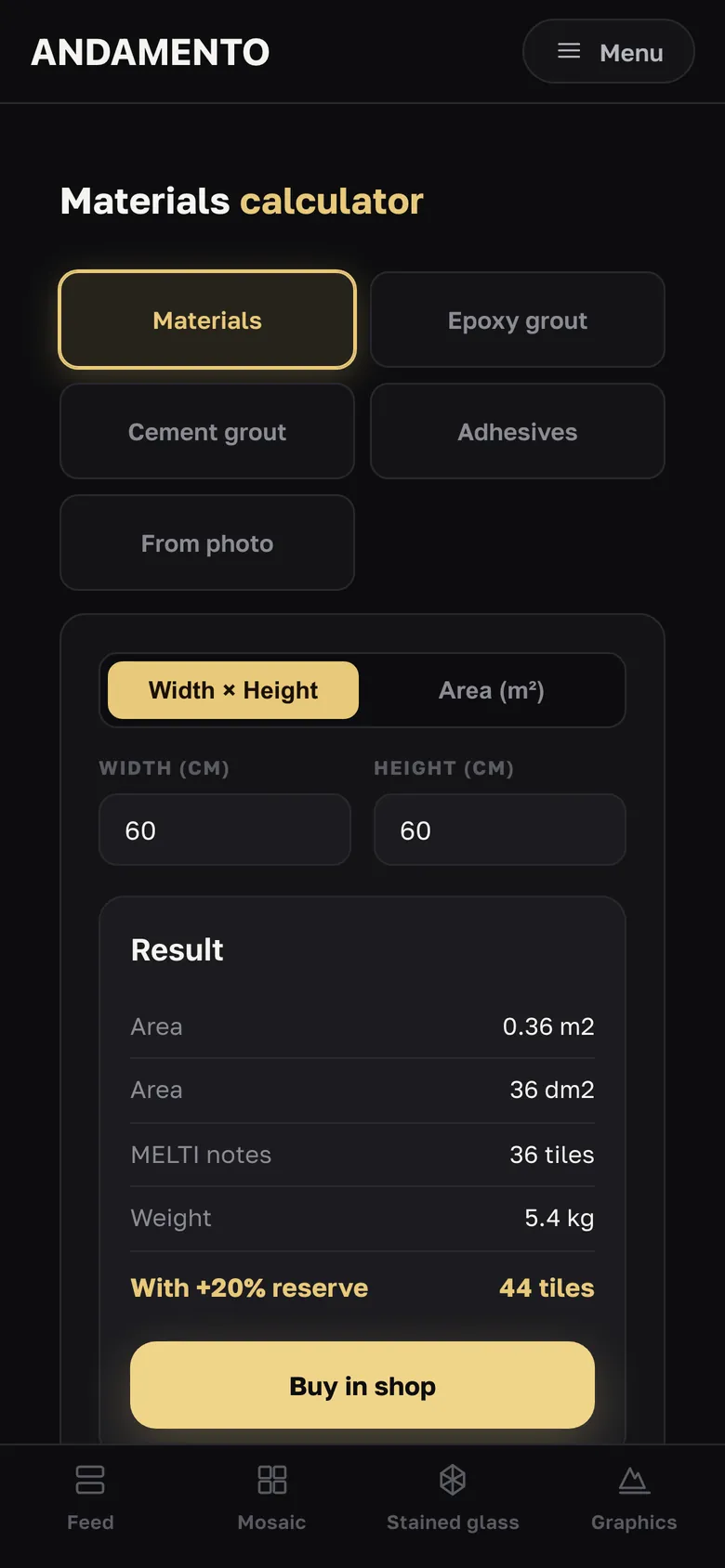
How much material for a mosaic
Enter the panel size and see how many kilograms of material you need. No credits, no sign-up.
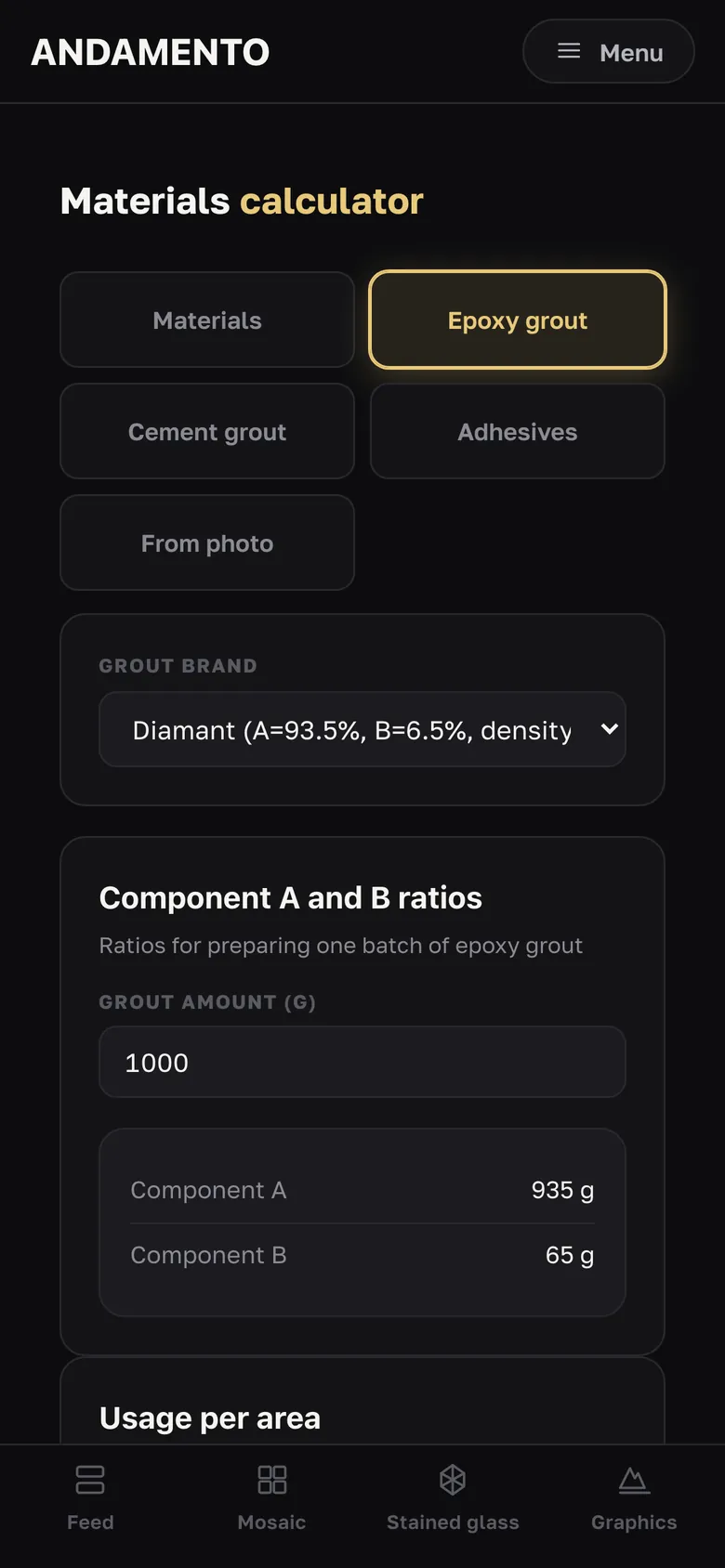
Grout and adhesive for mosaic
How much grout and adhesive to buy for your mosaic — for popular brands, with a reserve.
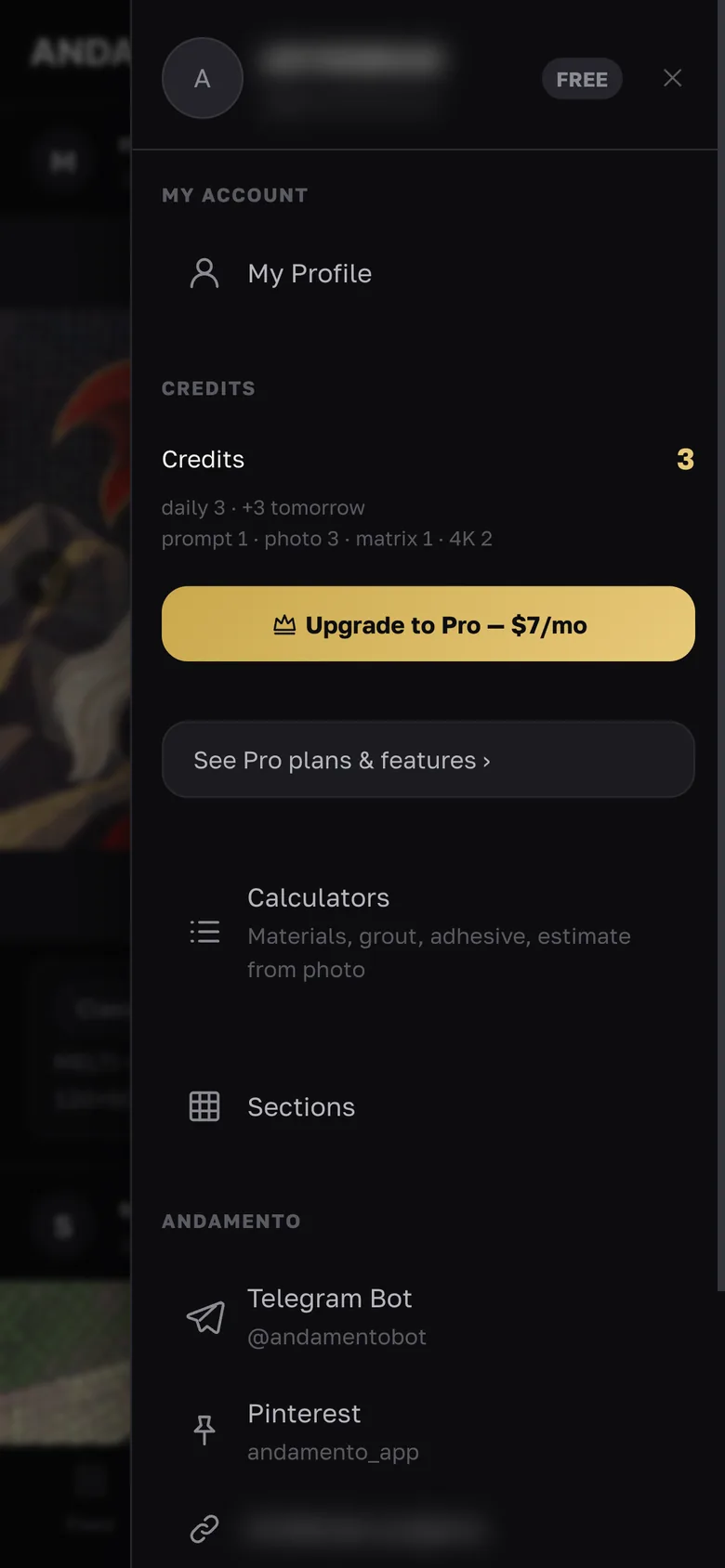
Install, credits and account
ANDAMENTO runs in the browser — nothing to install from an app store.
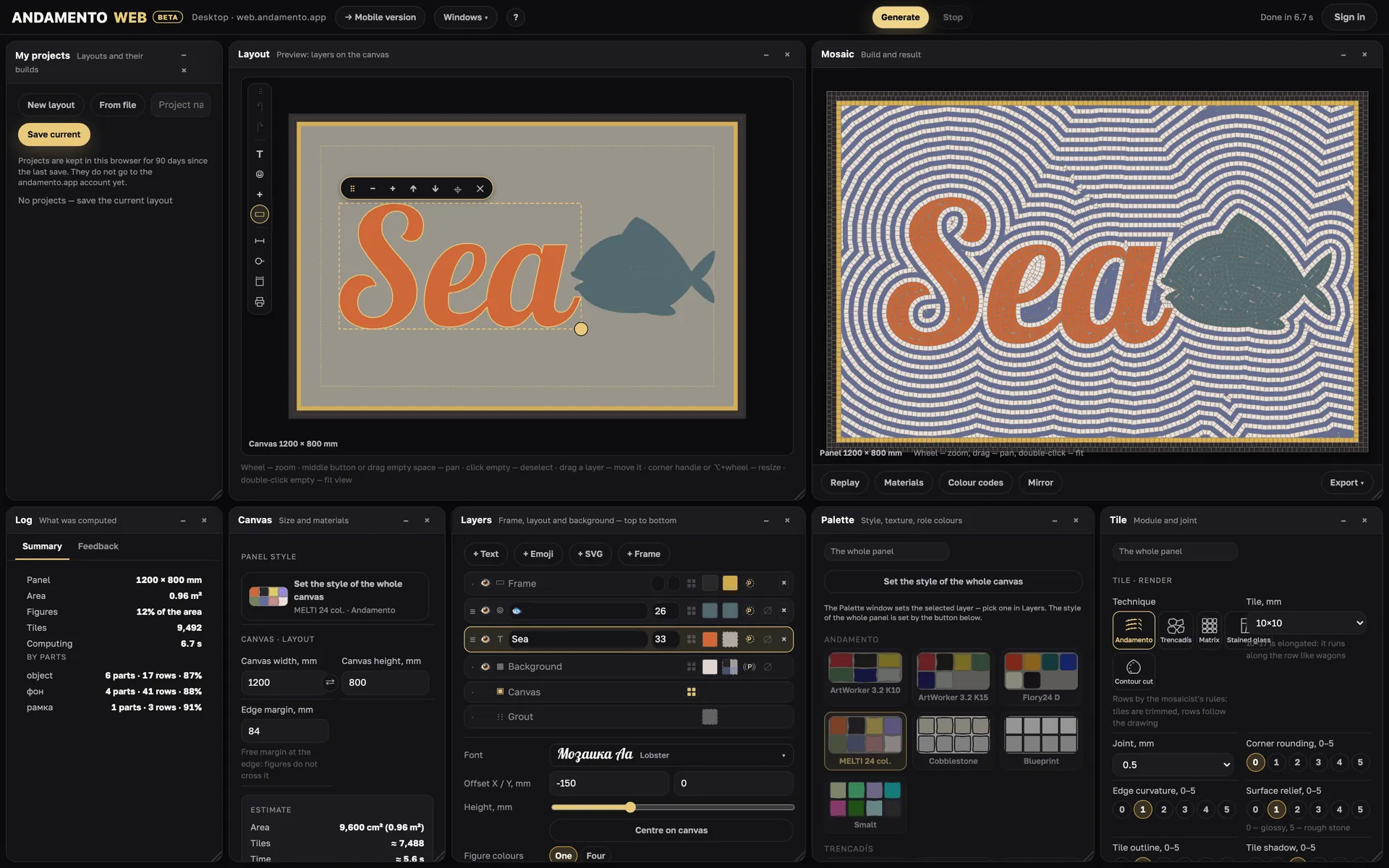
A panel from layout to files
The big desktop tutorial: 14 steps with button names as in the app. Plus techniques, materials and export.
Projects and ideas
Guides for a specific job — from idea to files in ANDAMENTO WEB. They will appear here as WEB matures:
- A smalto lettering sign
- A floor mosaic at the front door
- A mosaic house number
- Stained glass from your own drawing: glass cutting layout
- A panel with a frame and a “scales” background
- A company logo in mosaic
- Reverse-method mosaic: the mirrored sheet
- Brass letters in mosaic: a contour inlay
Try it on your own panel
ANDAMENTO WEB runs in a desktop browser with a PRO subscription. For a sketch from your phone, use the mobile app — 10 free credits when you sign up.