Pro mode
Pro turns a sketch into a mosaic and gives you a cartoon to build the real work from.
Turn on Pro
Menu → “Mode: …” → in the mode window choose “Pro” (without a subscription it carries a PRO badge) → “Choose”. The mode is included in the Pro subscription — the same as in the andamento.app app.
Sketch and layers
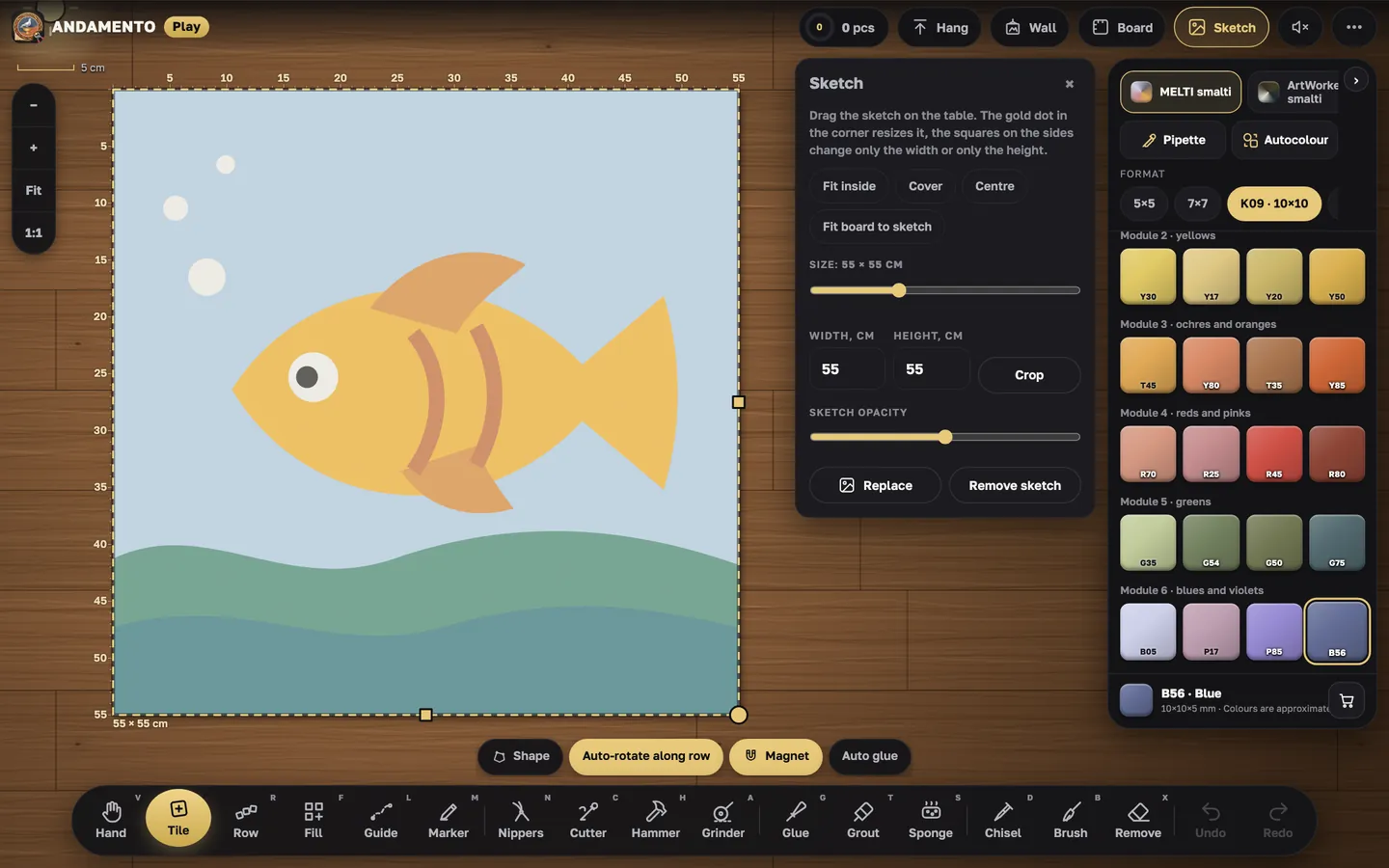
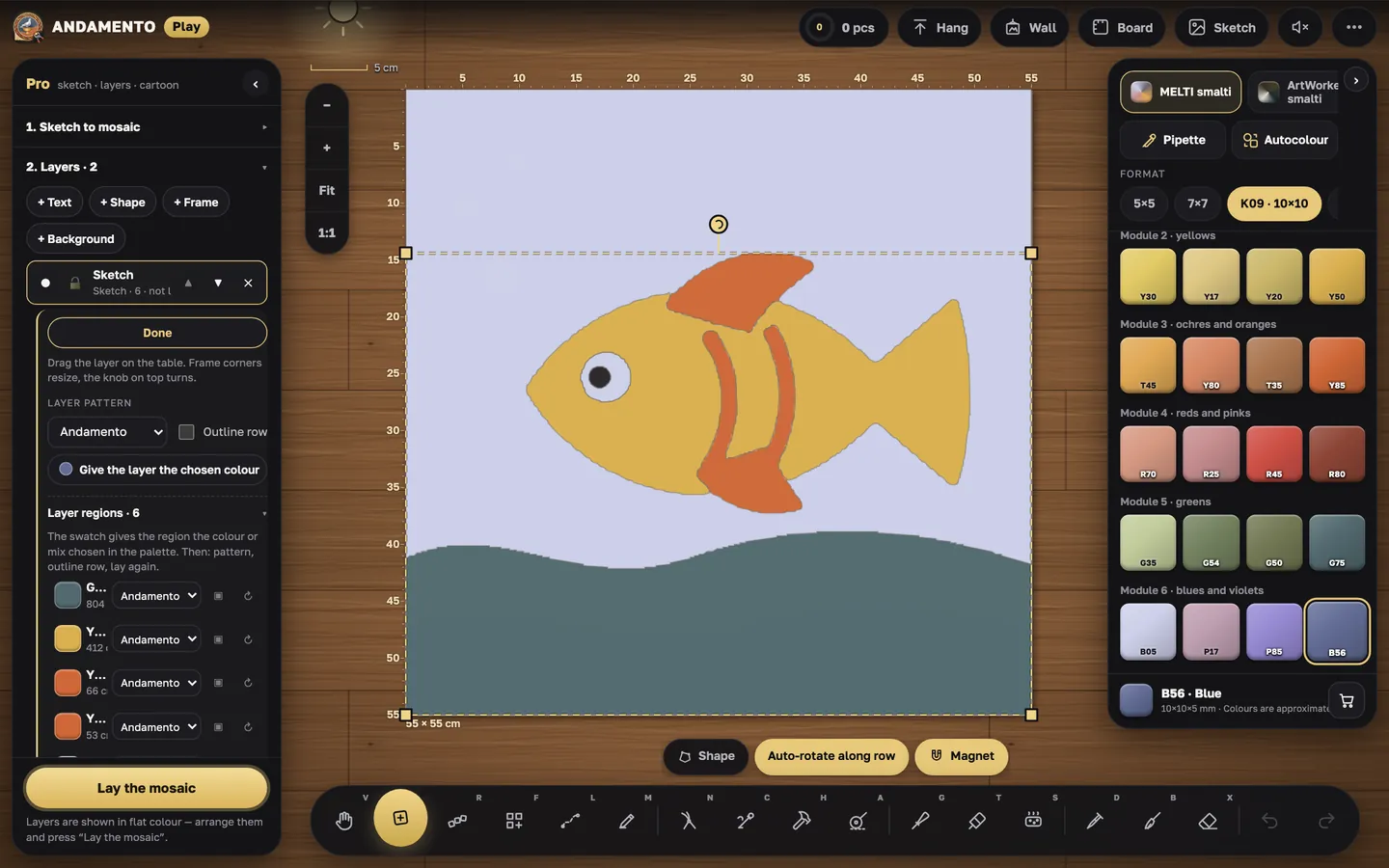
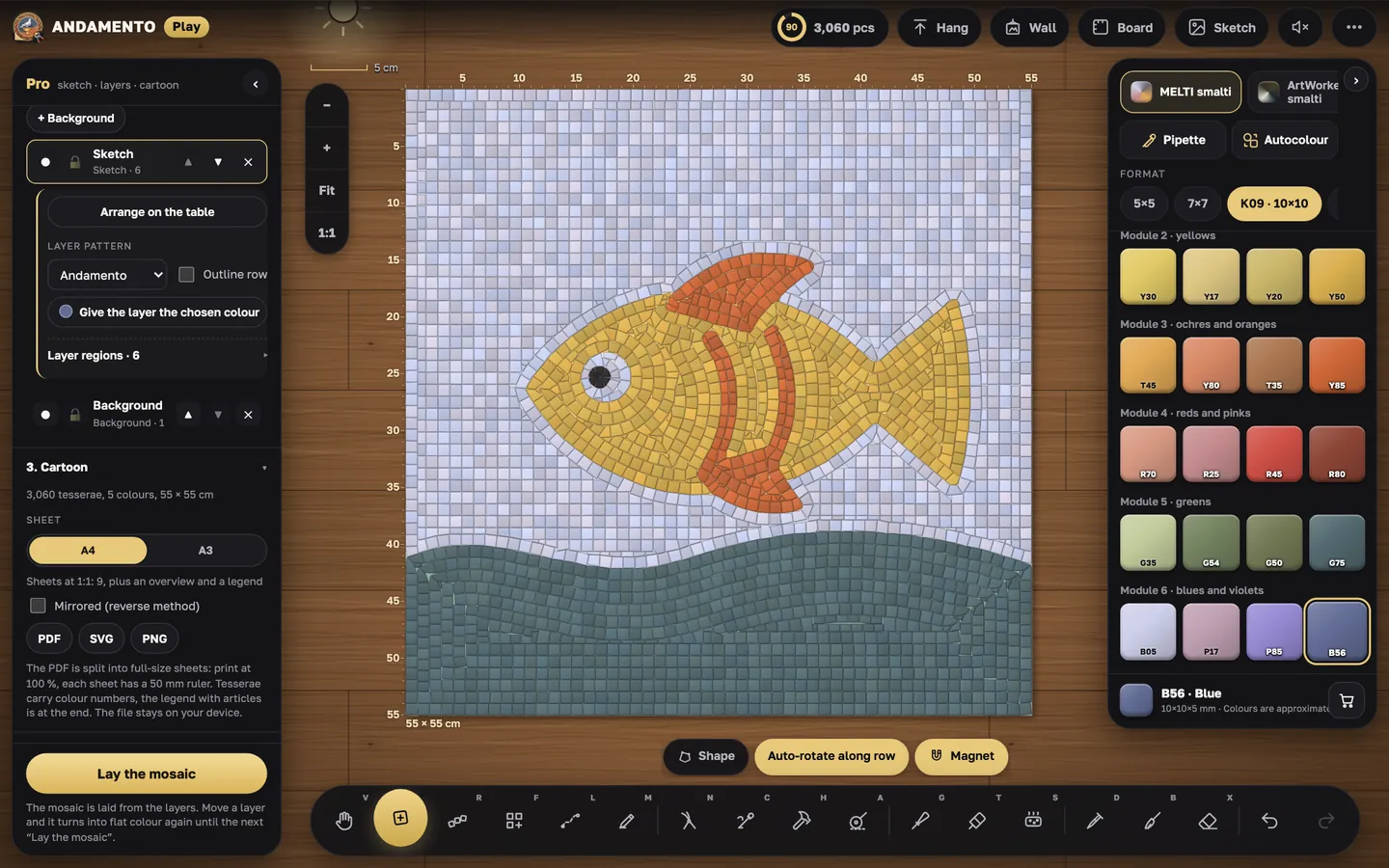
The sketch splits into areas (detail — fine, medium, coarse). The work is built from layers: picture, text, shapes, frame, background; layers move and change order. “Lay the mosaic” lays it layer by layer.
Cartoon
After “Lay the mosaic” the Pro panel has a Cartoon section: A4 or A3 sheets, Mirrored for the indirect method, and a PDF, SVG or PNG file; the PDF prints real-size sheets with colour numbers and a legend. Export needs a connection.
Try it yourself
Play is free and opens in the browser. Pro mode and a private wall come with the Pro subscription.