
A mosaicist's workshop on your screen
A mosaic simulator: tiles at real size that you cut, set in glue and grout — as on a real table. Free, in the browser on a phone, tablet or computer.
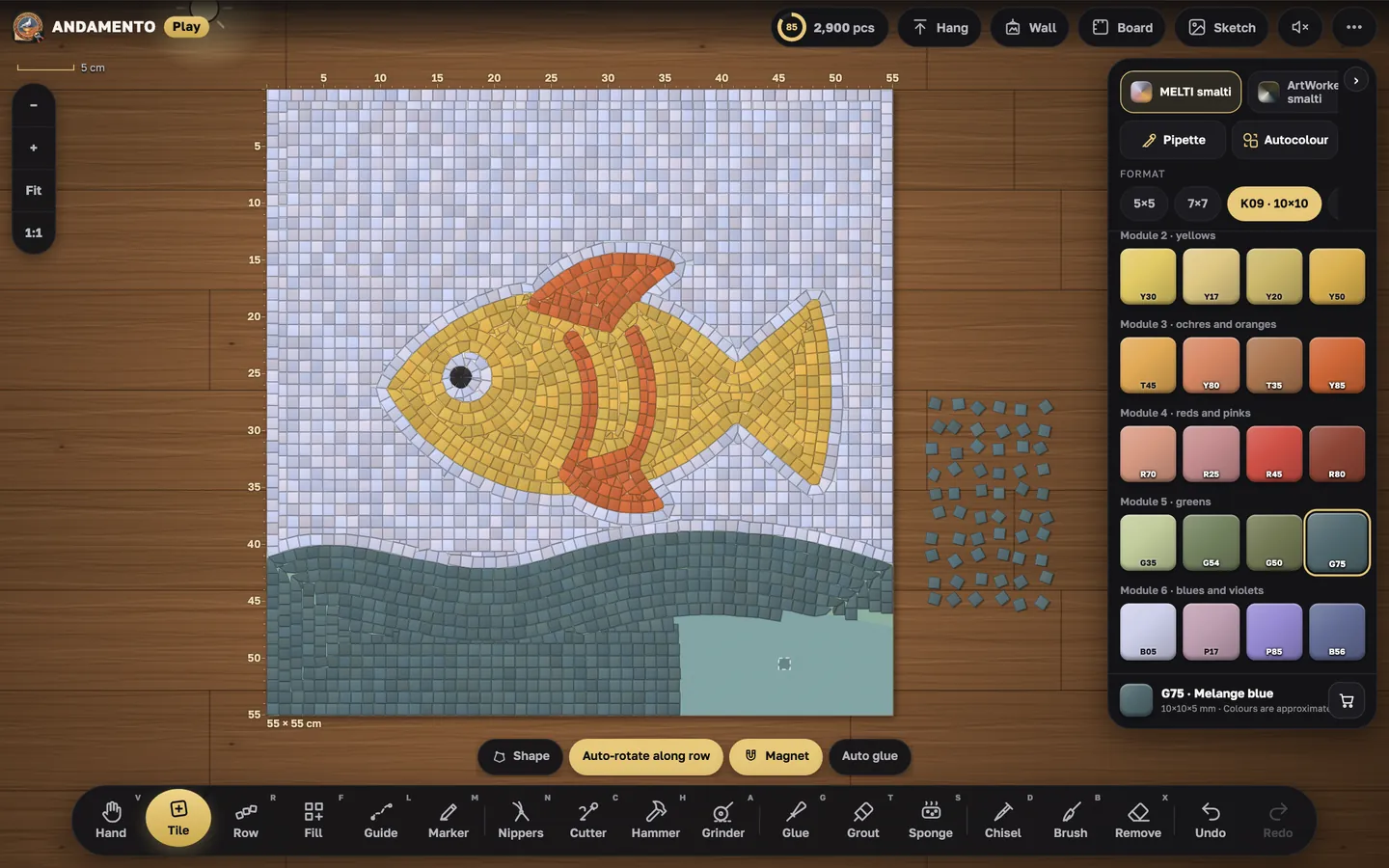
Three modes
You pick a mode the first time you open the table and can change it in the menu.
Simple
A game: you draw rows and fill areas, while glue, trimming and washing the joints happen by themselves. The best way to try it.
Realistic
Like a workshop: nippers, cutter, hammer, glue, grout and sponge — every step by hand, like a real mosaicist.
Pro — with a Pro subscription
The sketch splits into areas, the work is built from layers — picture, text, shapes, frame, background — and exported as a cartoon for a real mosaic.
Real materials
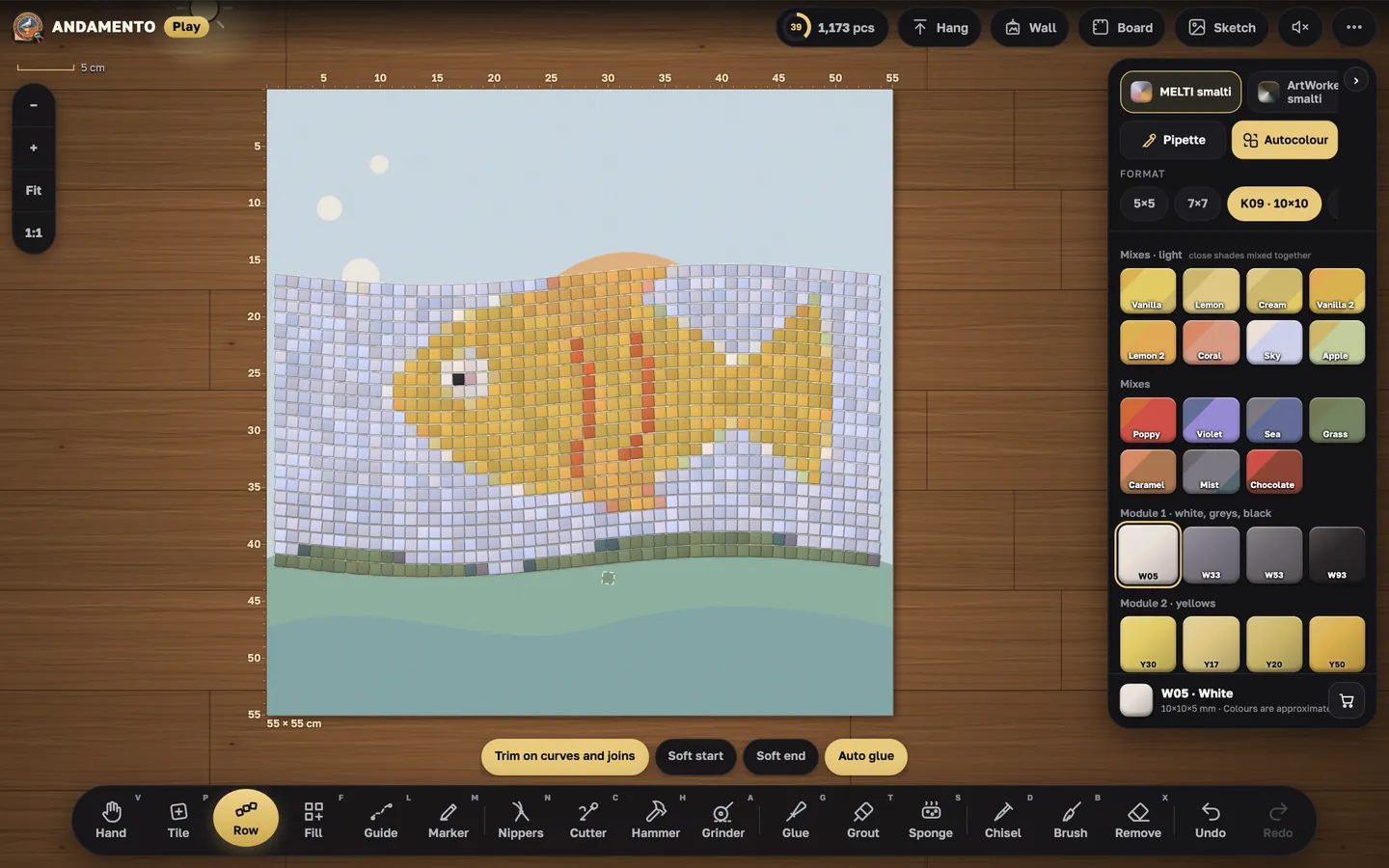
Seven palettes: MELTI and ArtWorker smalto, Flory glass tile, natural stone, stained glass with the textures of real sheets, ceramics for trencadís. Modules from 5×5 mm to a full sheet; the “1:1” button shows tiles at real size. Colour mixes, 66 grout colours, a materials counter with links to artworker.shop.
Tools as a mosaicist has them: tile, hand, row, Fill (rows, brick bond, andamento, circles, fan, scales, trencadís), line, marker, nippers, cutter, hammer, grinder, glue, grout, sponge, chisel.
Who it is for
Beginners
Try mosaic without materials or tools: a 5-minute lesson and simple mode.
Schools and workshops
Show how smalto is cut, rows are laid and joints grouted — on any screen.
Mosaicists
Plan a work before the real laying: sketch, real-size module, materials, cartoon.
Lessons and the wall
“Mosaic lessons”: lesson 1, “A leaf in the Roman technique”; more topics are coming. Finished works go on your own wall and into the shared gallery.
Together with the app
The andamento.app app makes a mosaic sketch from a photo and counts the materials; Play lets you build the mosaic by hand on screen. One account, one Pro subscription. The Play menu has “ANDAMENTO app: sketch from a photo” and “Report a problem”; support is shared: support@andamento.app.
Play guides
One per task — from the first tile to the cartoon.
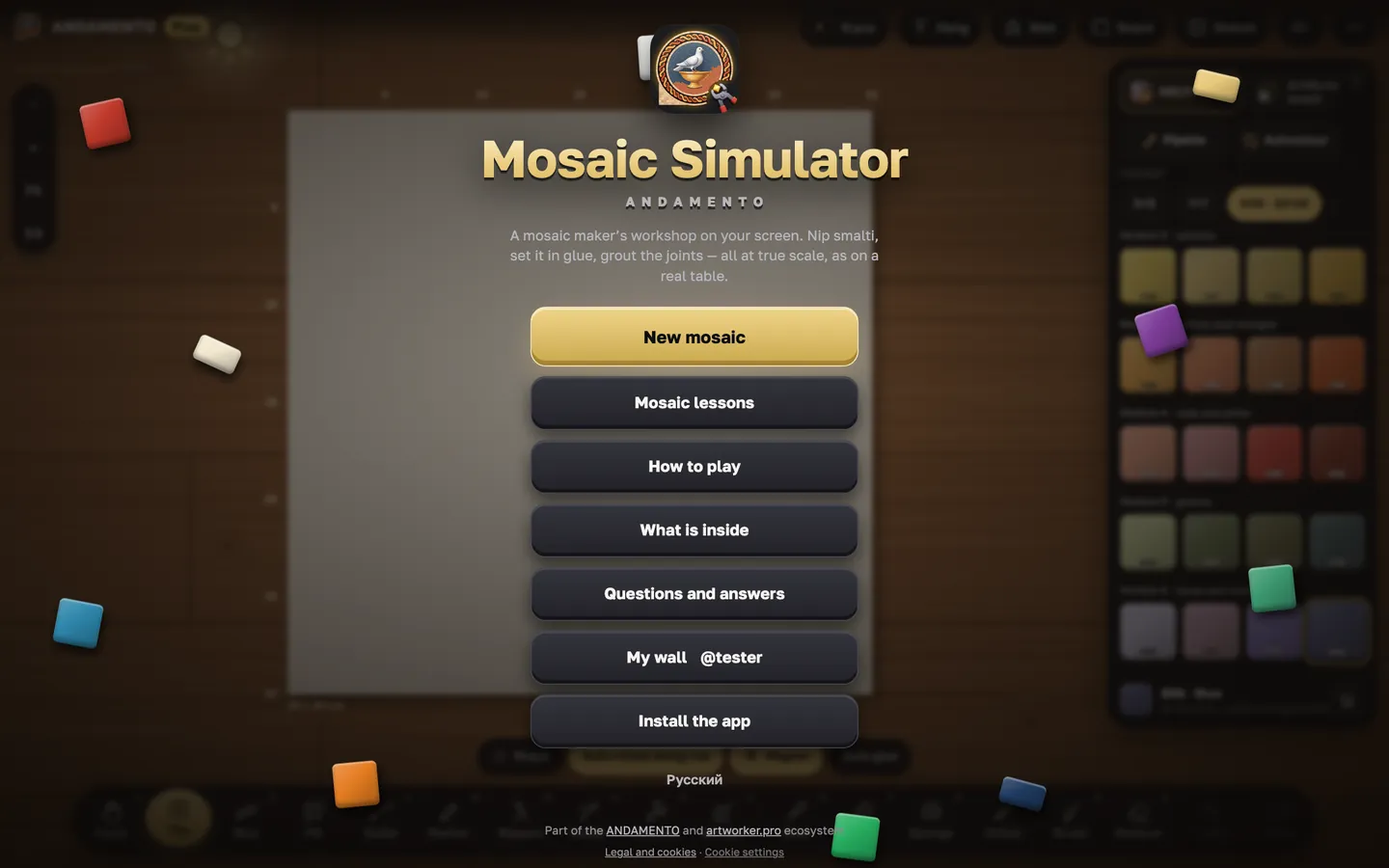
Your first five minutes in Play
Play opens in the browser on a phone, tablet or computer. The quickest way in is the short lesson: it walks you round the table and the tools.
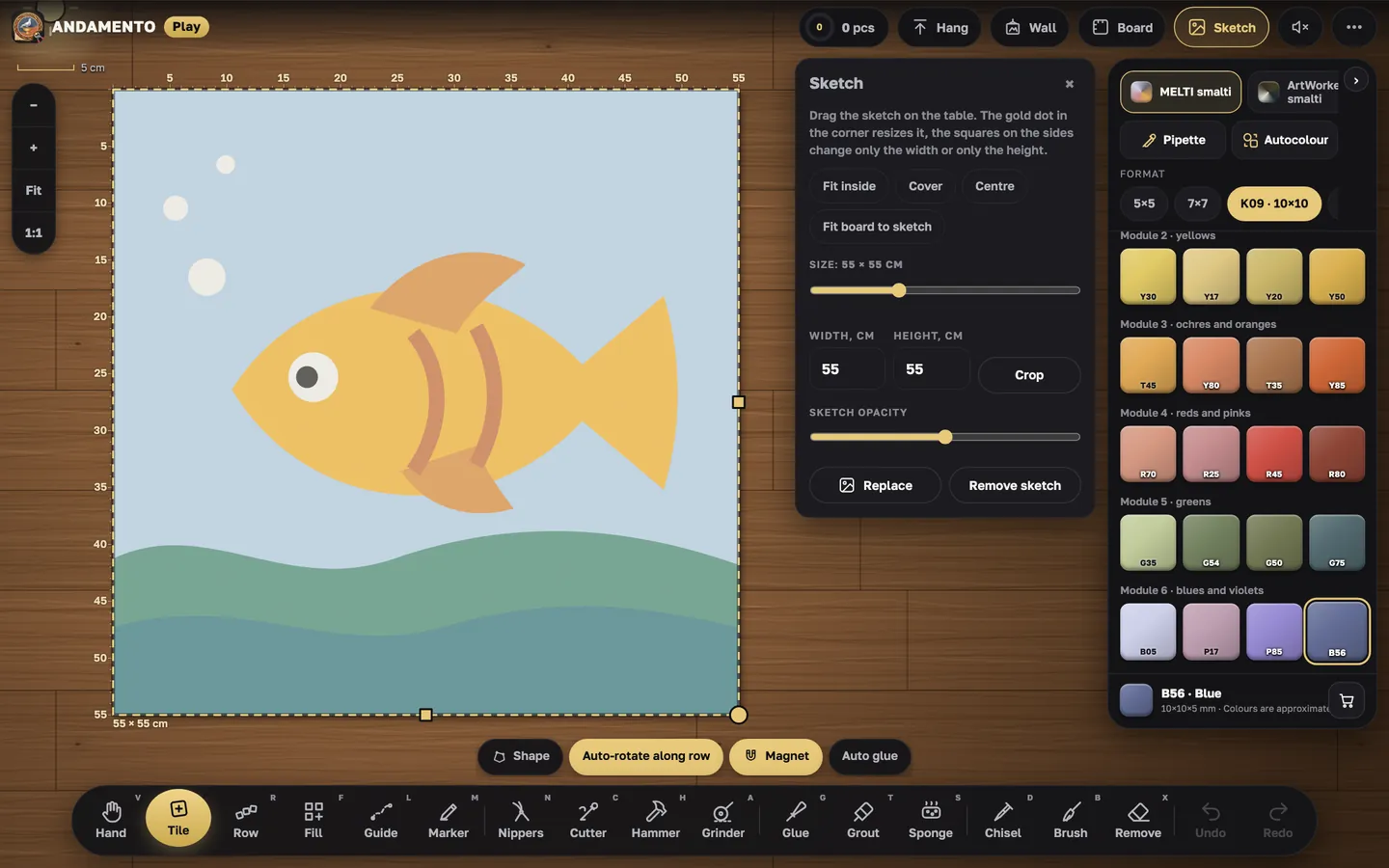
Your own sketch and board
A mosaic is easier to lay over a sketch: it lies under the tiles like a cartoon on a mosaicist's table.
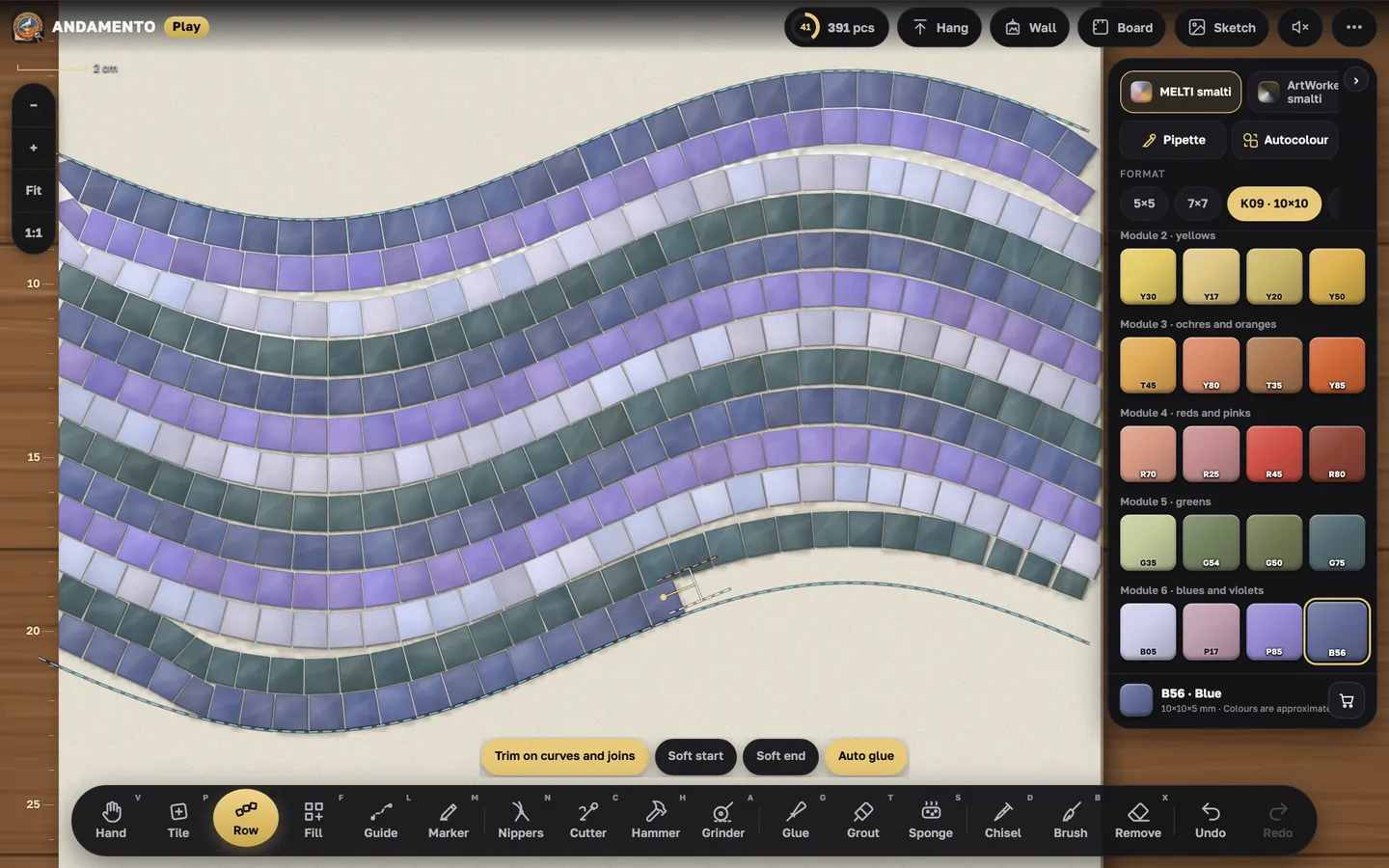
Rows and andamento
Andamento is how the rows flow. In Play a row follows your line and trims itself on the curves.
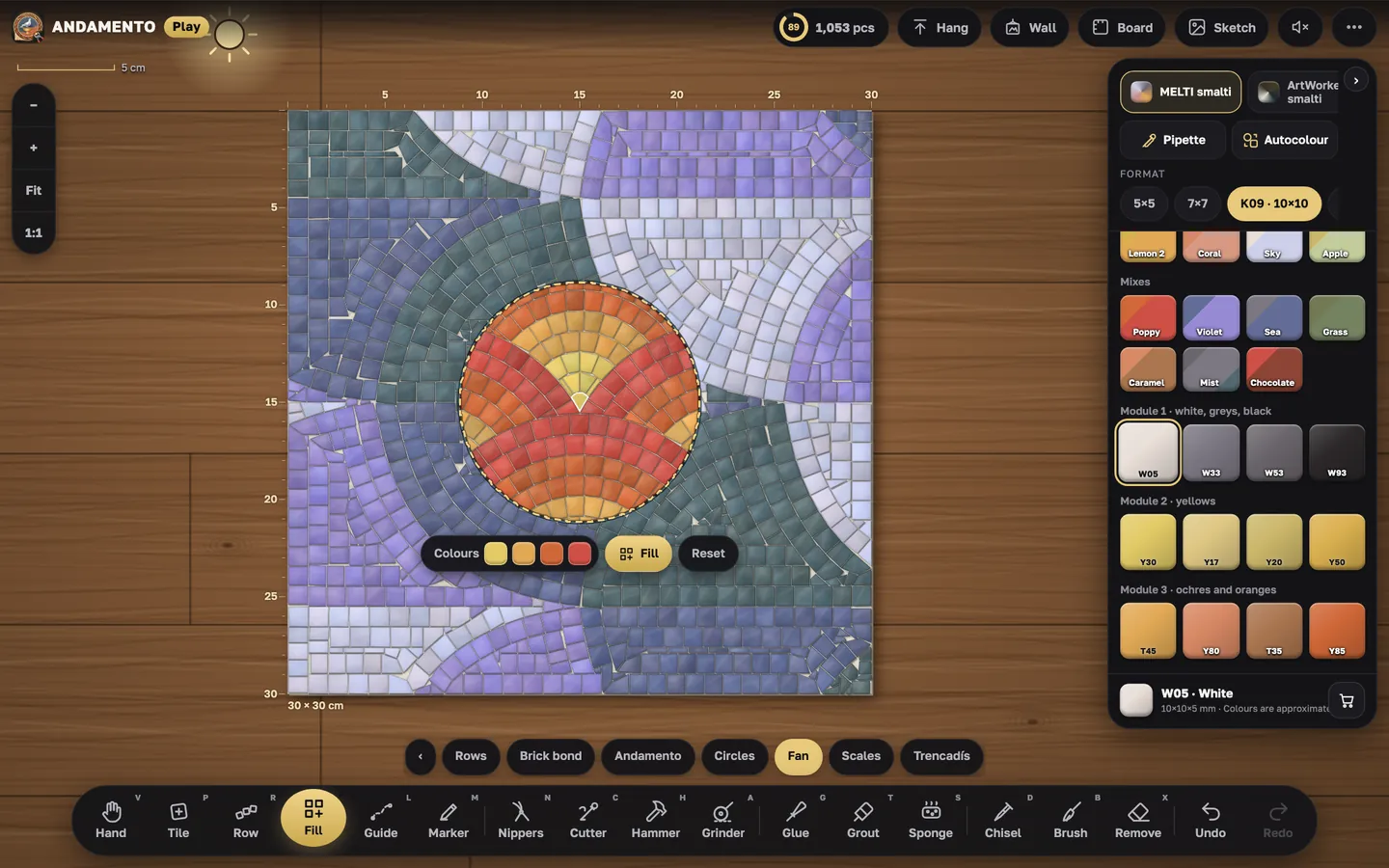
Fill: patterns and background
Large areas and backgrounds are easier to fill with a pattern: mark the area and Play lays it all.
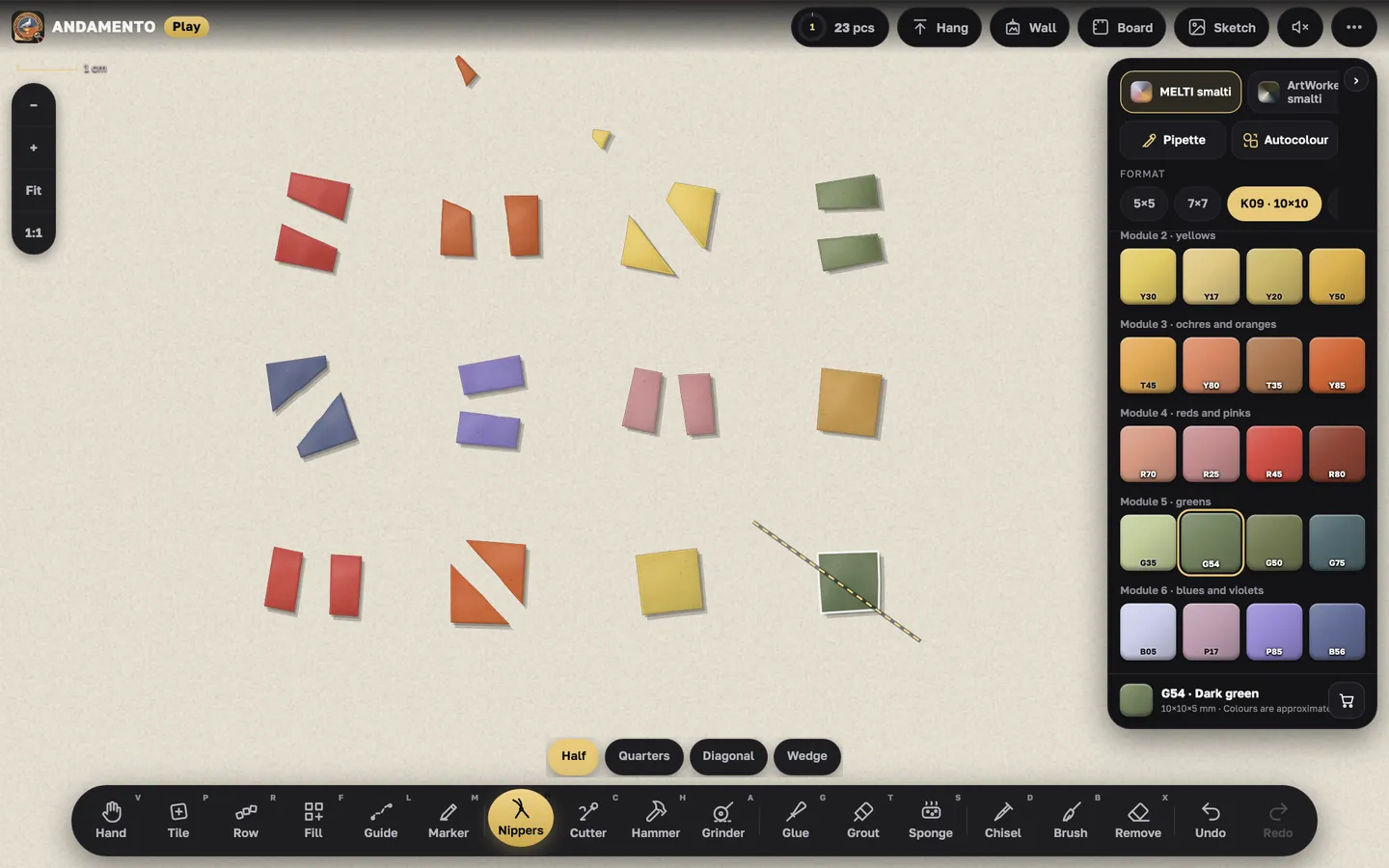
Cutting: nippers, cutter, hammer
In realistic mode you fit the tiles by hand, as on a real table.
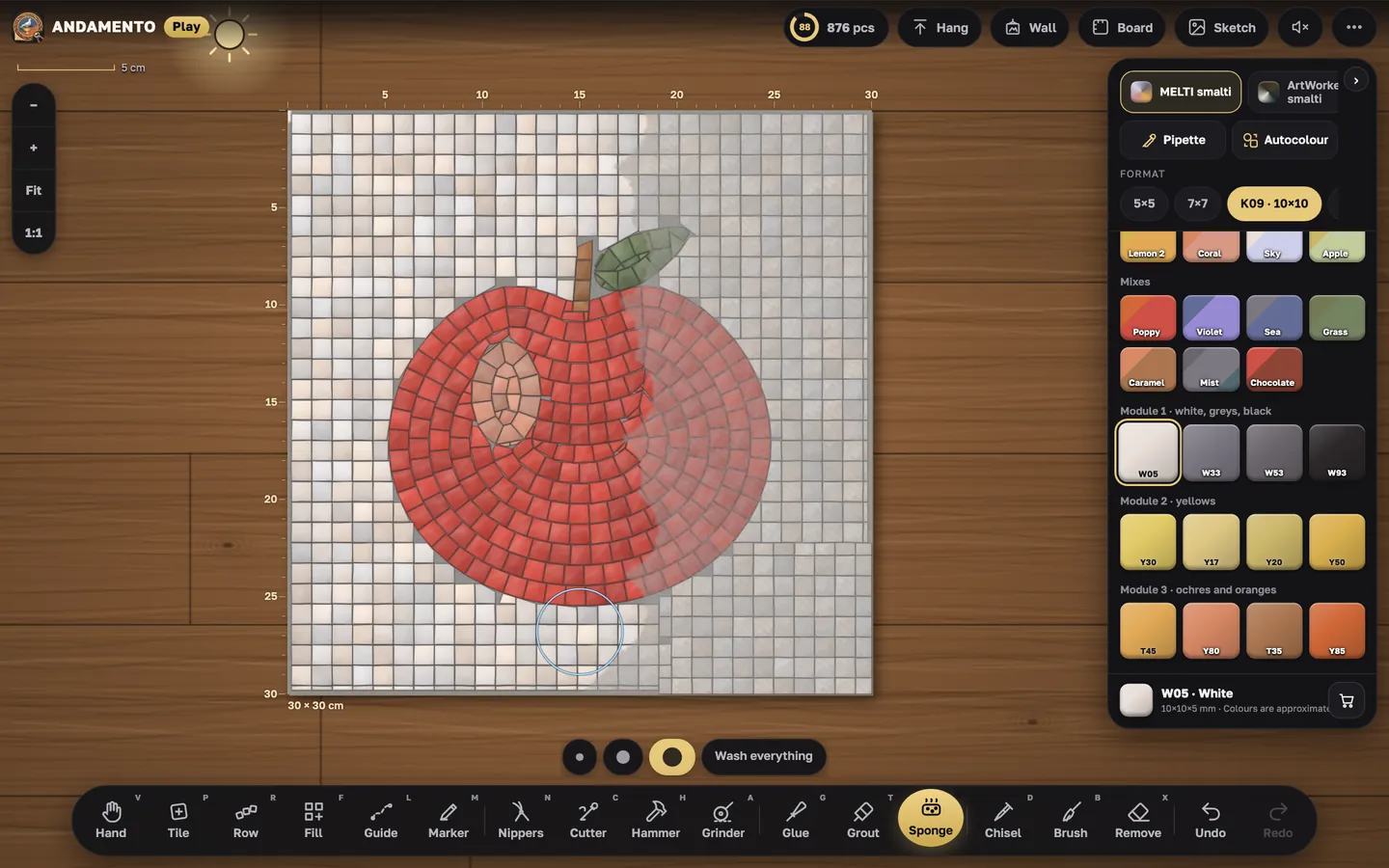
Glue, grout and sponge
A finished mosaic means tiles on glue, grouted joints and a clean face.
Colour: palettes and mixes
Colours in Play are real materials with their modules: from 5×5 mm up to a sheet of stained glass.
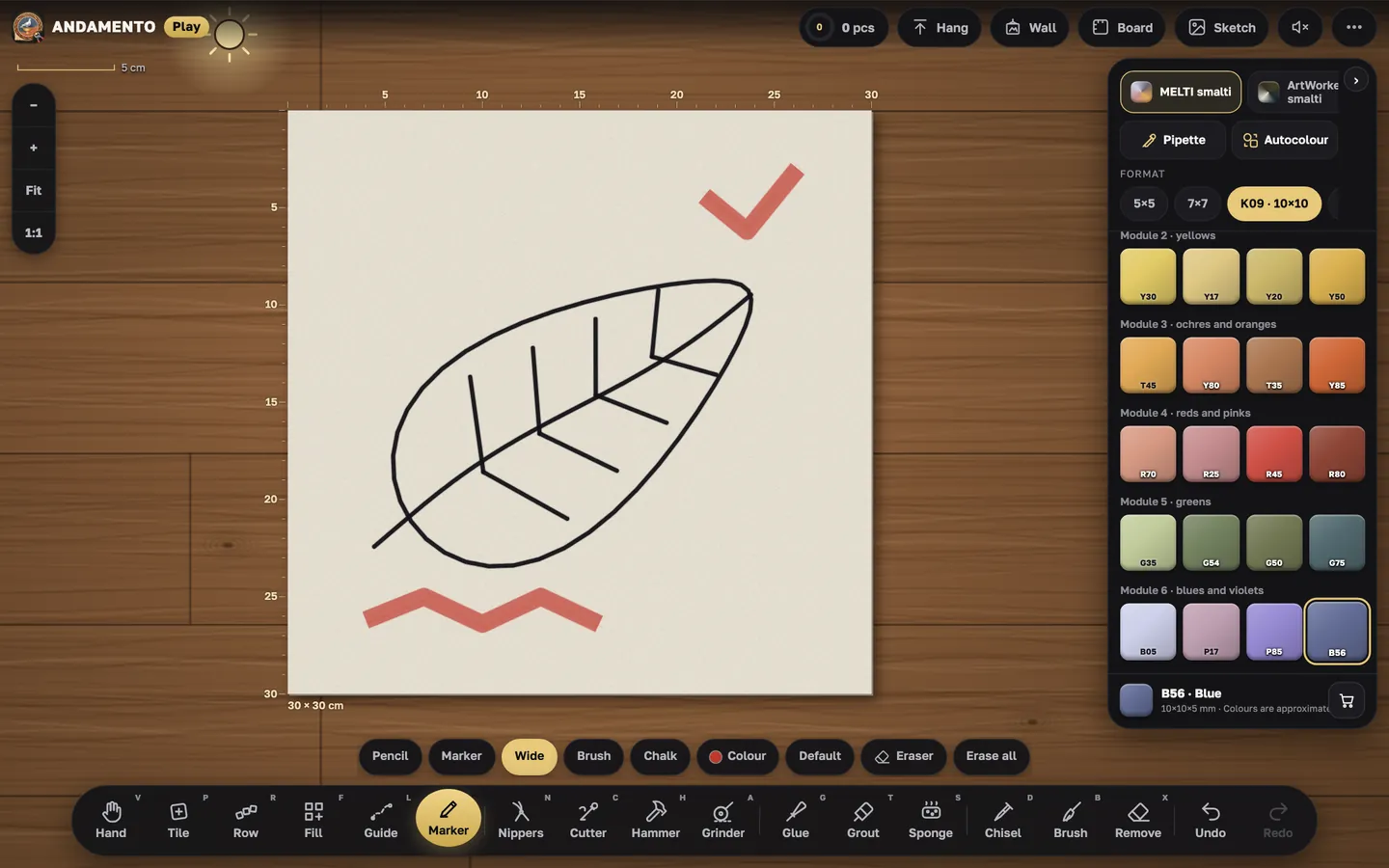
Marker and markup
Before laying, a mosaicist marks up the board. In Play that's the Marker.
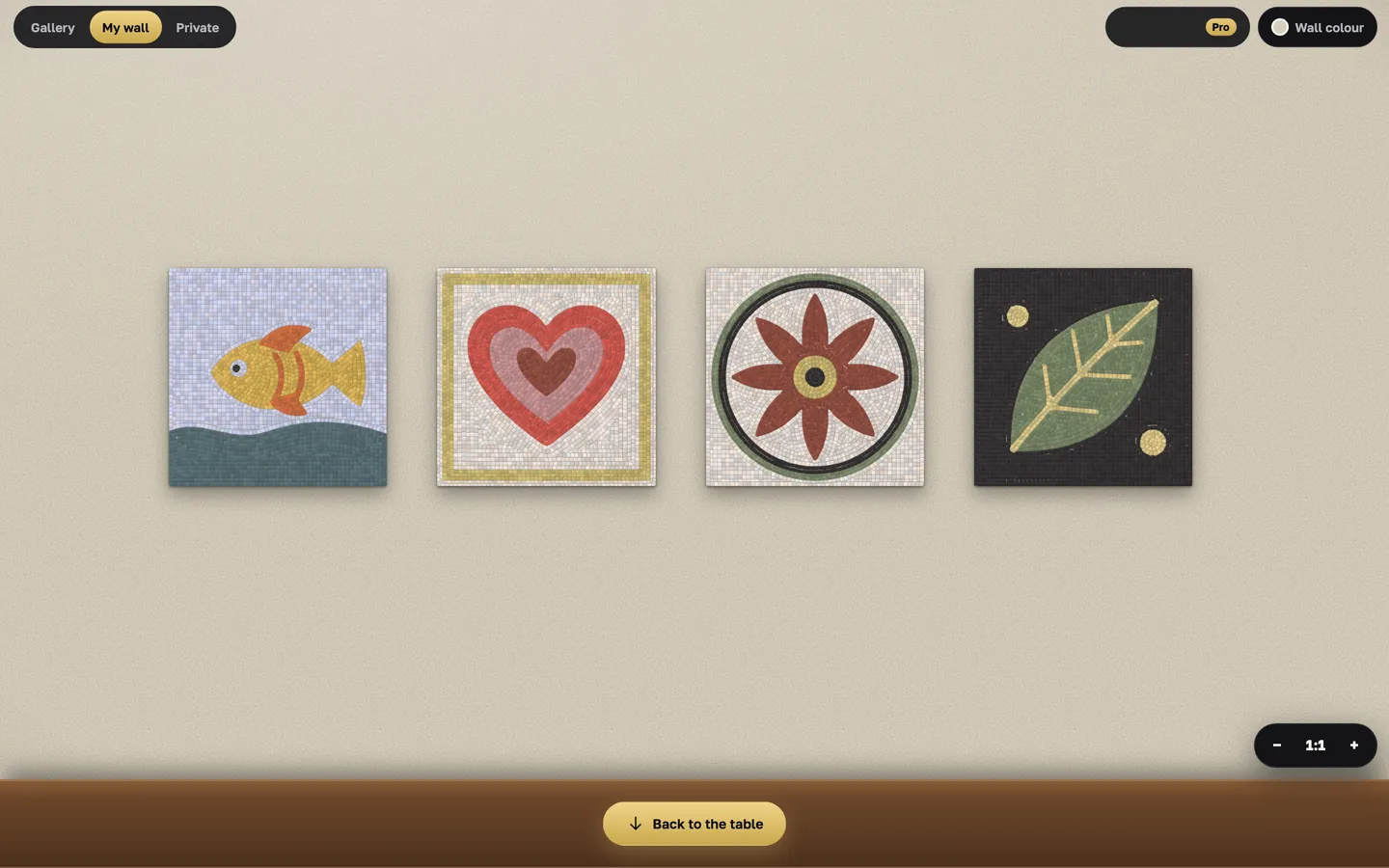
Wall and gallery
A finished work goes on a wall — your own, like in a workshop, and into the shared gallery.
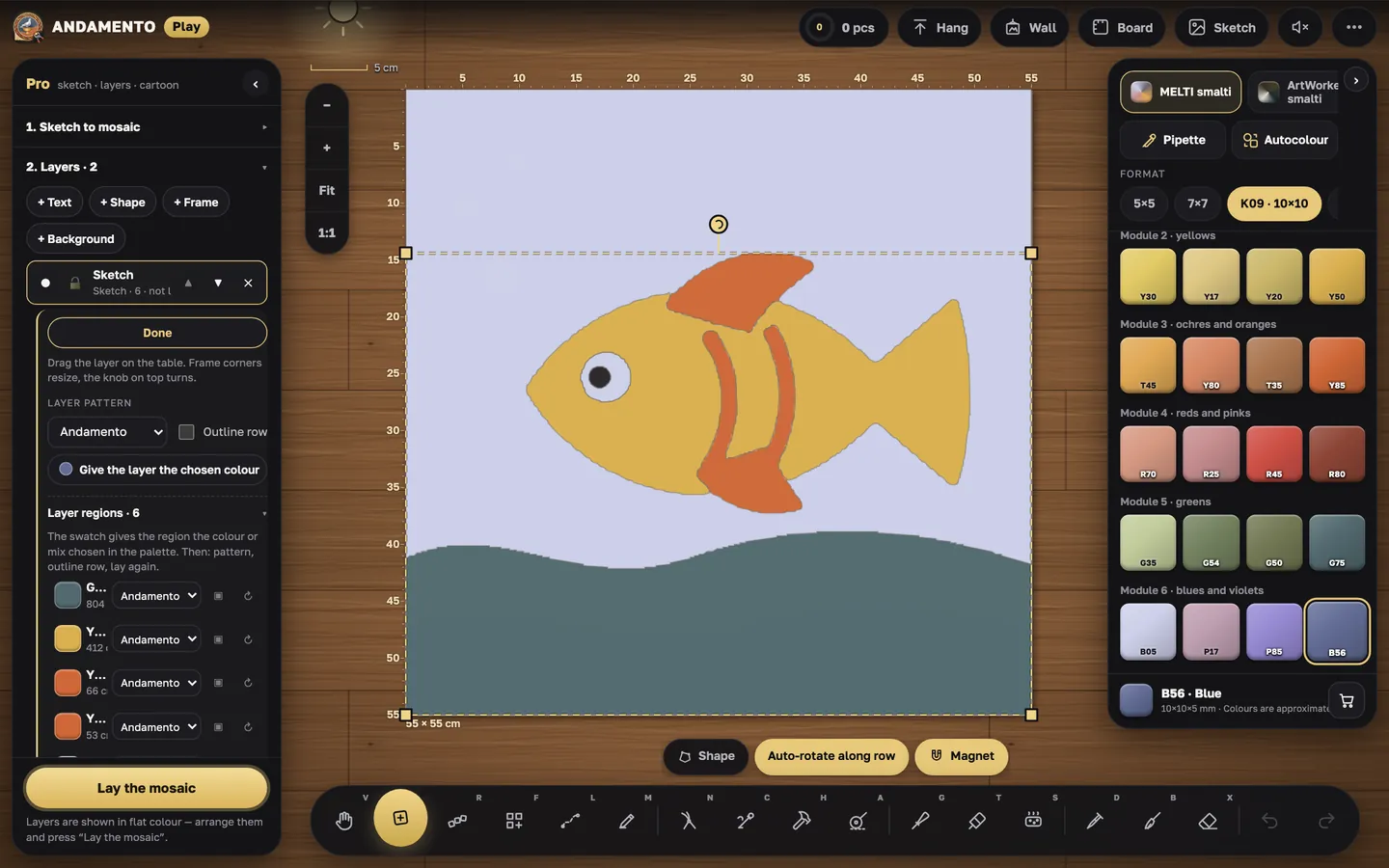
Pro mode
Pro turns a sketch into a mosaic and gives you a cartoon to build the real work from.
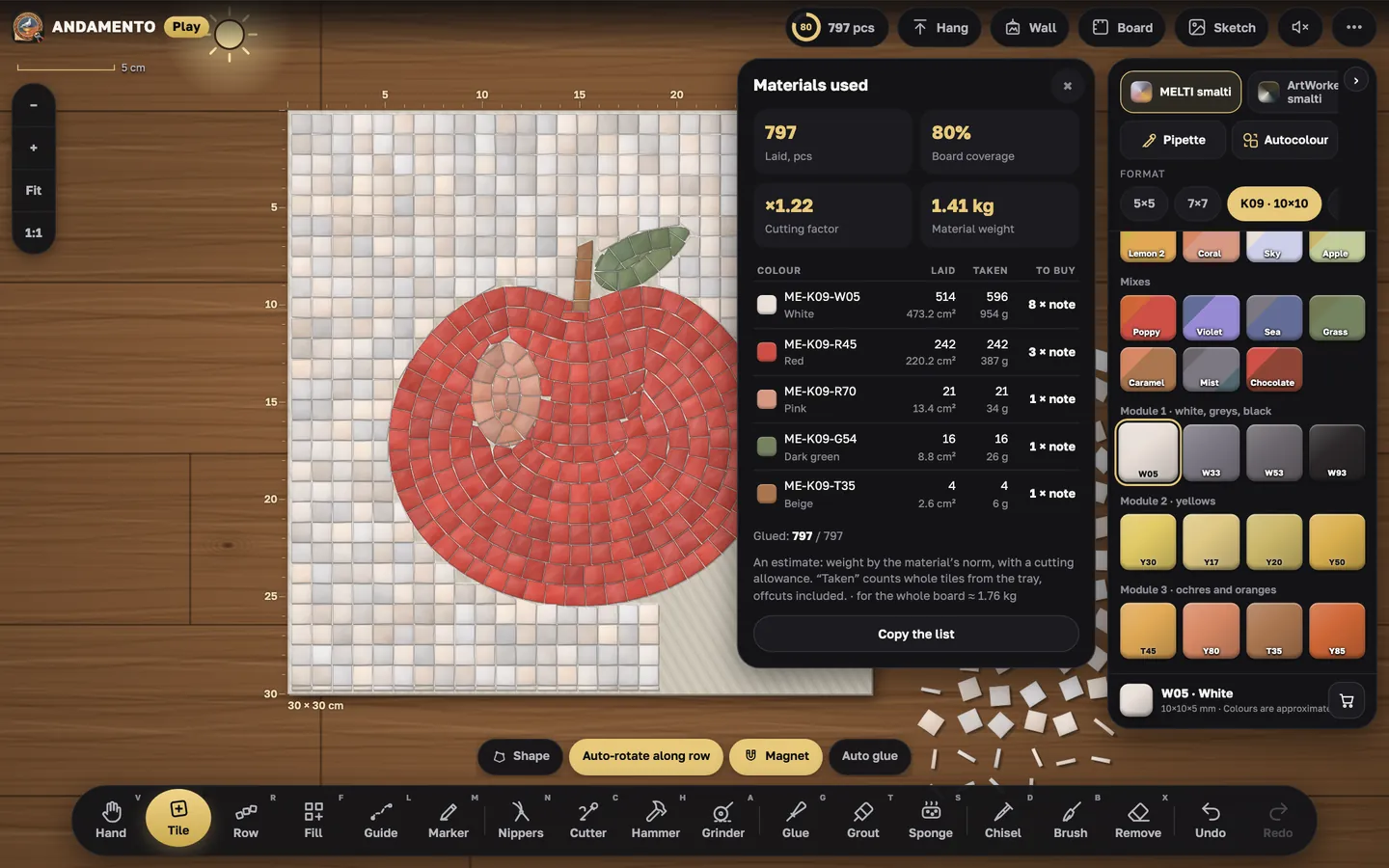
Materials used
Play counts how much of each material went into the work — use this estimate to buy material for the real mosaic.
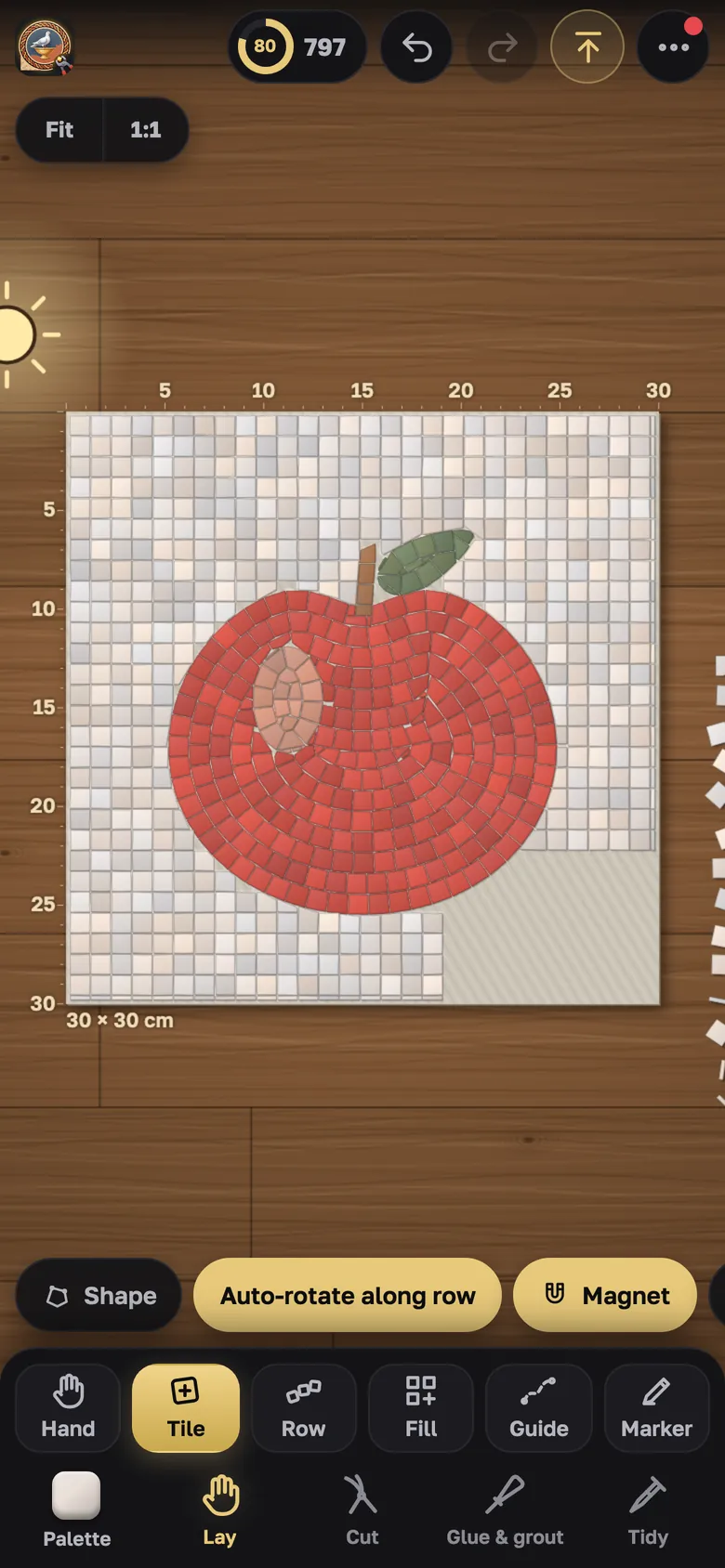
Phone, tablet and computer
Each device gets its own layout of the table and panels.
Build your first mosaic
Free, nothing to install — in the browser.