Play · guide
Phone, tablet and computer
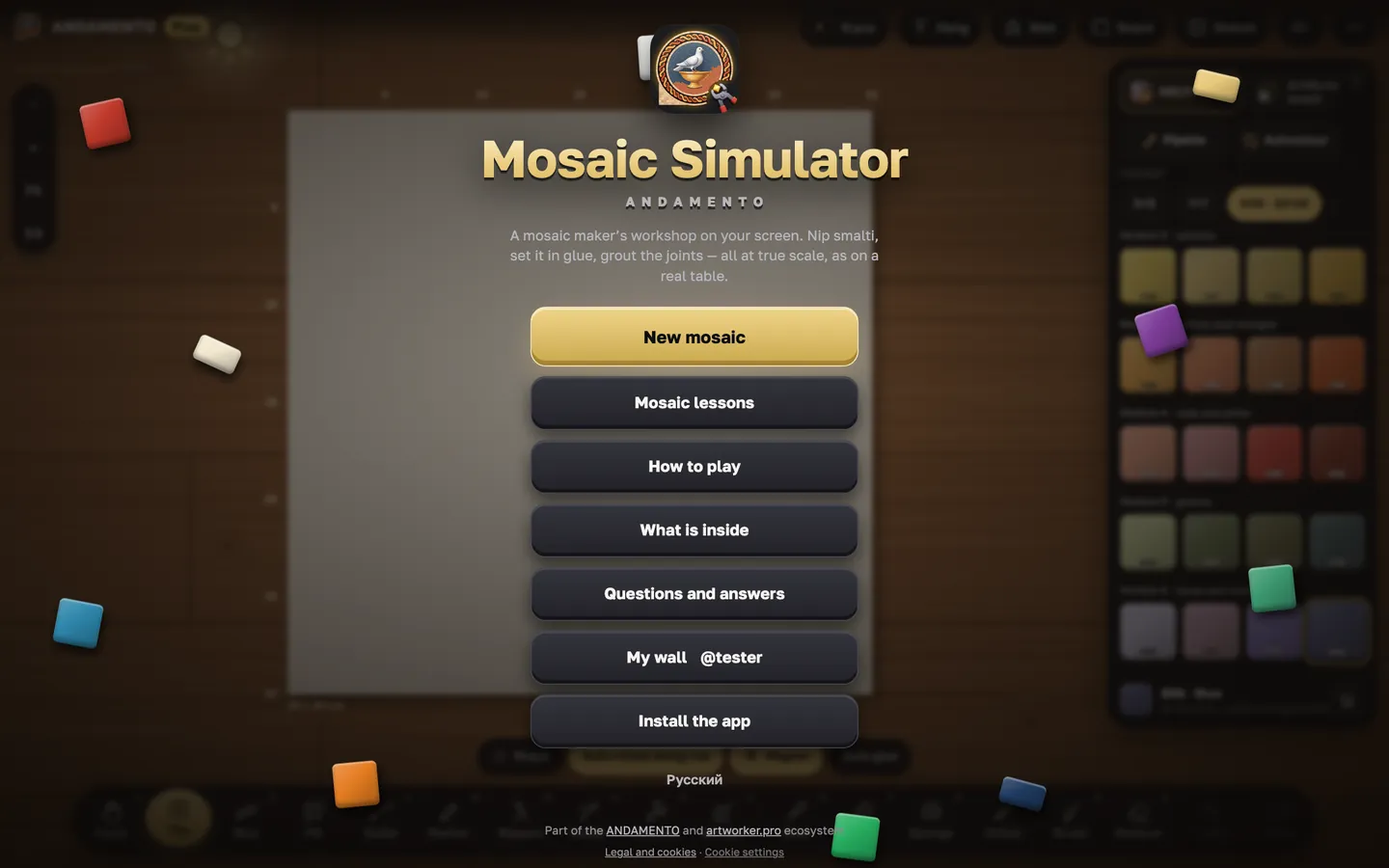
Each device gets its own layout of the table and panels.
freeCost
phone, tablet, computerWhere
Its own layout
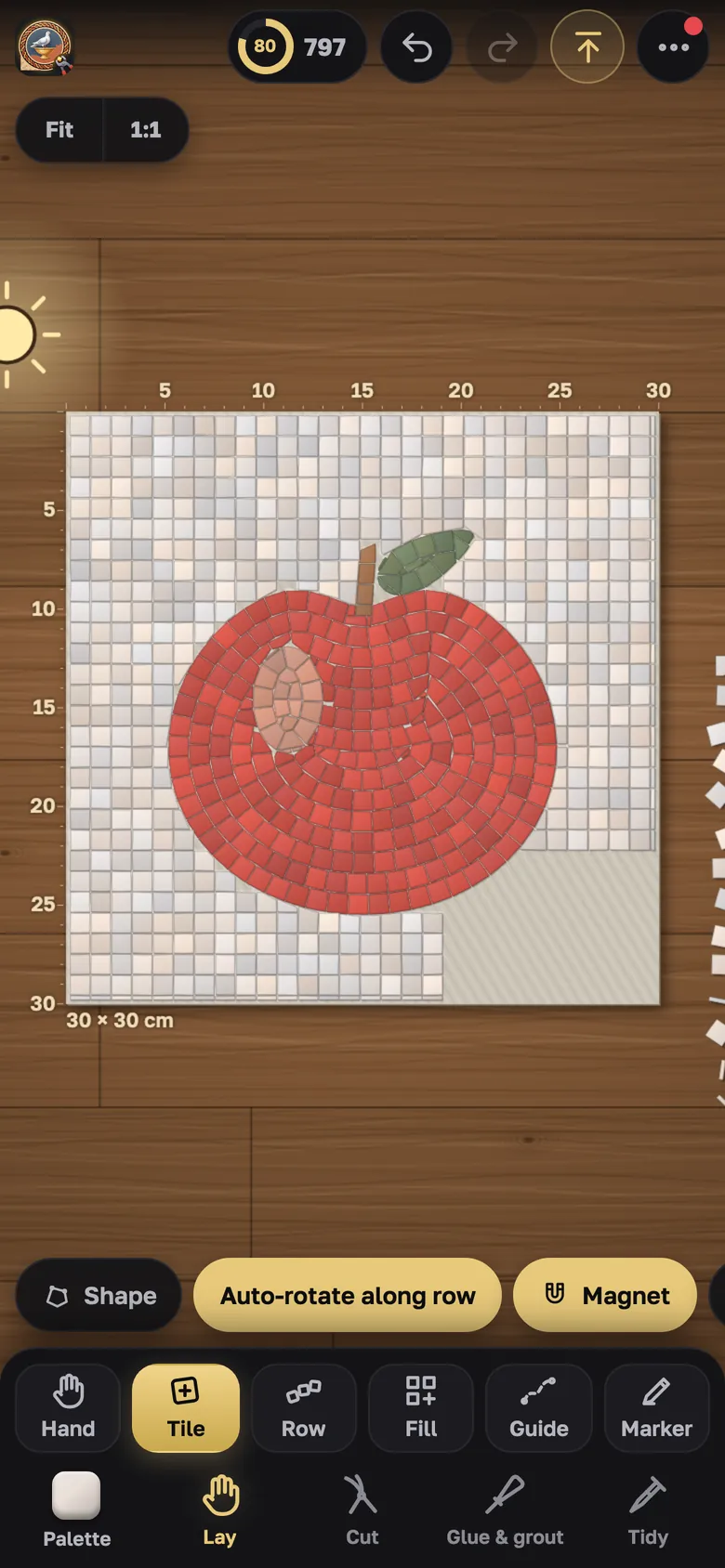
On a phone — a short lesson and panels at the bottom; on a tablet you can work with a stylus (menu → “Controls: stylus”); on a computer — everything on one screen.
Install
Menu → “Install the app”: Play opens like an app, even offline. The wall, gallery and sign-in need a connection.
Try it yourself
Play is free and opens in the browser. Pro mode and a private wall come with the Pro subscription.