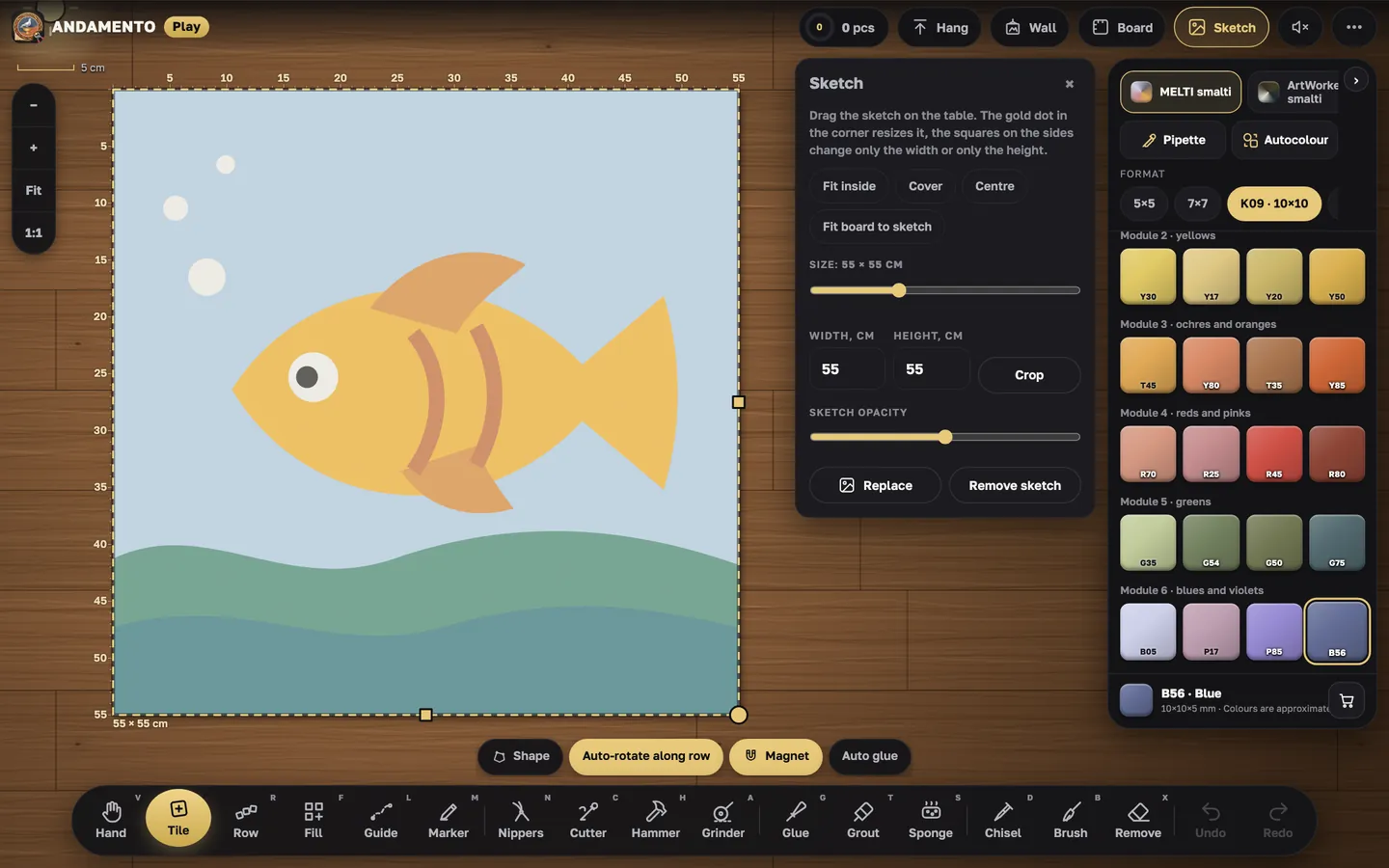
Your first five minutes in Play
Play opens in the browser on a phone, tablet or computer. The quickest way in is the short lesson: it walks you round the table and the tools.
Open Play
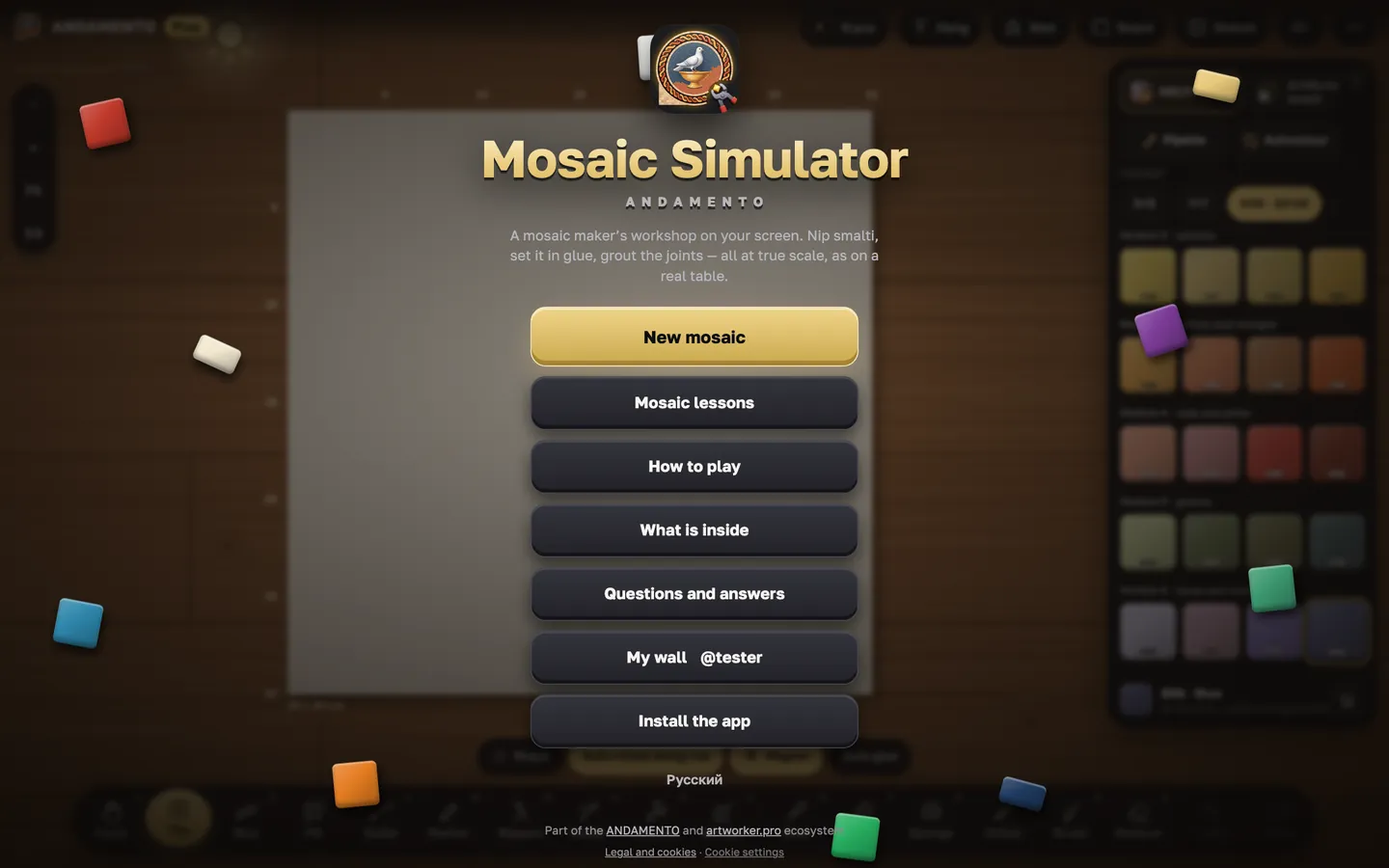
Go to play.andamento.app. The start screen offers “Start: a 5-minute lesson”, “Mosaic lessons”, “How to play” and “My wall”. The language follows your browser and can be switched with a button.
Pick a mode
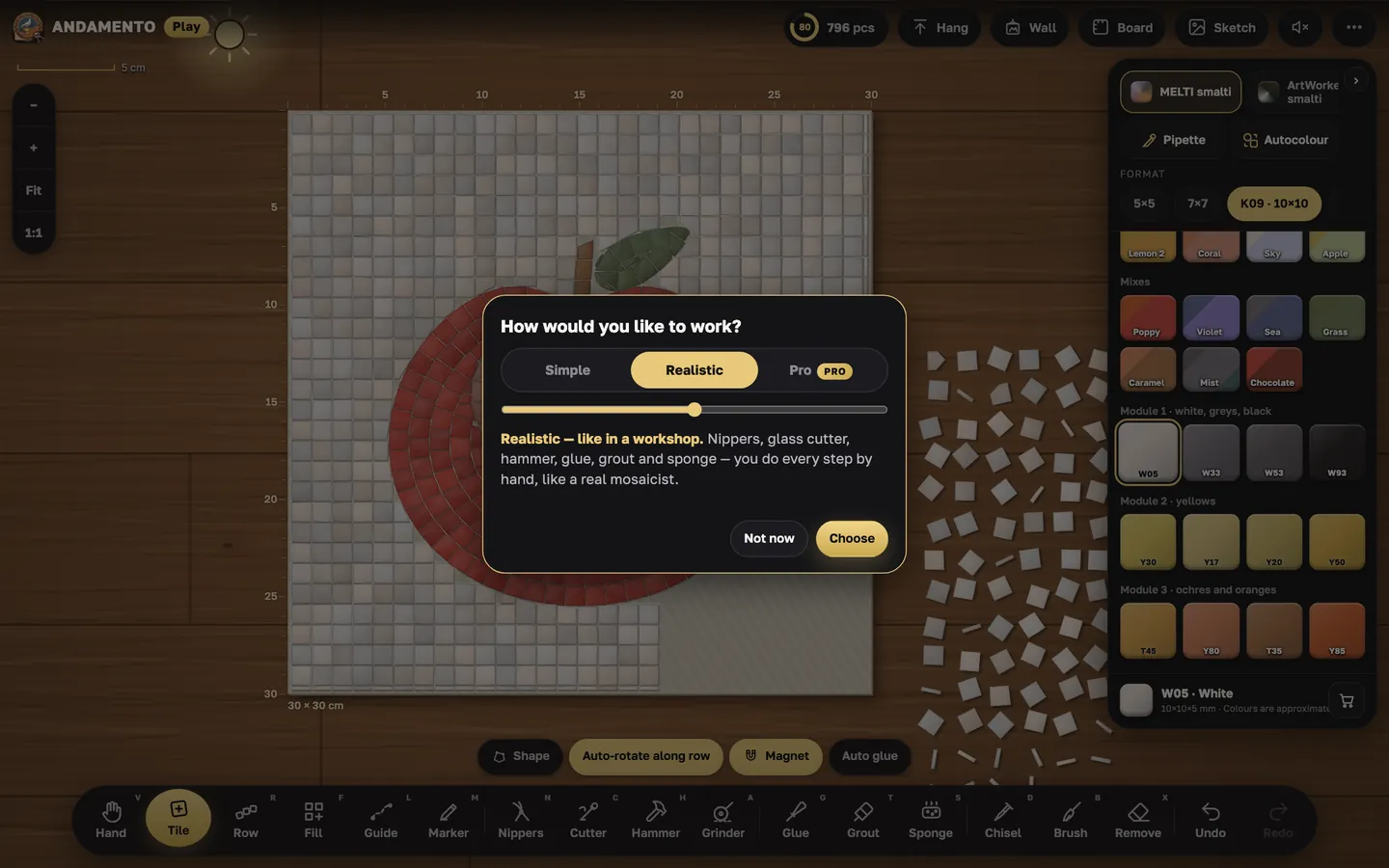
“Simple” is a game: you draw rows and fill areas, while glue, trimming and washing the joints happen by themselves. “Realistic” is like a workshop, every step by hand. “Pro” comes with the Pro subscription. You can switch modes in the menu.
The first tile and the first row
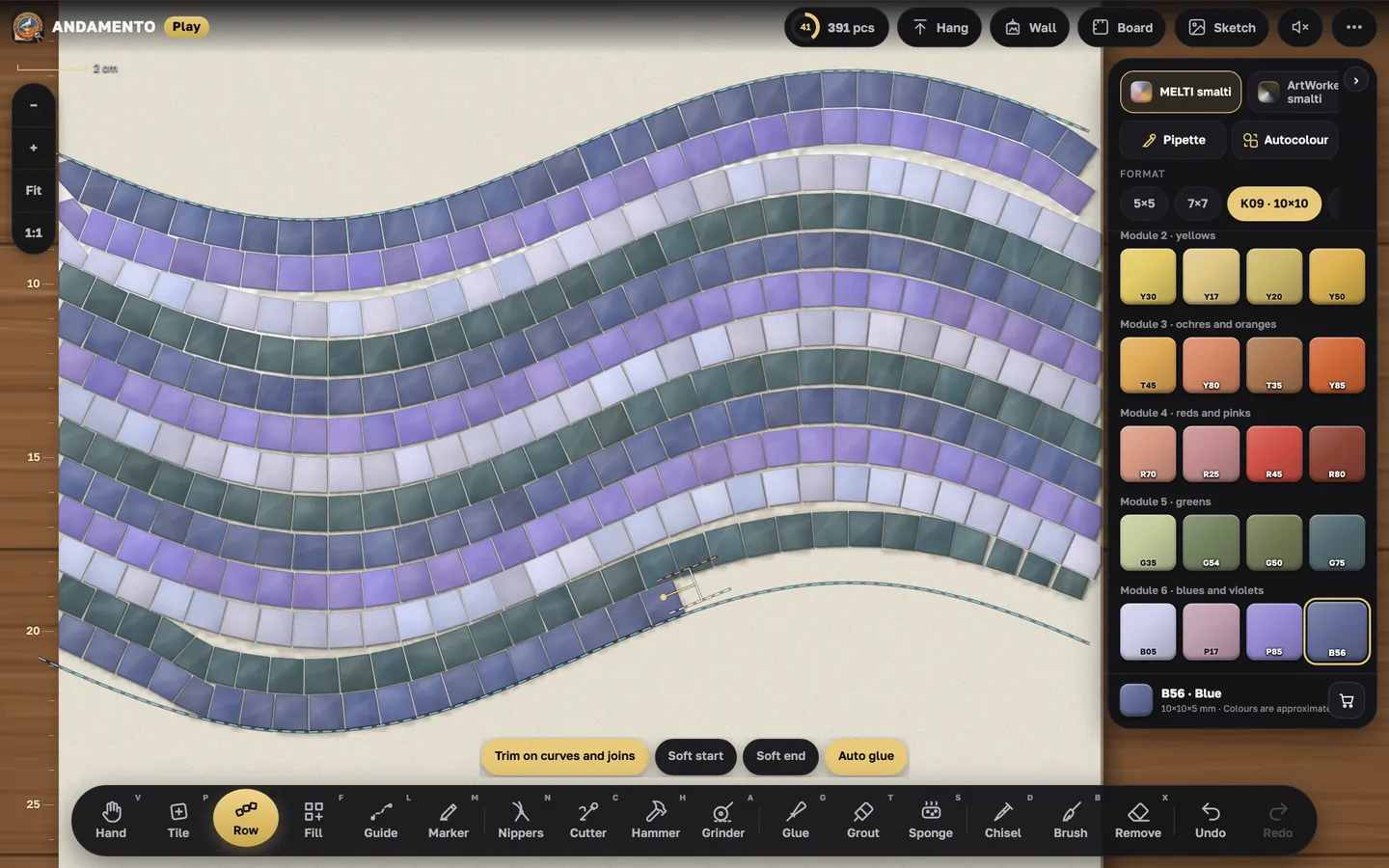
Take “Tile” and tap the board: the tile is laid at real size; hold and drag to turn it. “Row” lays tiles along the line you draw.
Undo and zoom
“Undo” and “Redo” sit on the toolbar. “1:1” shows the tiles at real size, “Fit” shows the whole board.
Notifications and “Report a problem”
The Notifications bell sits in the header (on a phone — a menu item): Play news and replies to your messages. Menu → “Report a problem”: up to 500 characters, guests add an email for the reply; the reply comes to the bell and by email. The menu also links to the guides on this site.
Try it yourself
Play is free and opens in the browser. Pro mode and a private wall come with the Pro subscription.