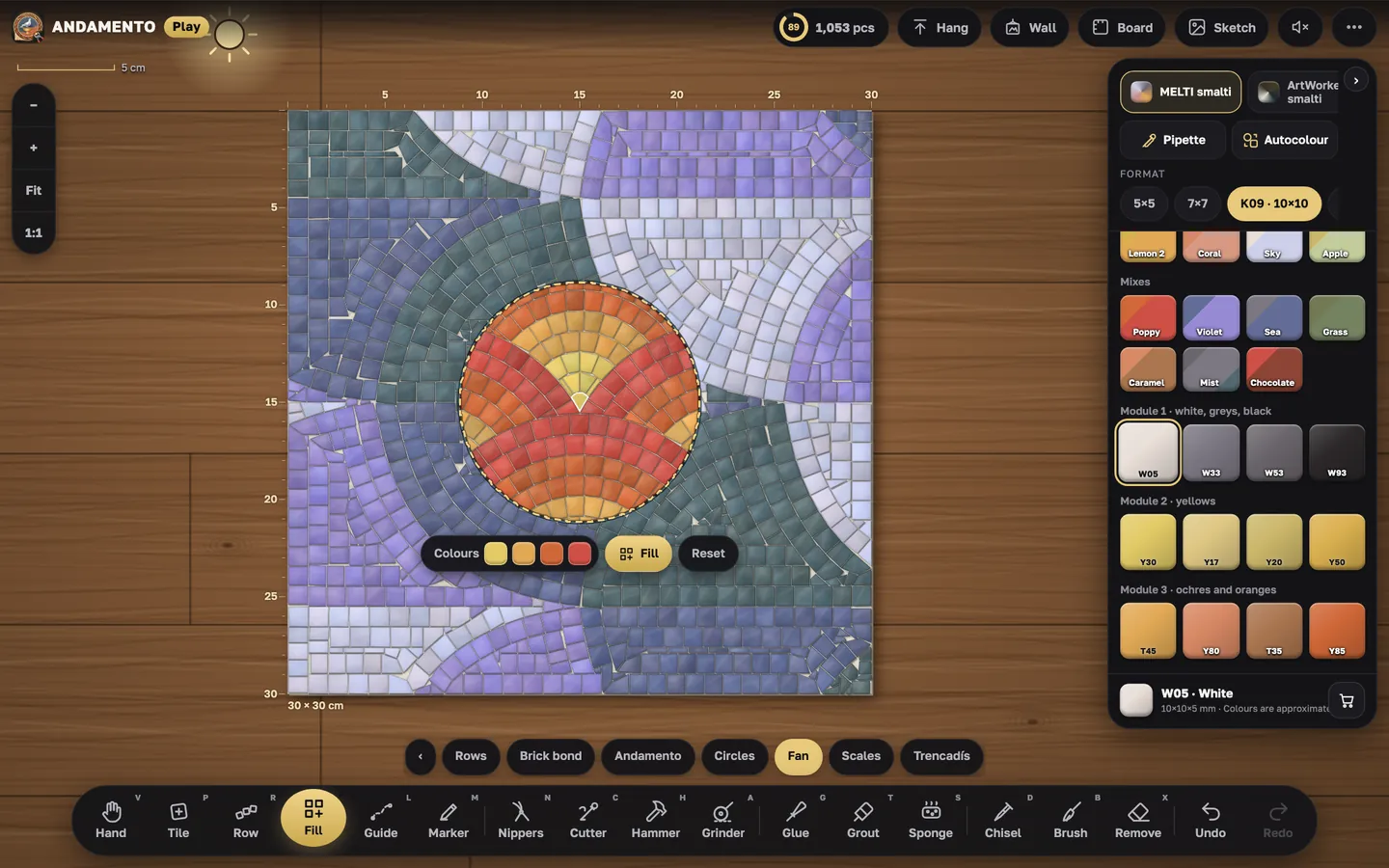
Rows and andamento
Andamento is how the rows flow. In Play a row follows your line and trims itself on the curves.
“Row”
Draw a line and the tiles are laid side by side along it. That is how you outline a figure and then fill it row by row.
Curves and row ends
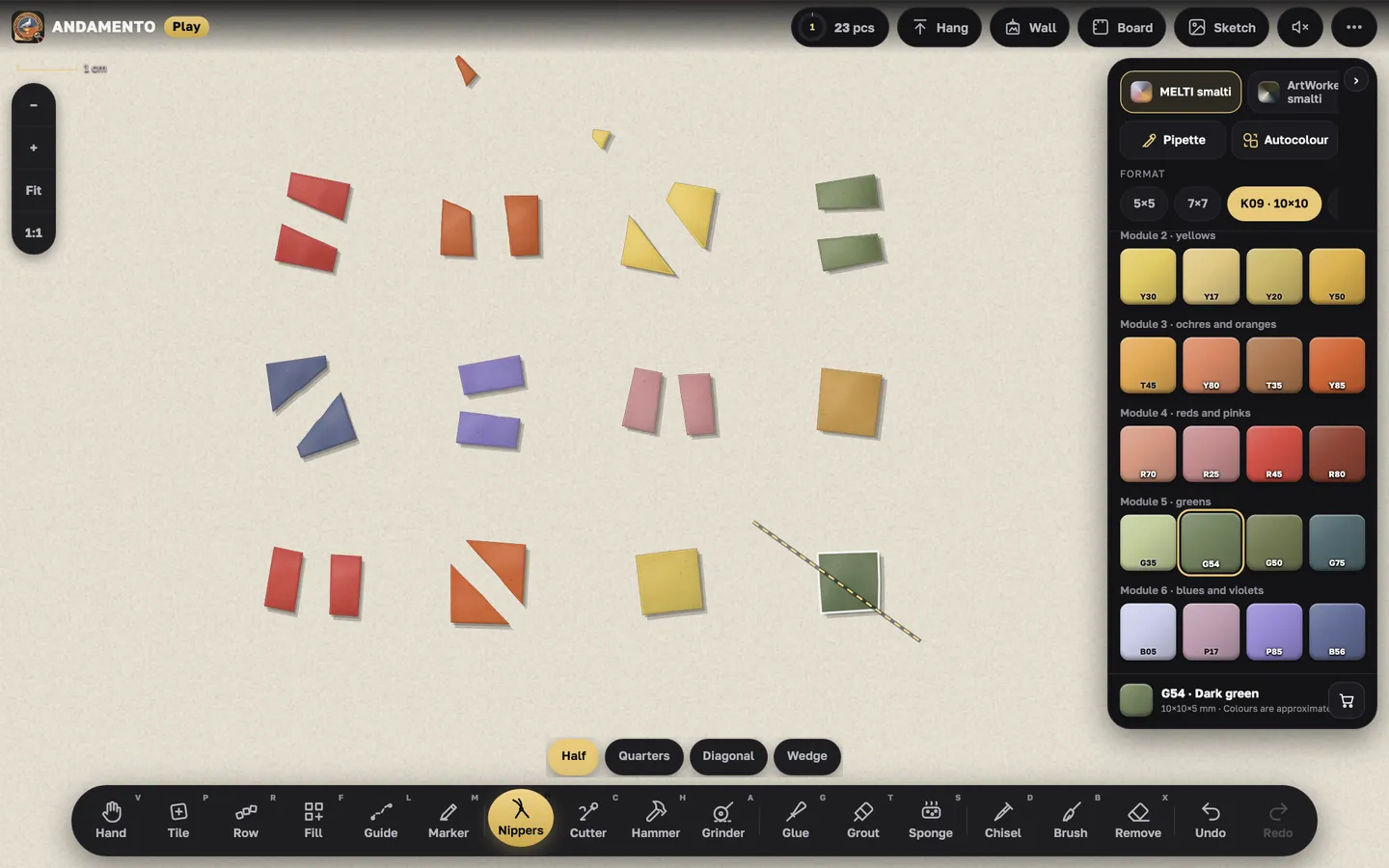
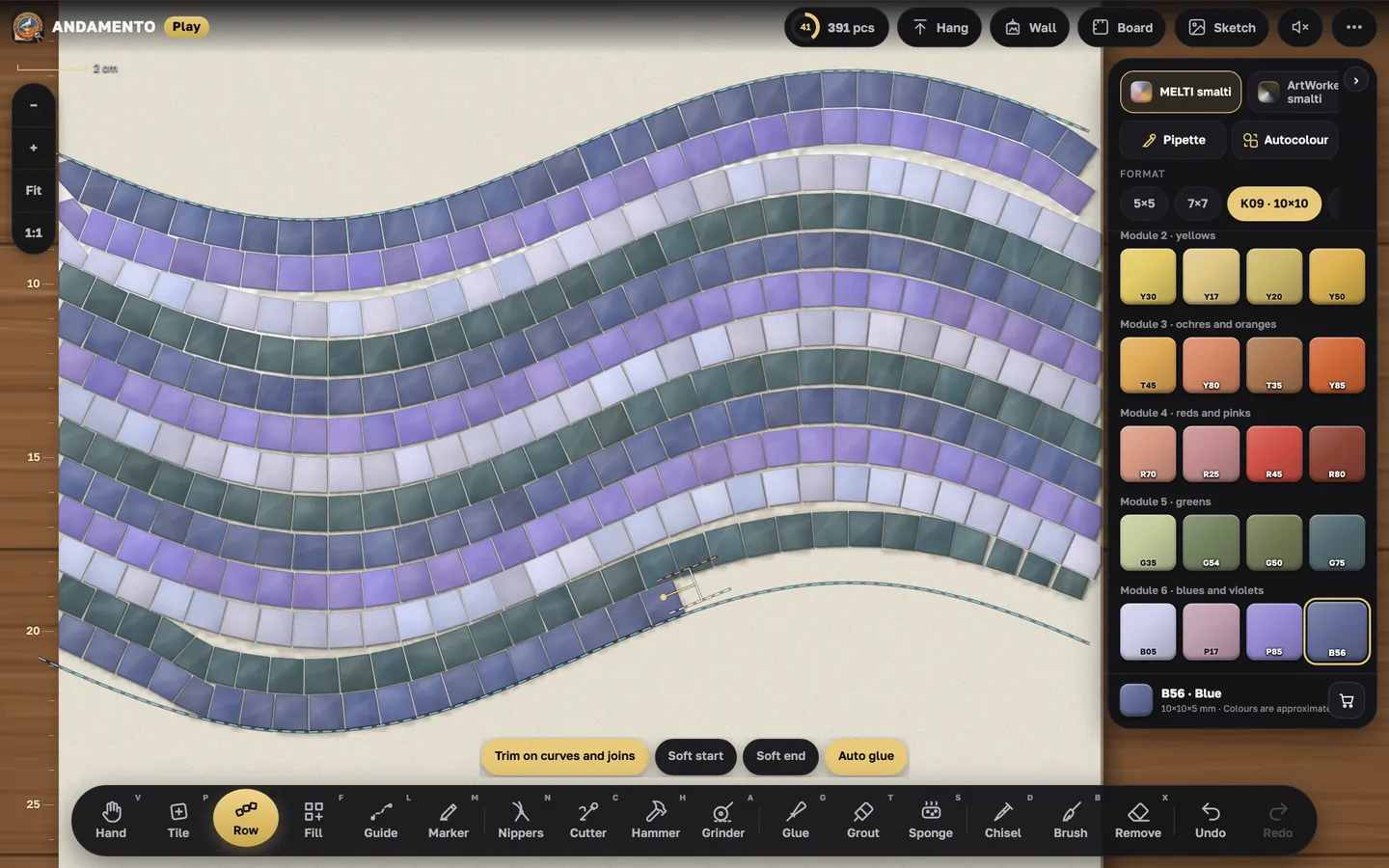
On sharp curves the row trims tiles into trapezoids and triangles by itself, as a mosaicist does. “Soft start” and “Soft end” taper the row towards its ends — the buttons appear in the Row settings when “Trim on curves and joins” is on (or in simple mode). Trimming works for any material, ceramics included.
Guides
The Line tool draws guides: freehand, straight, by points, a rectangle or a circle. Rows and fills follow them.
Outline before the background
As mosaicists do: first one row along the figure, then the background. In “Fill” the “Outline row” button does this.
Try it yourself
Play is free and opens in the browser. Pro mode and a private wall come with the Pro subscription.