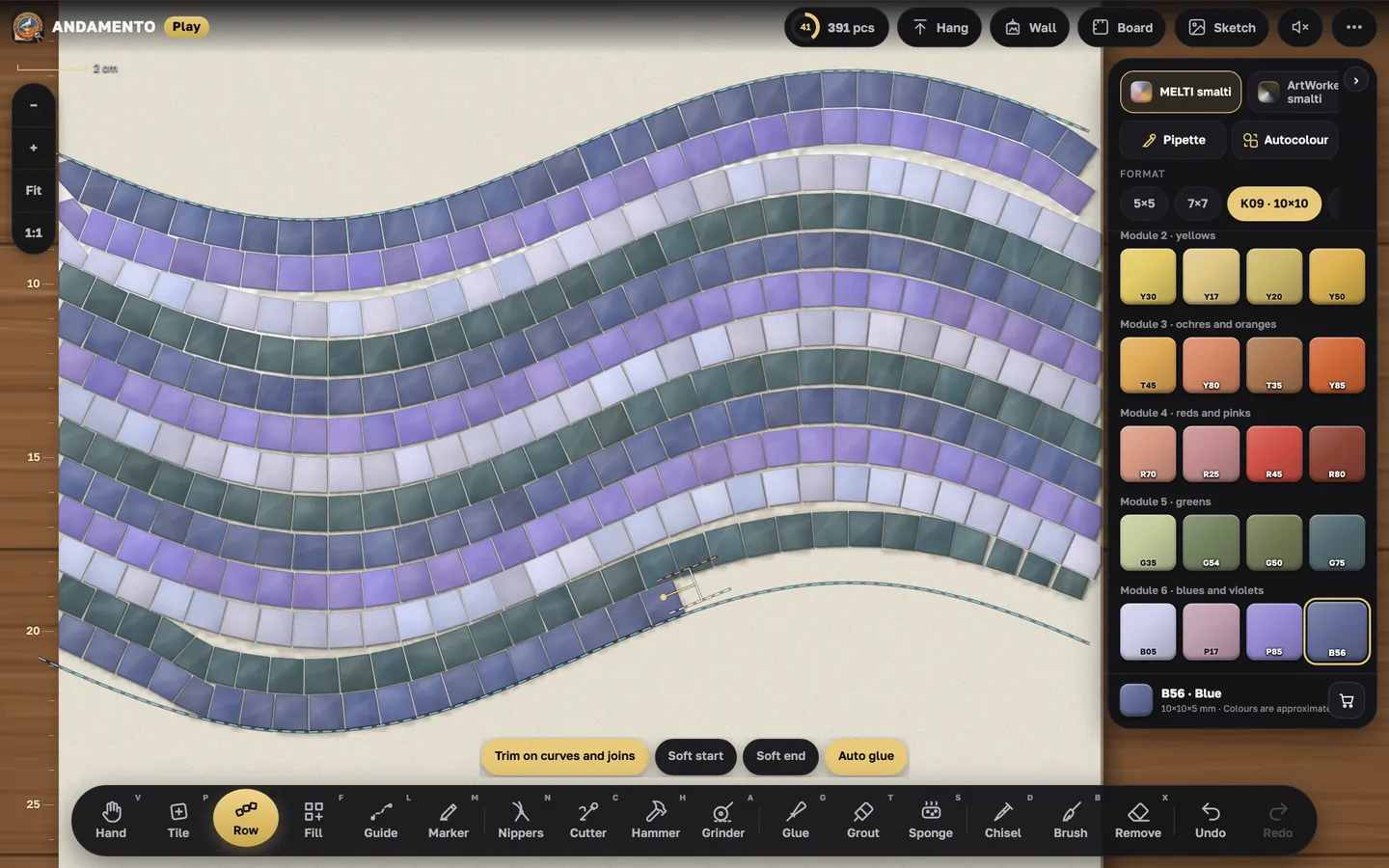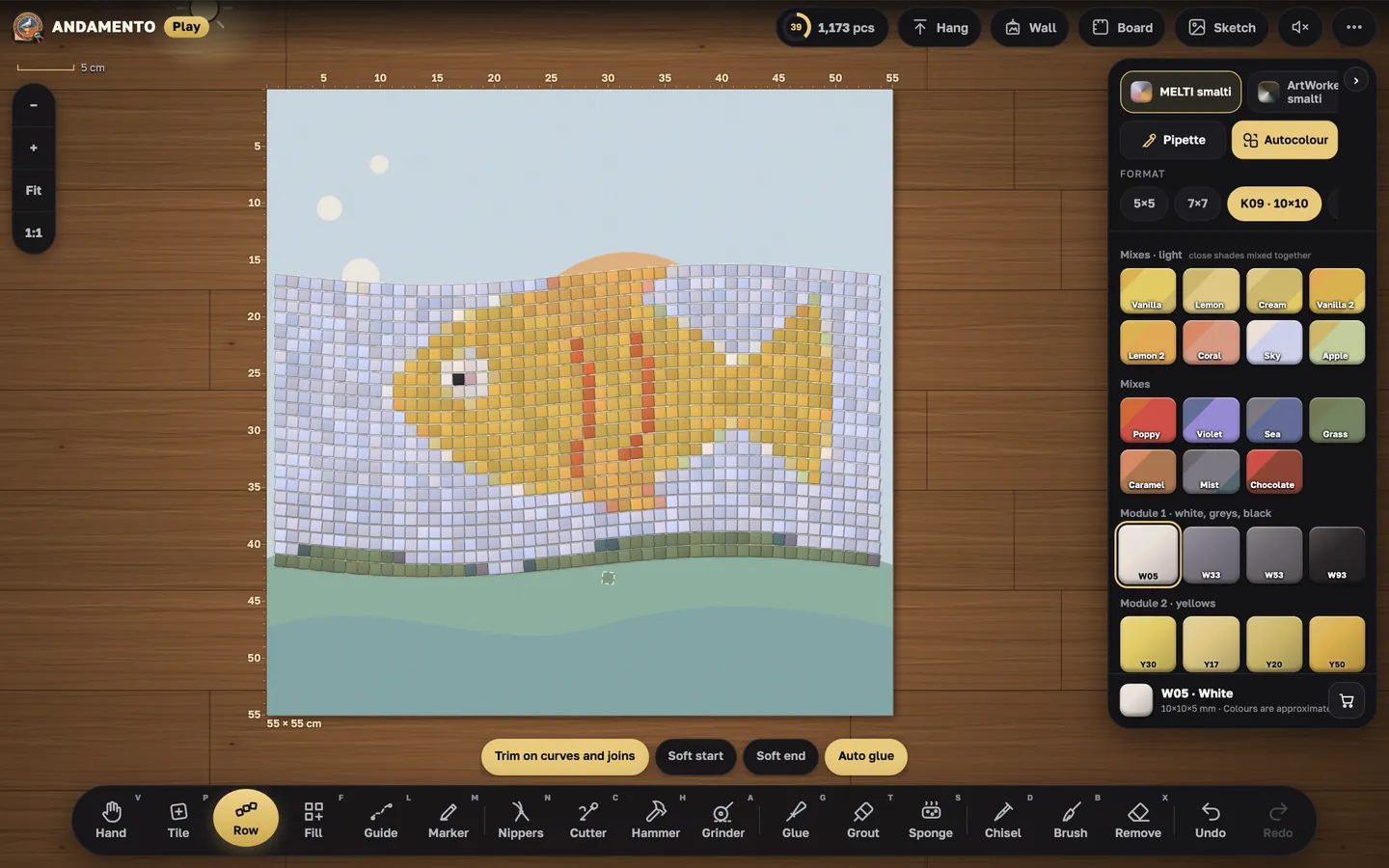
Play · guide
Fill: patterns and background
Large areas and backgrounds are easier to fill with a pattern: mark the area and Play lays it all.
freeCost
phone, tablet, computerWhere
The area
“Bucket” — a tap fills a whole closed area. “Outline”, “Rectangle”, “Circle” — draw the area yourself. “Cut out” keeps a letter or a figure inside it empty.
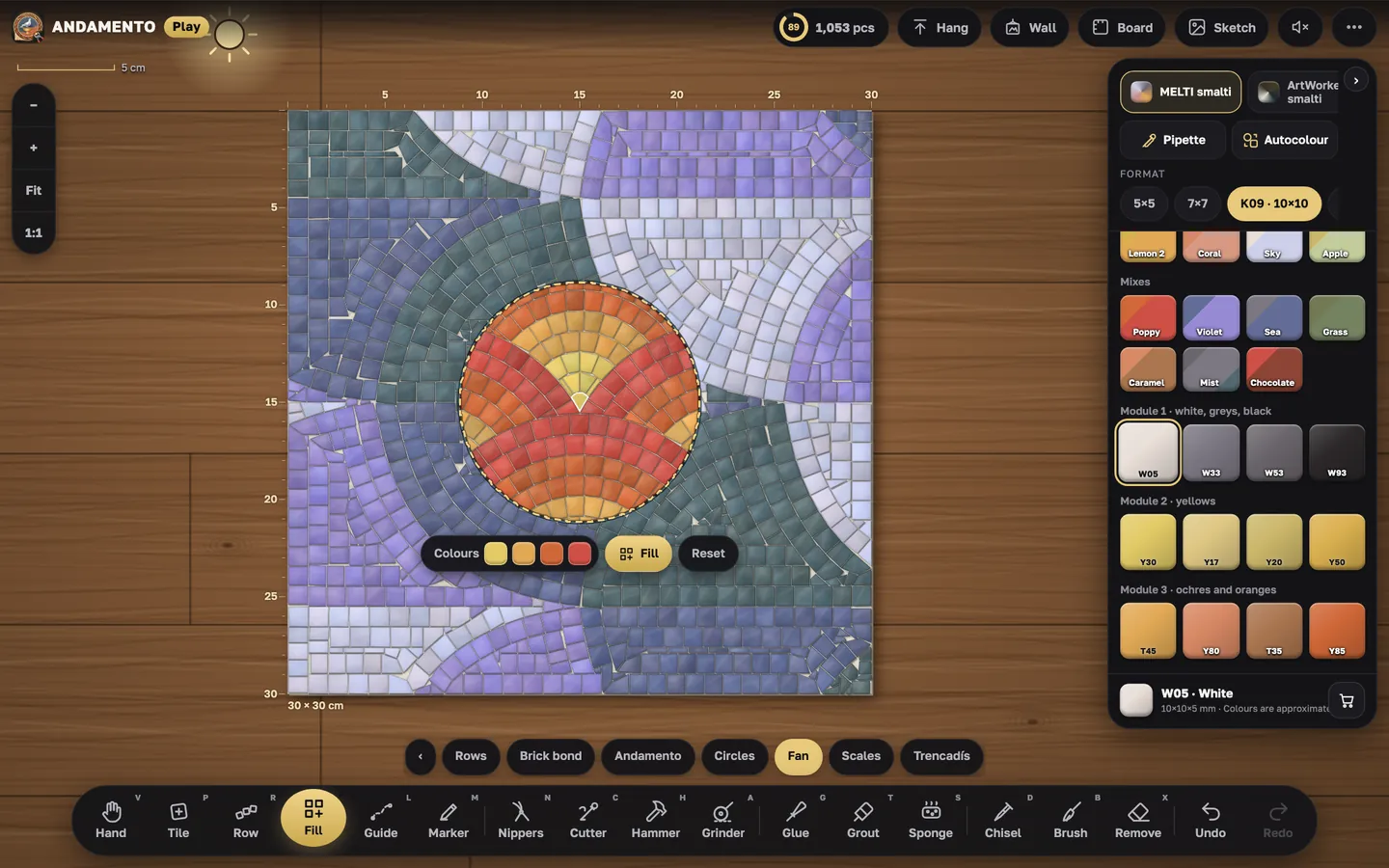
The pattern
Rows, brick bond, andamento, circles, fan, scales, trencadís. The pattern turns by 45°. The “Background” button fills all the free room on the board around the work.
Pattern colours
“Colours”: pick a colour in the palette and tap a slot — the pattern goes in several colours (at least two).
Try it yourself
Play is free and opens in the browser. Pro mode and a private wall come with the Pro subscription.