
Your own sketch and board
A mosaic is easier to lay over a sketch: it lies under the tiles like a cartoon on a mosaicist's table.
Board
The “Board” panel: width and height in centimetres, joint width, the table look. A ready sample: “Open the Apple sample”. The grinder can give the board a shape — a circle, a figure.
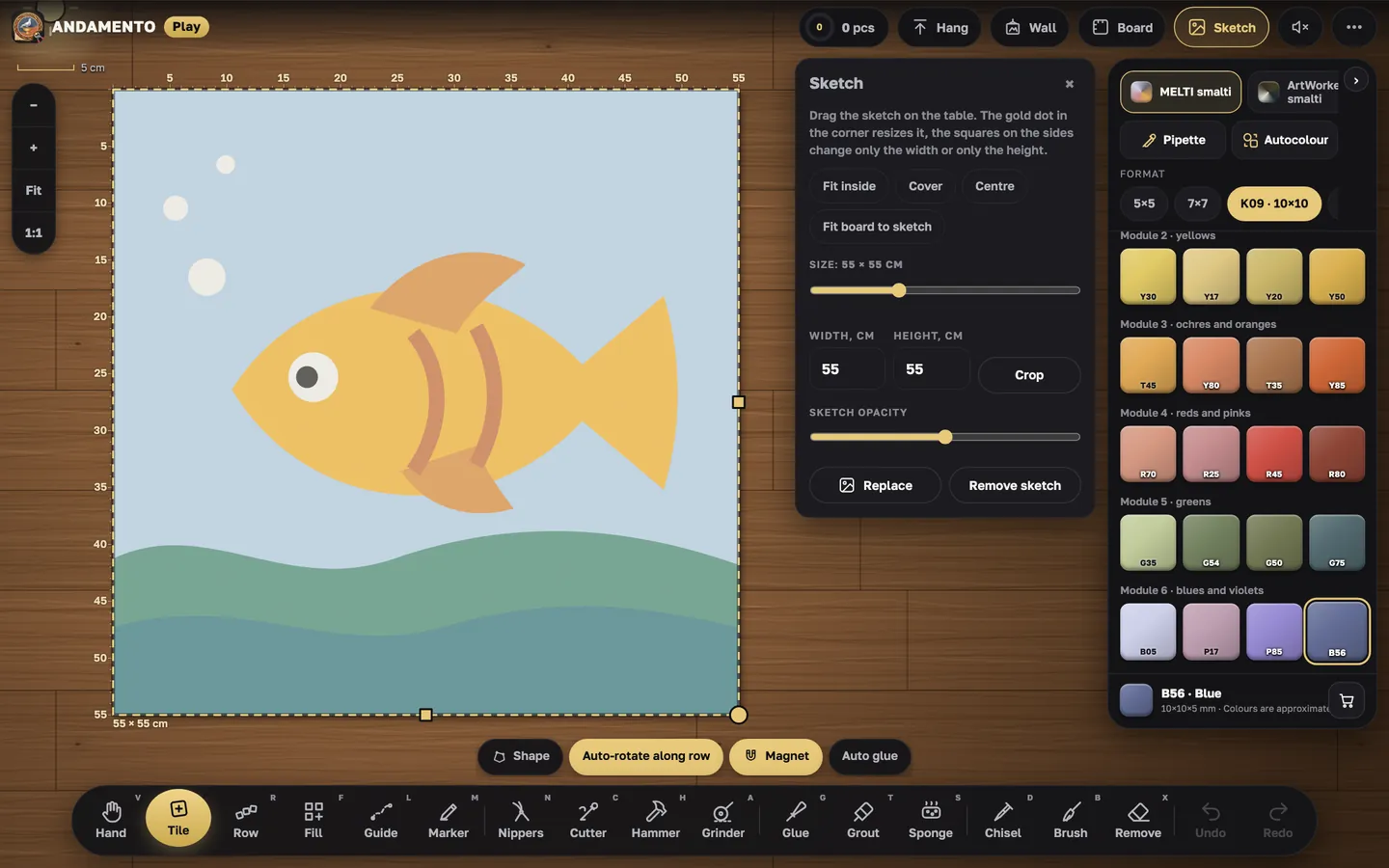
Sketch
The “Sketch” panel: upload your photo, fit or stretch it to the board, set its size and opacity, crop what you don't need.
1:1 scale
The “1:1” button shows the tiles at real size, so you can see how much detail the chosen module can hold.
- You can make a sketch from a photo on a palette of real materials in the andamento.app app and lay it out in Play.
Try it yourself
Play is free and opens in the browser. Pro mode and a private wall come with the Pro subscription.
More guides
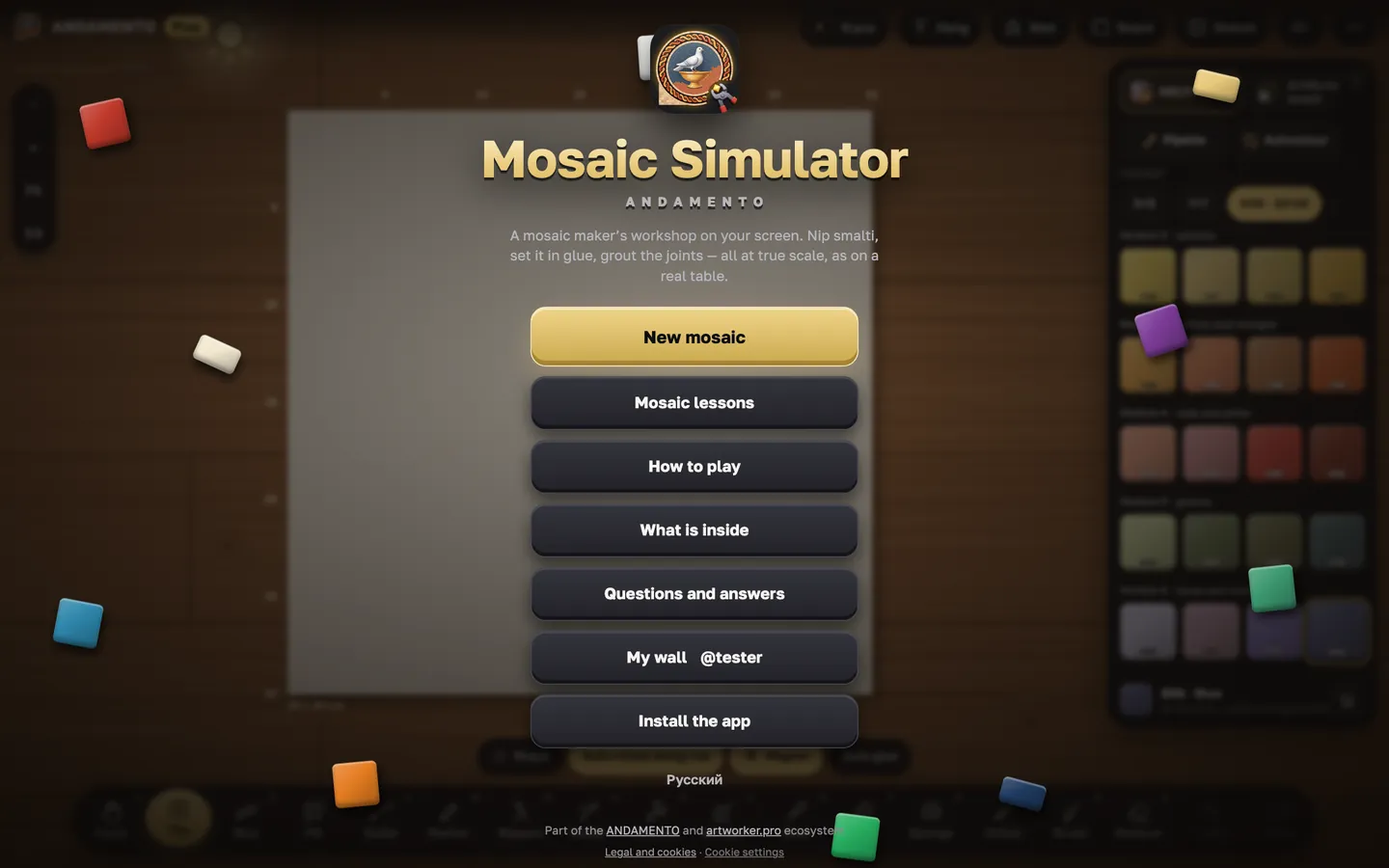
Your first five minutes in Play
Play opens in the browser on a phone, tablet or computer. The quickest way in is the short lesson: it walks you round the table and the tools.
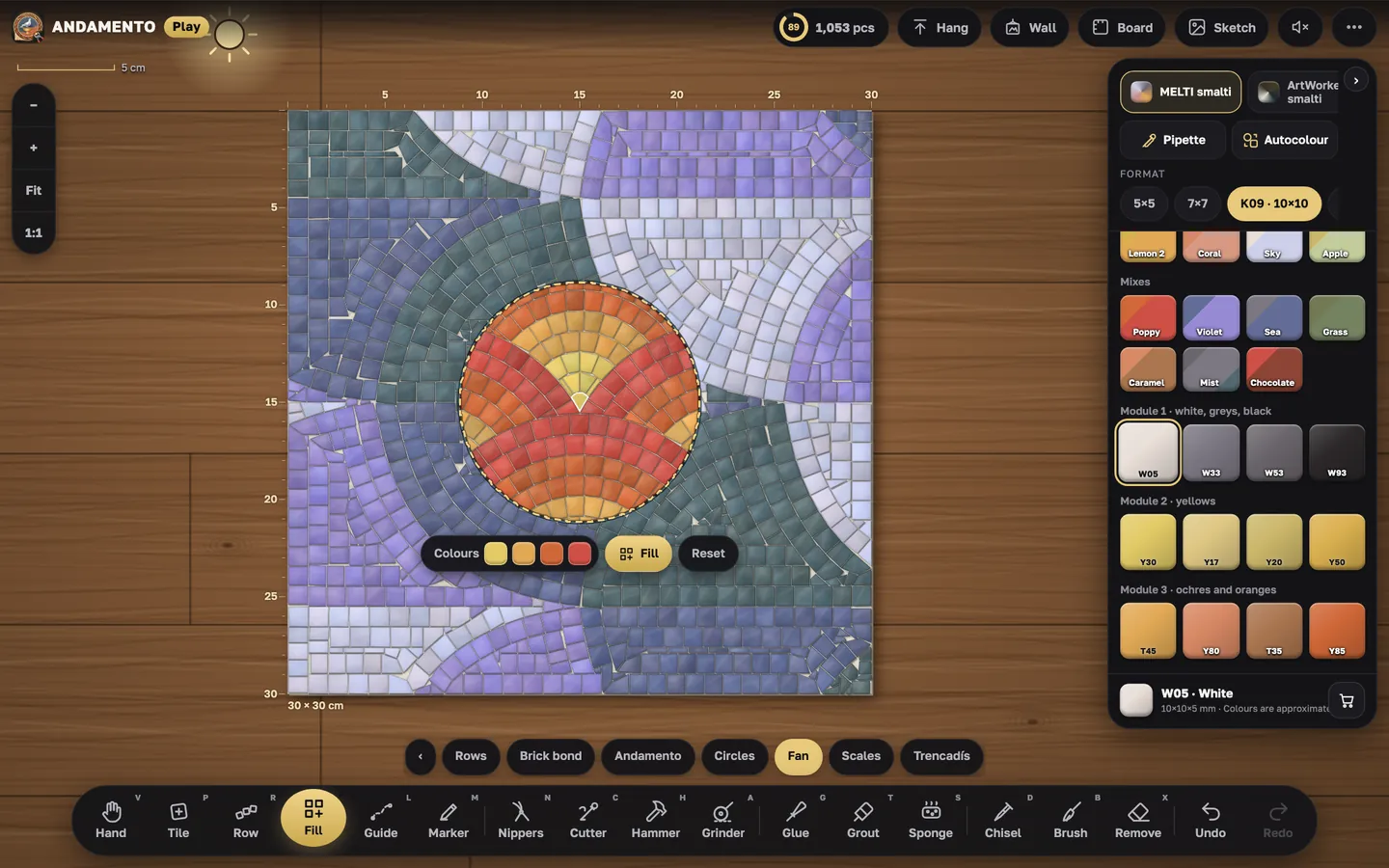
Fill: patterns and background
Large areas and backgrounds are easier to fill with a pattern: mark the area and Play lays it all.