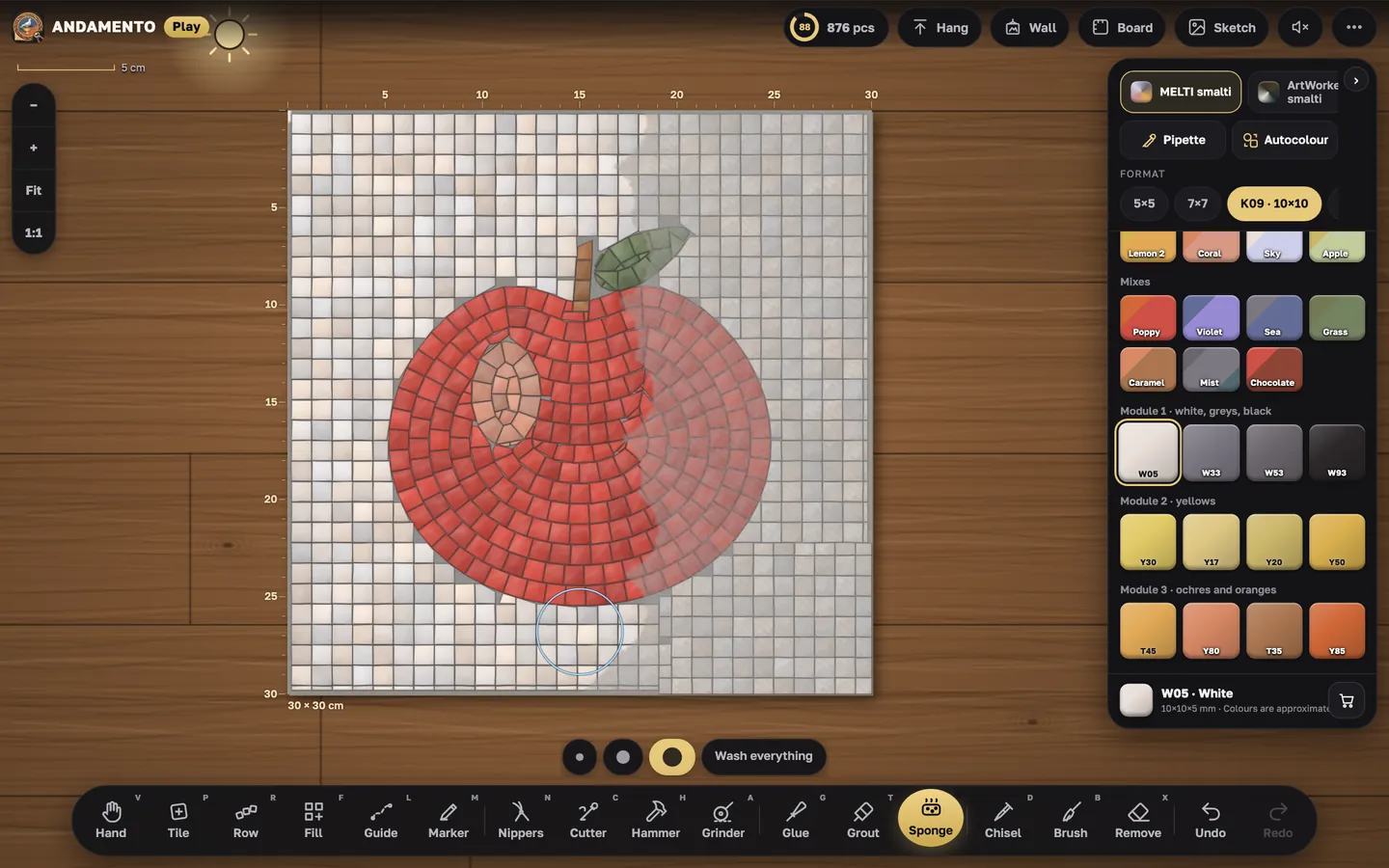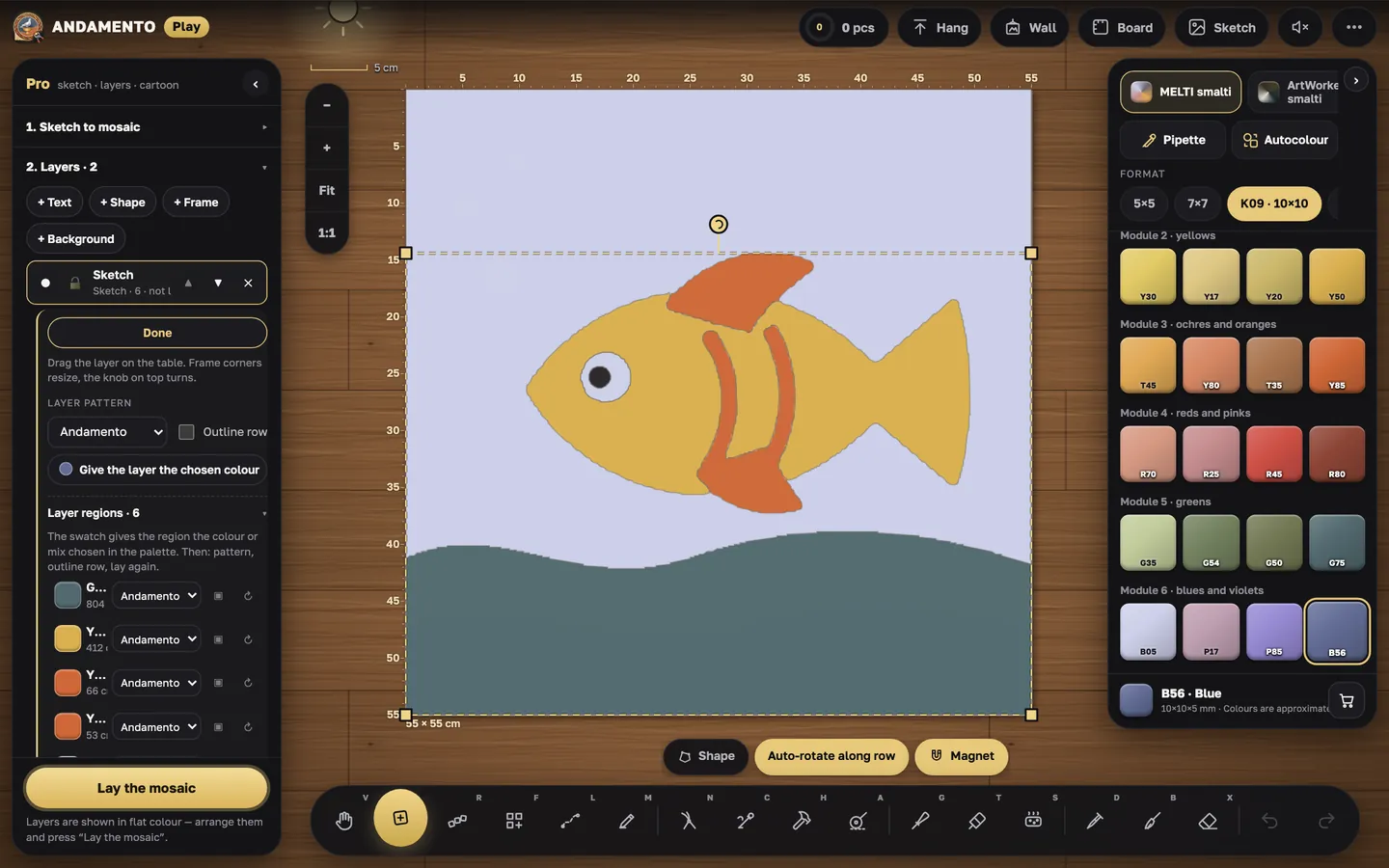
Play · guide
Wall and gallery
A finished work goes on a wall — your own, like in a workshop, and into the shared gallery.
freeCost
phone, tablet, computerWhere
“Hang”
The button at the top takes the work off the table and hangs it on the wall. You need to sign in — the same account as in the andamento.app app.
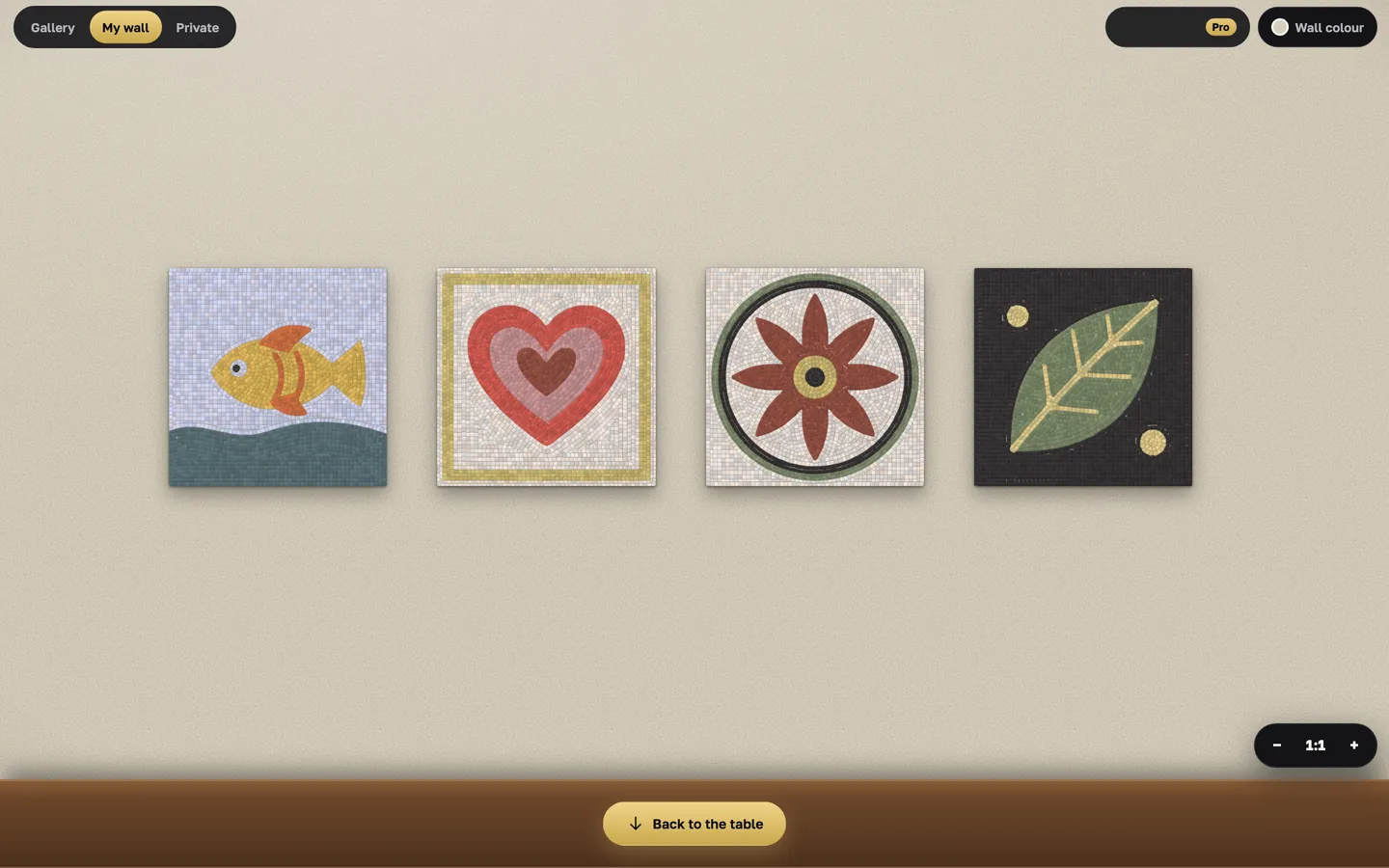
Public or private
A public wall is visible to everyone, and works are checked. A private one comes with Pro. Rules: andamento.app/legal.
Gallery and samples
The shared gallery and the @ANDAMENTO wall with samples — see what others make. “Share my work” is in the menu.
Try it yourself
Play is free and opens in the browser. Pro mode and a private wall come with the Pro subscription.