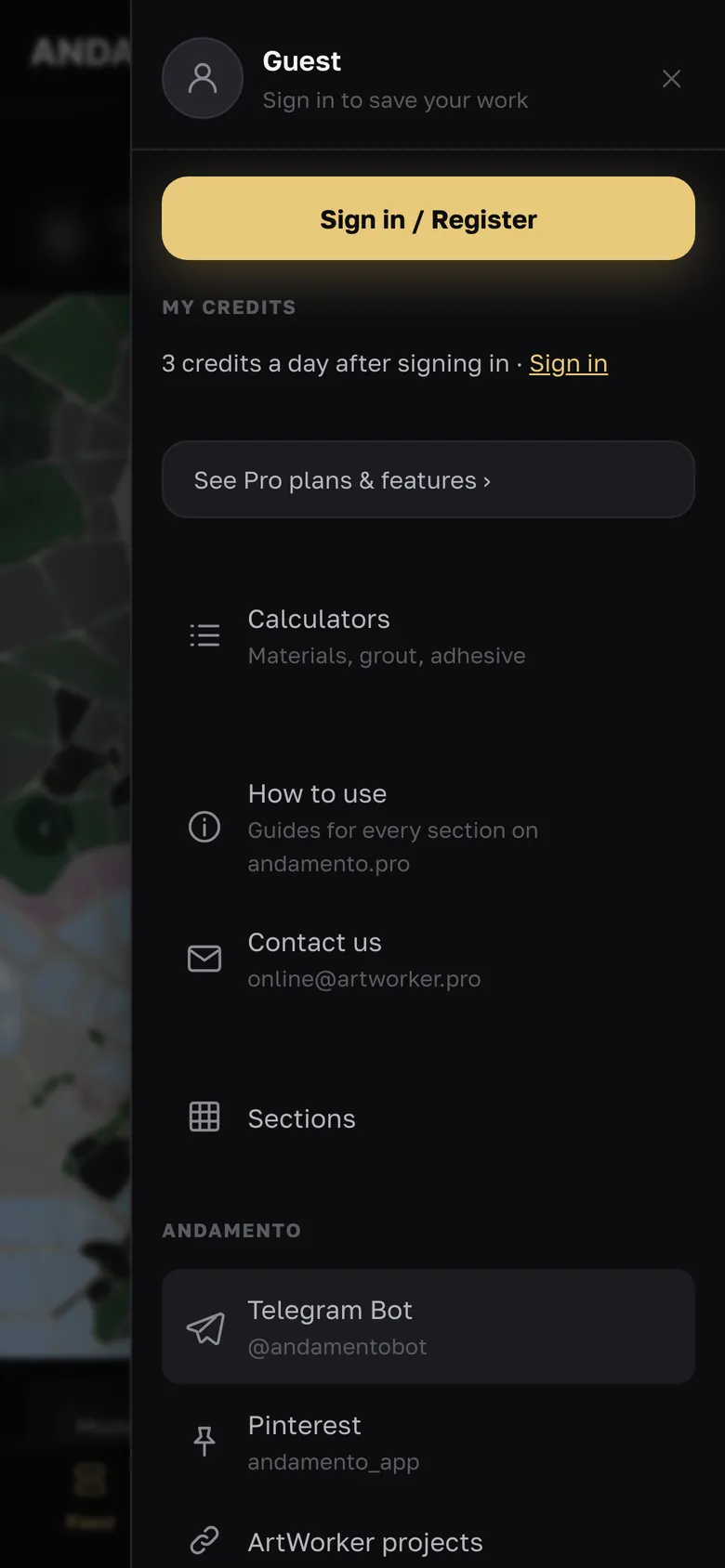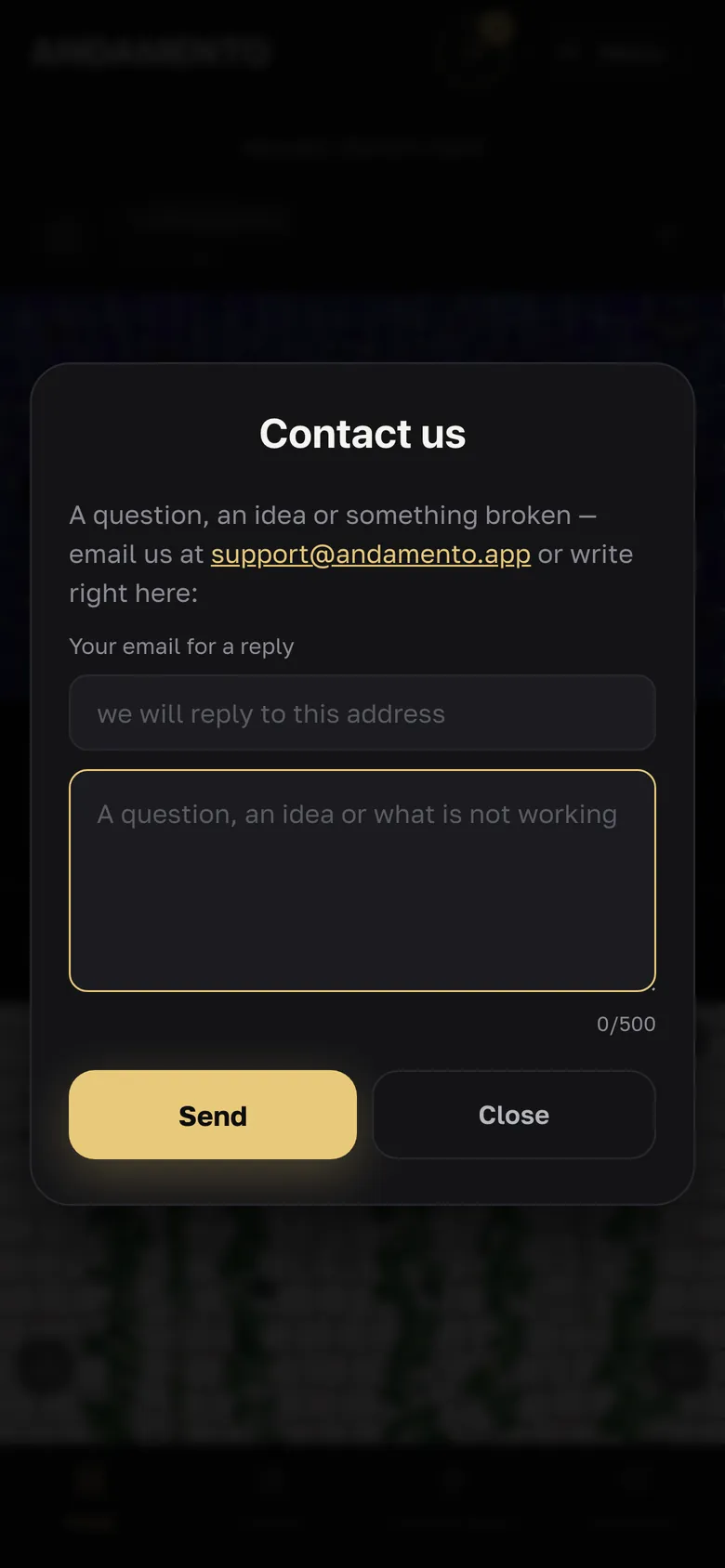
Sign-in and registration
One account for the andamento.app app and for ANDAMENTO Play.
Registration
Menu → “Sign in / Register” → the Register tab: email, nickname (3–24 characters), password (6+ characters), an invite code if you have one, consent to the terms (18+). “Get code via email” — a 6-digit code arrives, enter it and confirm. Or register with Pinterest.
Sign-in
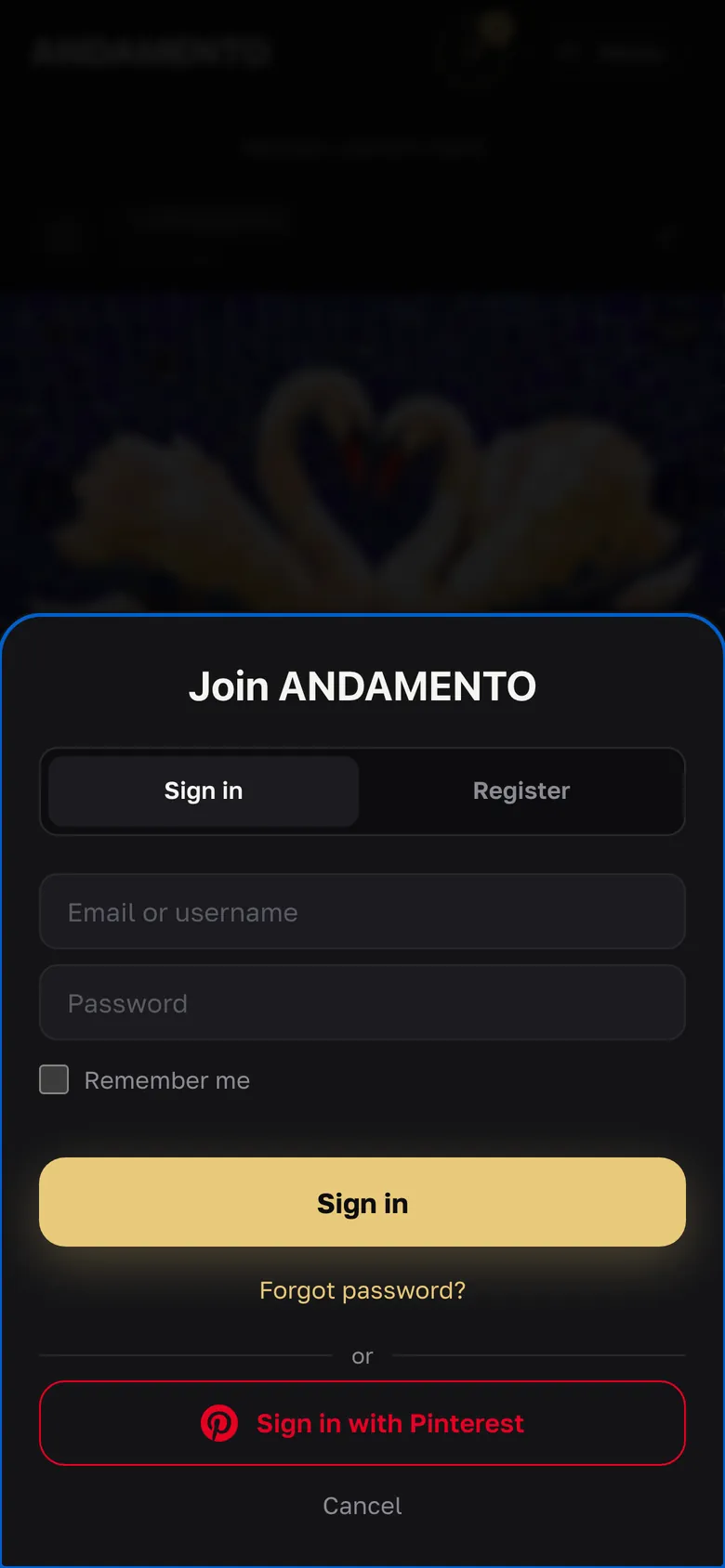
The Sign in tab: email or login and password, “Remember me” — or sign in with Pinterest. In Telegram the app opens through the @andamentobot bot; in your account (Settings → Sign-in methods) you can link email, Telegram and Pinterest to one account.
The code didn't arrive
Check your Spam folder, then press “Resend” (it becomes active after a few seconds). Emails come from noreply@andamento.app. If you signed up with Telegram or Pinterest, the account has no password — sign in the same way.
Forgot your password
“Forgot password?” → your email → get a code; an email with the code arrives, then enter a new password twice.
Sign-in with a code (2FA)
Account → Settings → “Confirm sign-in with an email code”: signing in from a new device asks for a code; the device can be remembered for 30 days. A confirmed email is required.
- Without an account you can make one prompt sketch a day (X1 mode); photo sketches need registration. After sign-up — 10 welcome credits and up to 3 every day.
Try it yourself
10 credits on sign-up and up to 3 every day — free.