Support
The app and Play share one support team.
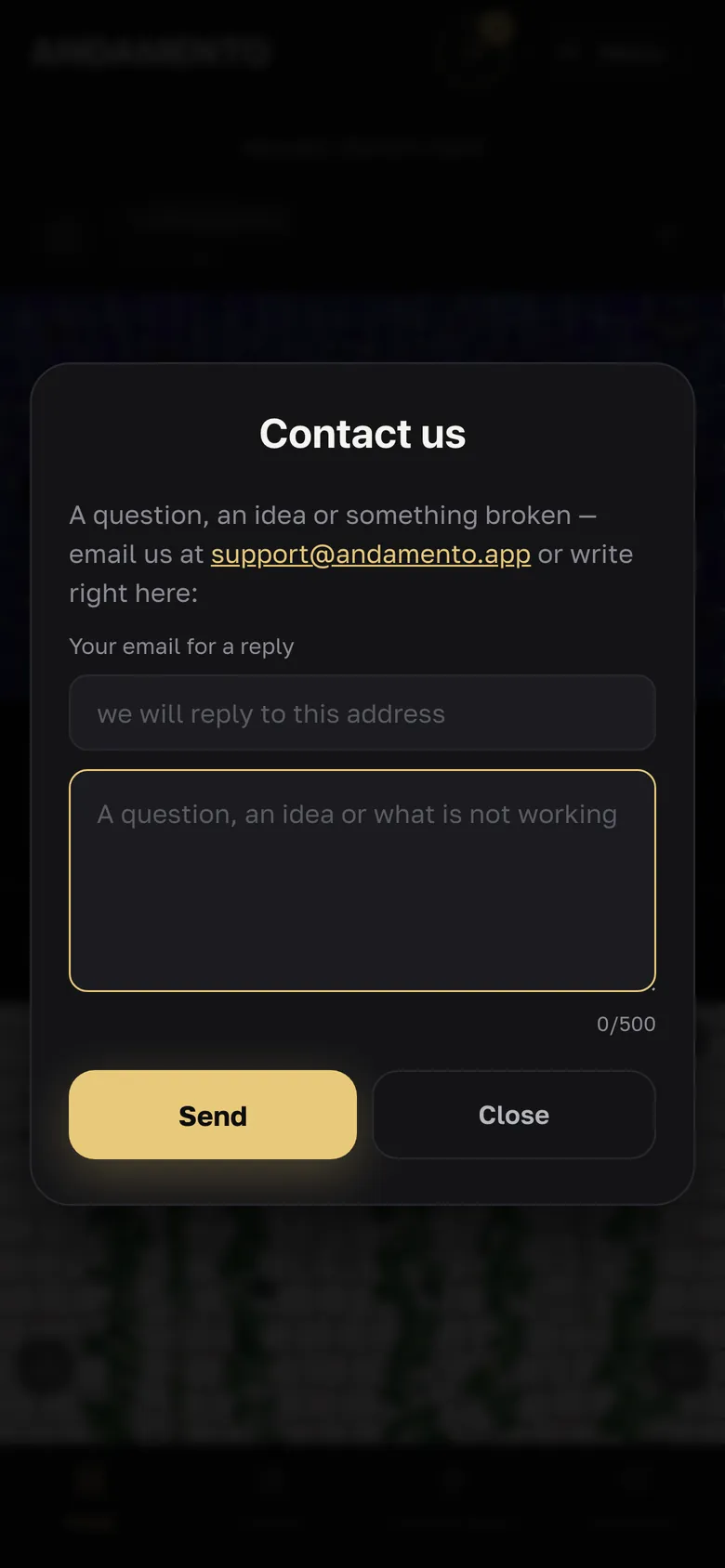
Contact us in the app
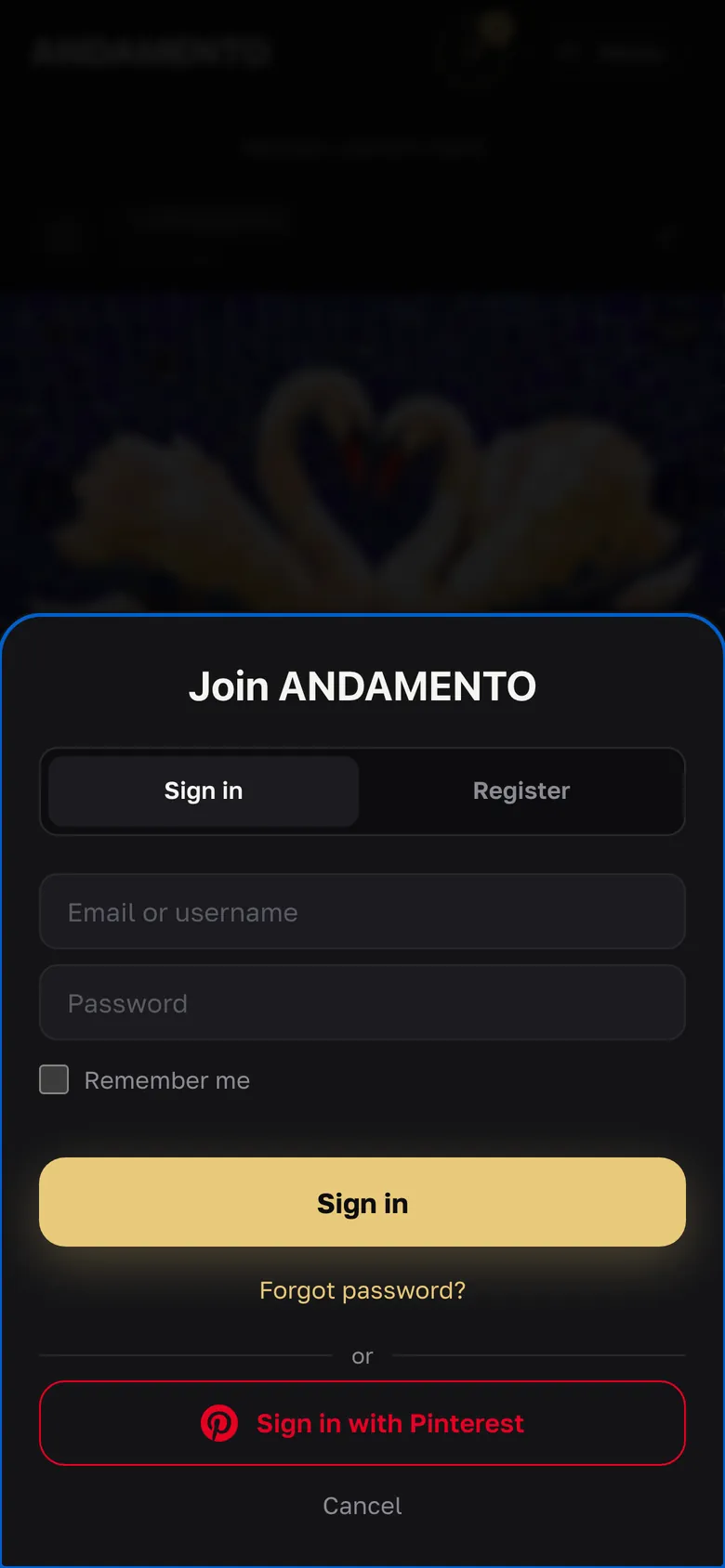
Menu → Contact us: a question, an idea or something that doesn't work. An email for the reply is required: your account address is filled in; if you signed in with Telegram or Pinterest, or aren't signed in, enter one.
A problem with a specific work
Under the result — “Report an issue”: the work is attached automatically. If the mistake is ours, we return the credits.
In Play: menu → Report a problem
In ANDAMENTO Play — menu → Report a problem: up to 500 characters. It goes to the same support team as messages from the app. An email for the reply is required if your account has no real address or you aren't signed in.
Where the reply arrives
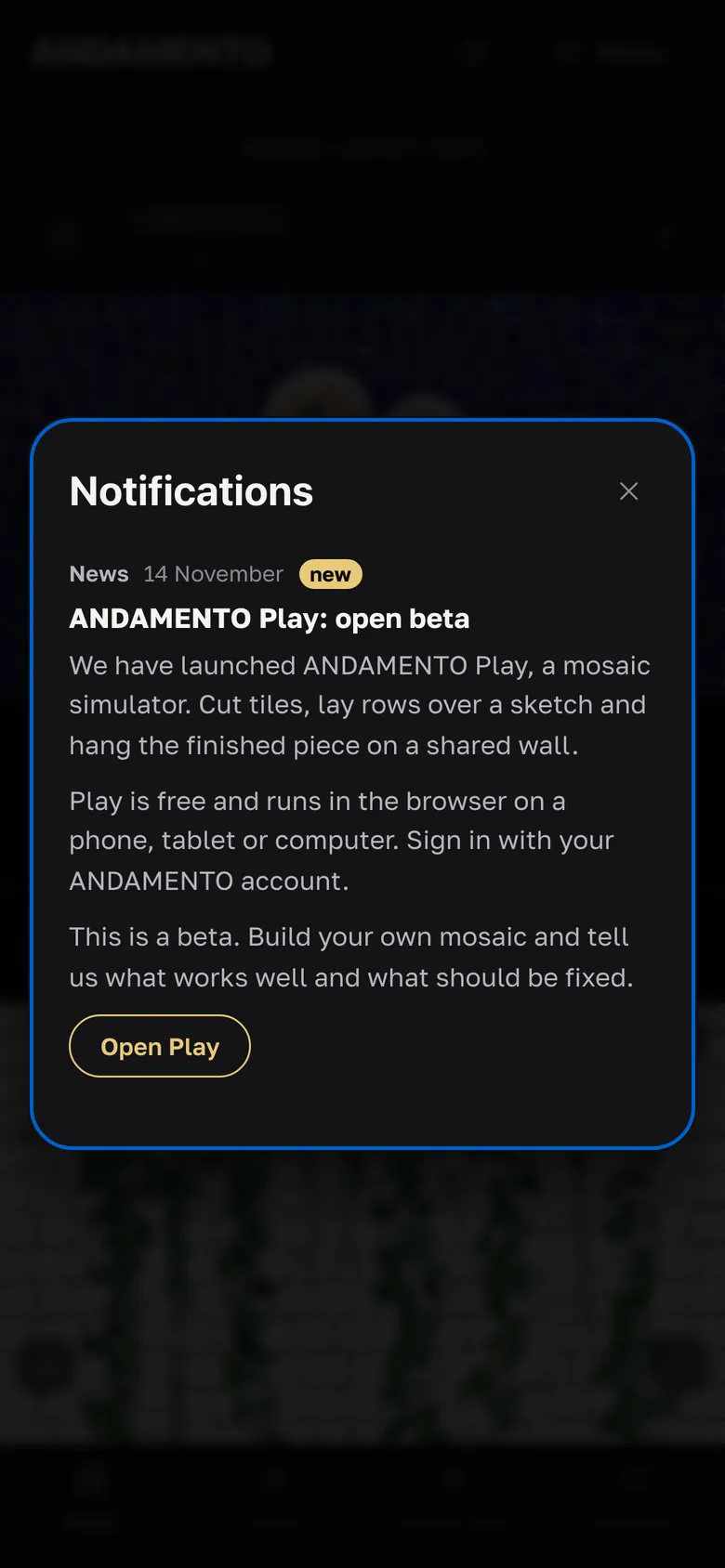
The reply comes by email and to Notifications — the bell in the header of the app and Play (in Play on a phone — a menu item).
By email
Or write to support@andamento.app.
- Answers to common questions are on the FAQ page.
Try it yourself
10 credits on sign-up and up to 3 every day — free.