
A mosaic sketch from a prompt
No suitable photo? Describe what you want to see. A sketch in the chosen historical style appears in a couple of minutes.
Open Mosaic → Prompt
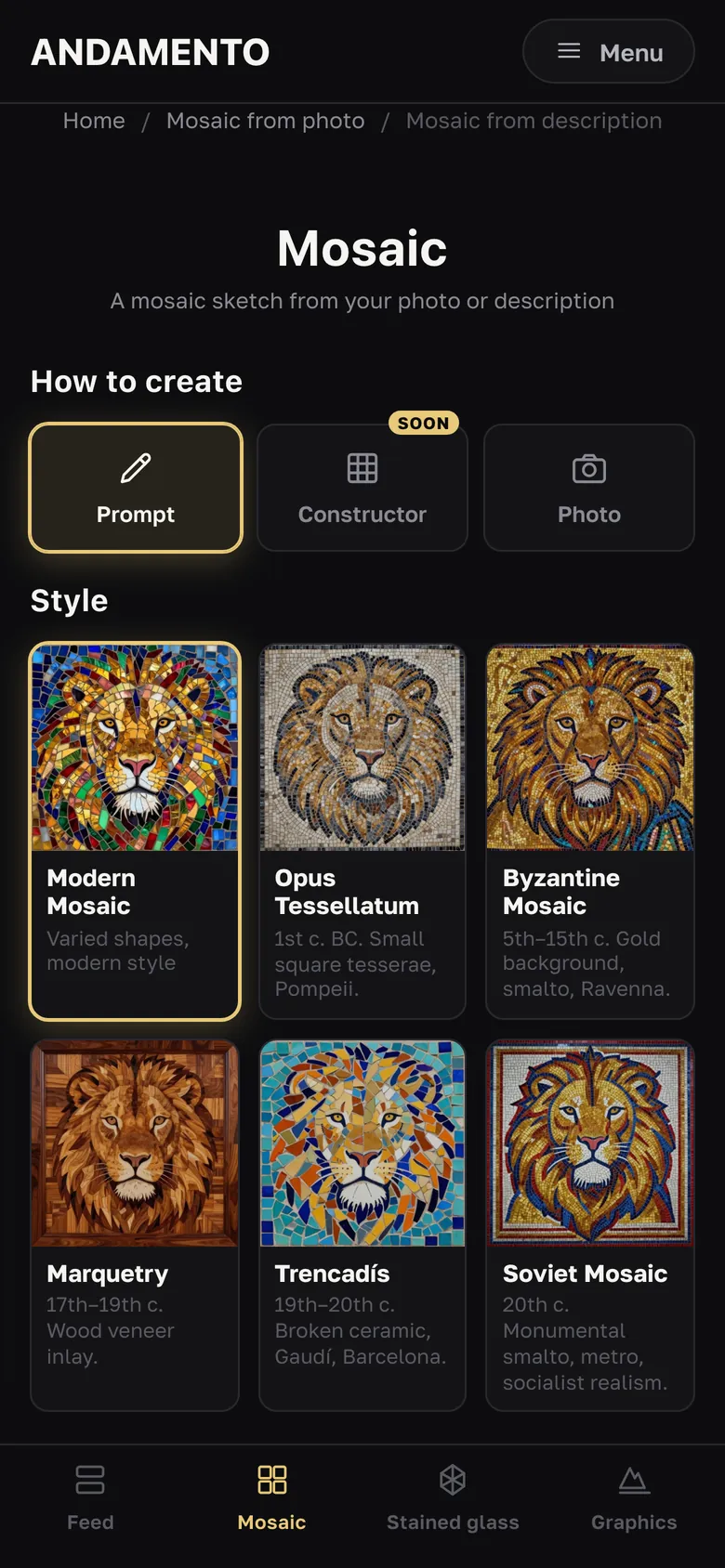
Pick a style: Modern Mosaic, Opus Tessellatum (Pompeii), Byzantine Mosaic (gold background, Ravenna), Marquetry (wood veneer), Trencadís (broken ceramic, Gaudí), Soviet Mosaic (monumental smalto).
Describe the subject
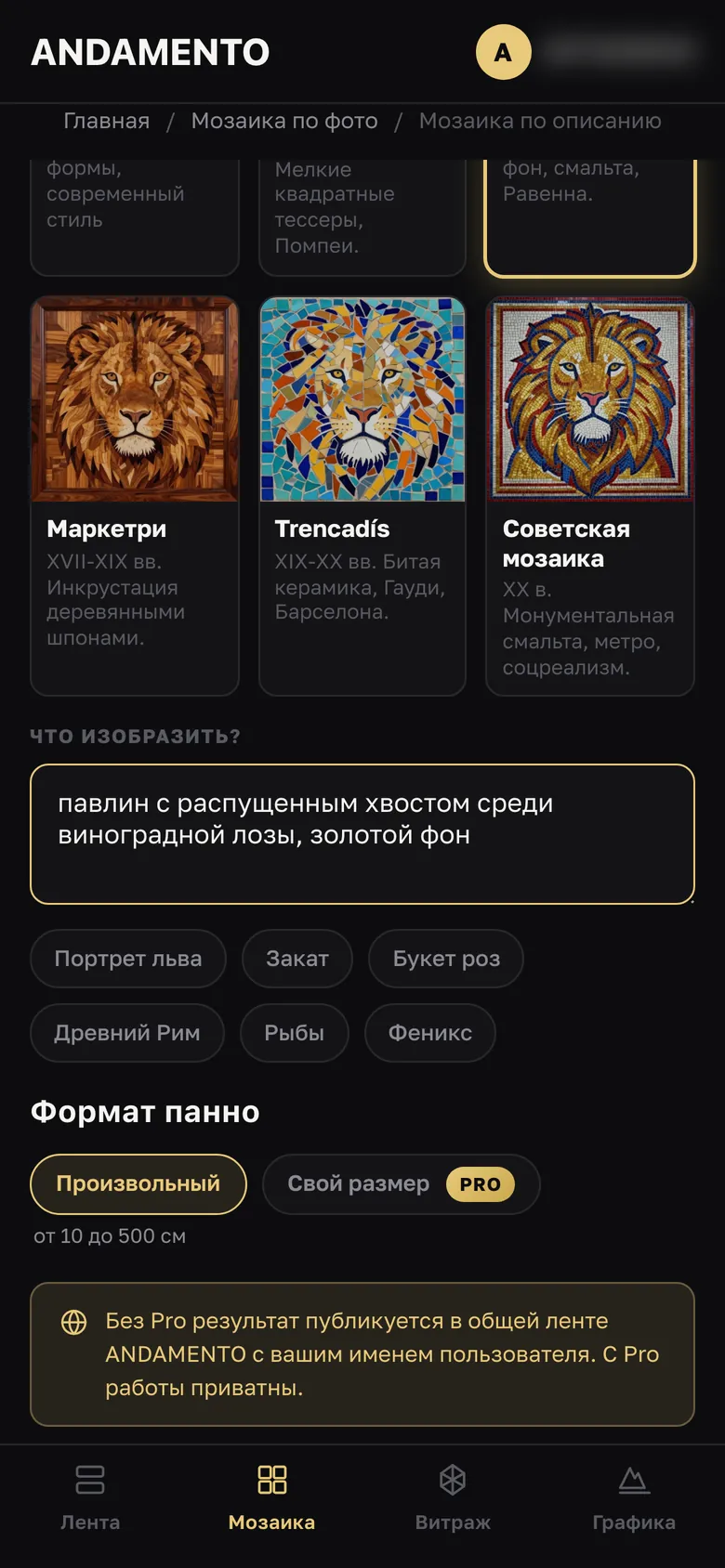
In “What to depict?” — up to 500 characters. Or tap a ready example: Lion portrait, Sunset, Bouquet of roses, Ancient Rome, Fish, Phoenix.
Format and launch
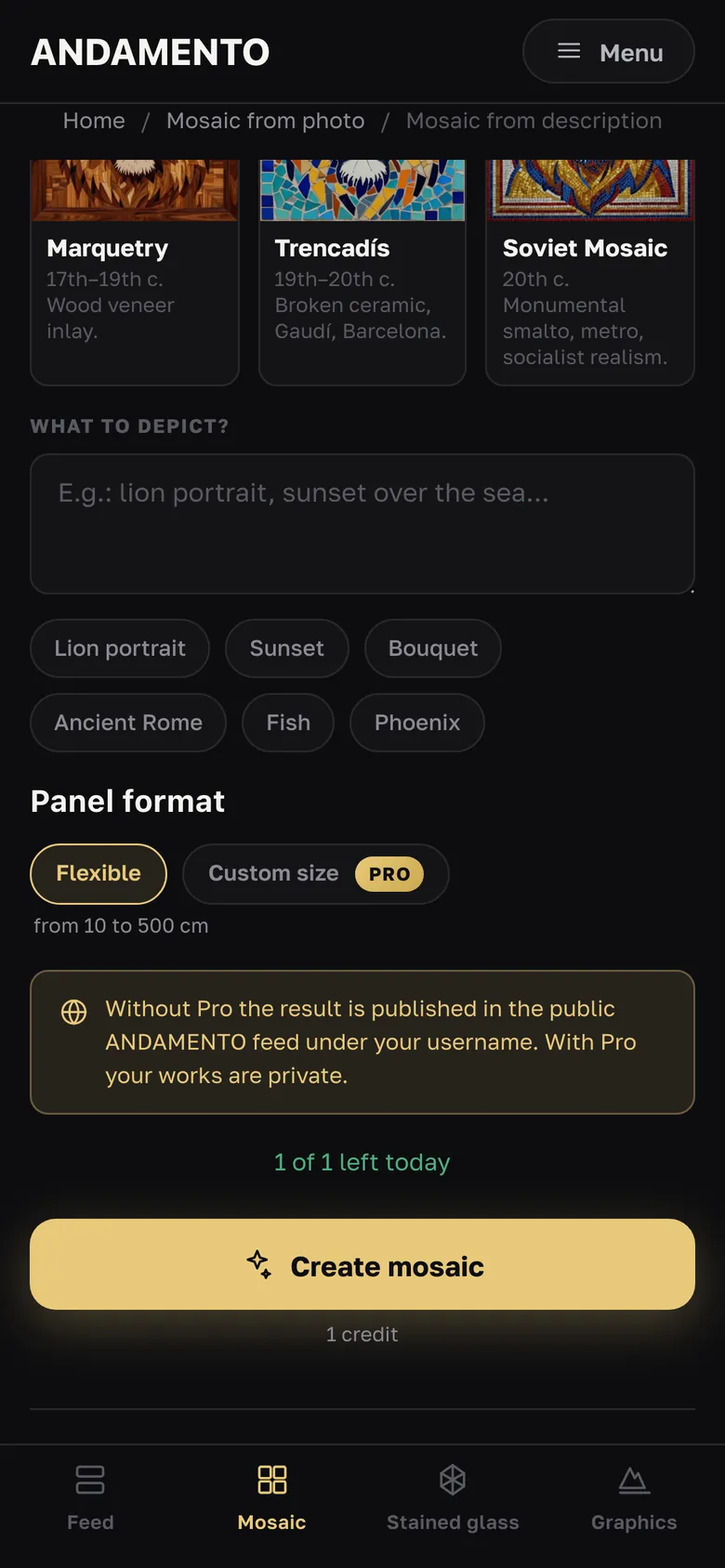
Panel format — Flexible; a custom size in centimetres comes with Pro. Tap Create mosaic. Without Pro the result is published to the public feed under your name.
Wait a couple of minutes
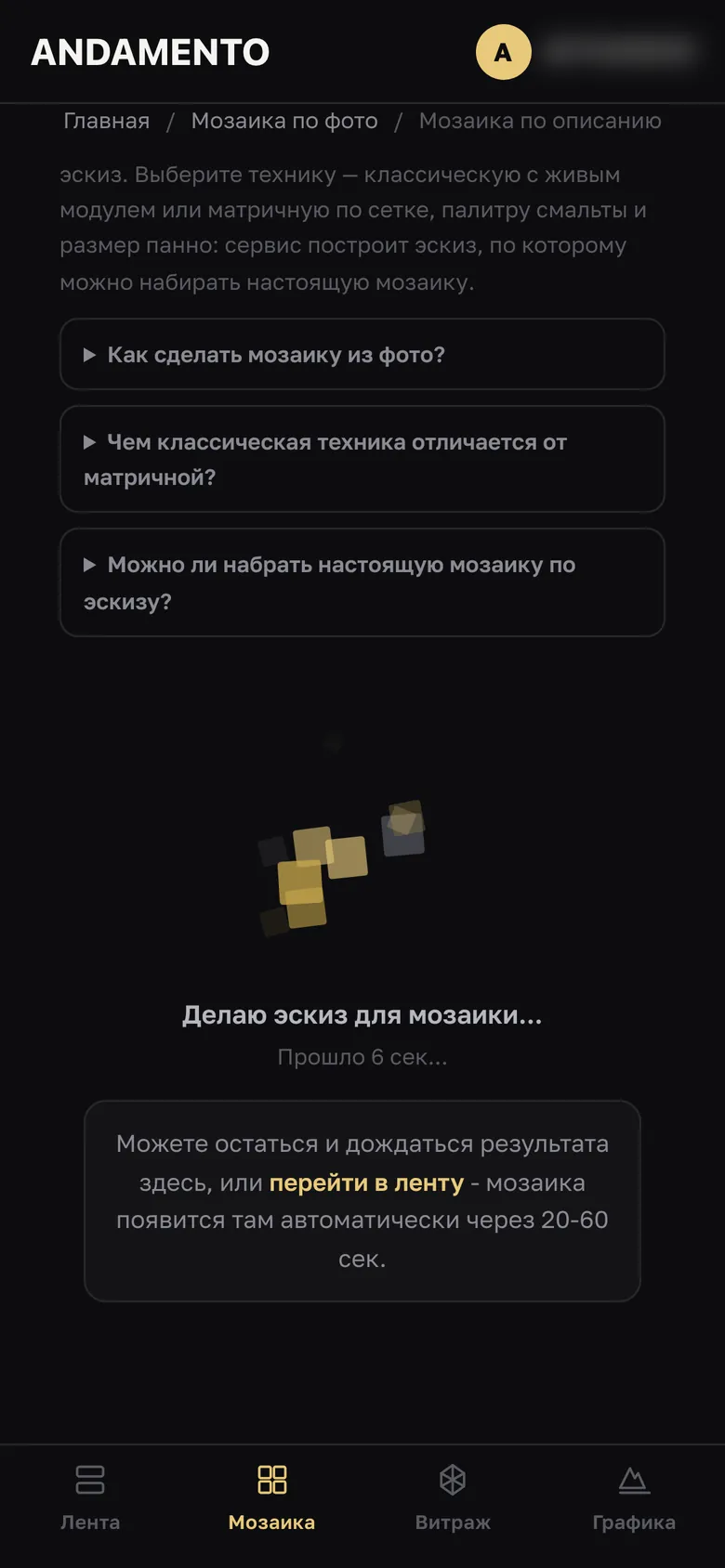
Stay on the page or go to the feed — the sketch appears there by itself.
The result is in your account
All works are in the Works tab: “More” opens the sketch with its style and date; download or delete it there.
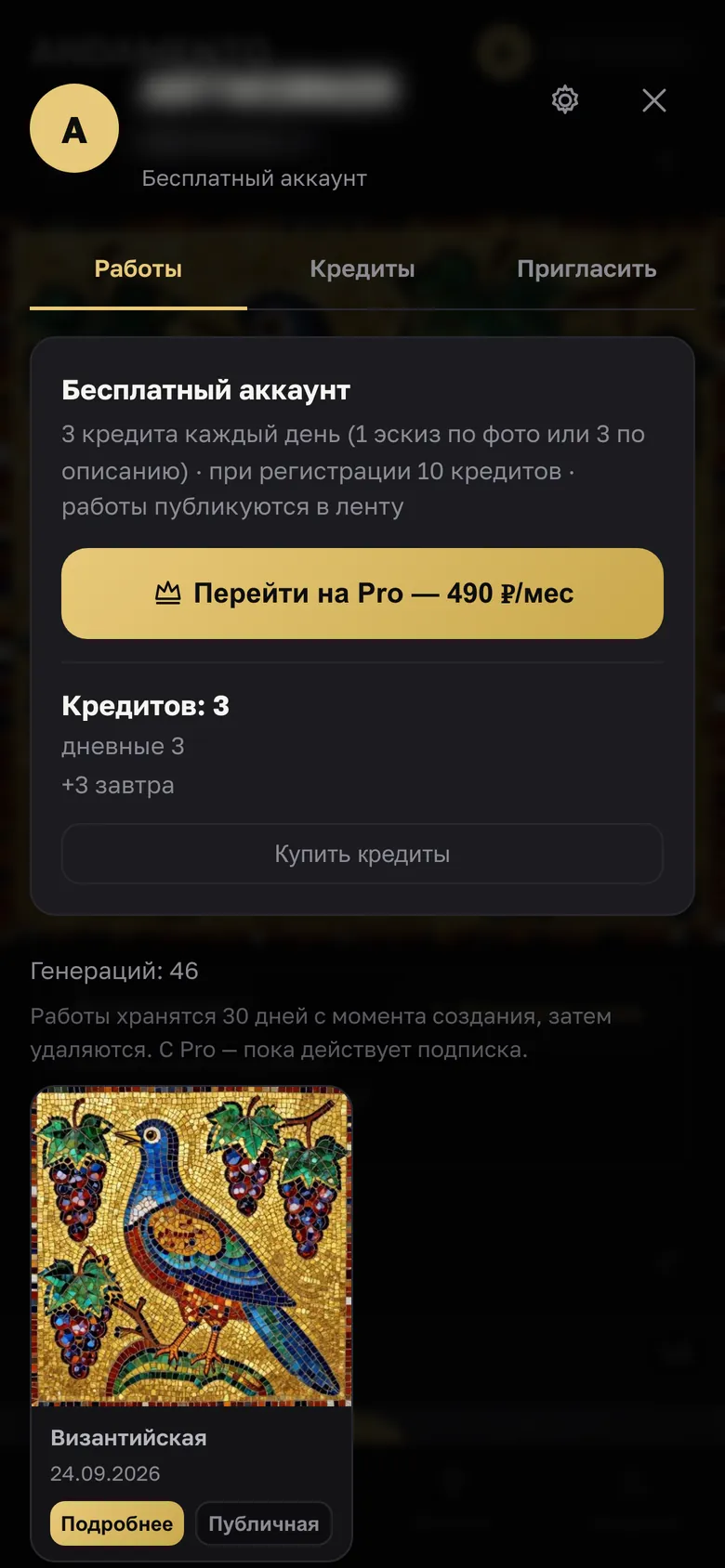
- Write the subject, background and mood: “a peacock among vines, gold background”.
- Like someone's sketch in the feed? Tap “Repeat this style”.
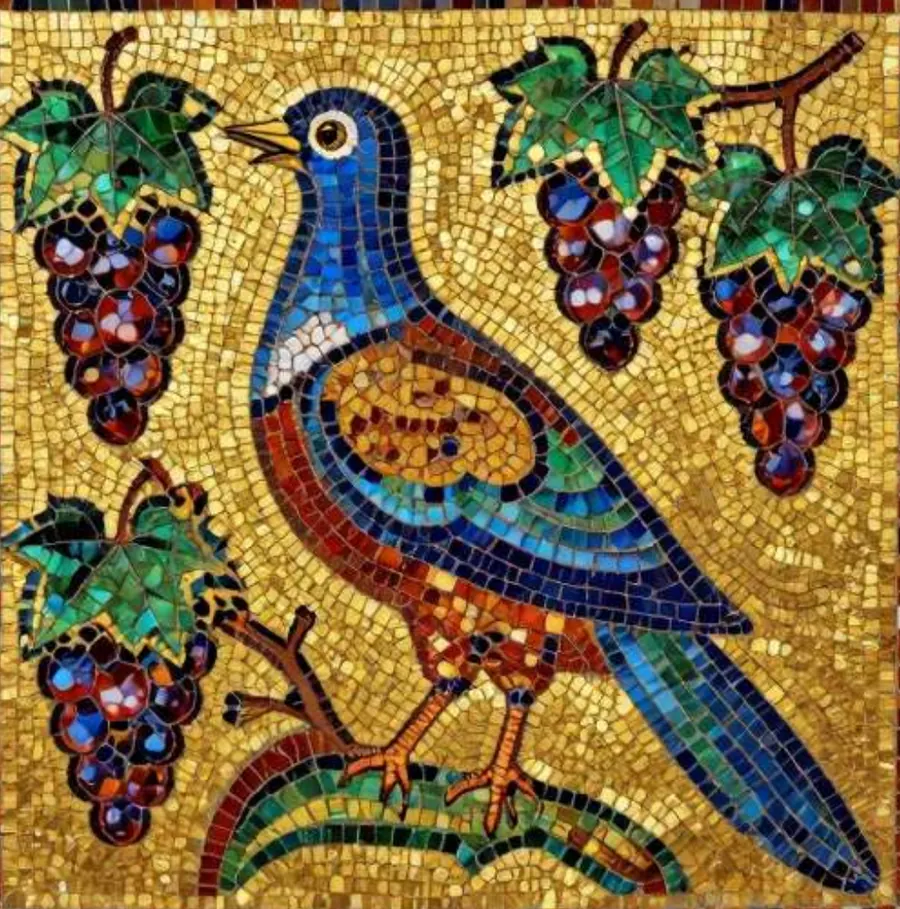
A prompt sketch in the Byzantine Mosaic style, made for this tutorial.
Questions
Can I do it without signing up?
Who will see my sketch?
Try it yourself
10 credits on sign-up and 3 every day — free.
More guides
A mosaic sketch from a photo
From a photograph to a sketch you can lay a real mosaic from: with a real smalto palette, panel size and tile module.
Fresco, sgraffito, relief — 24 styles
For walls, facades and stoves — sketches in six groups of four styles.
A stained-glass sketch
Stained glass for a specific opening: choose the technique, glass size, shape and dimensions — the app shows the design and an approximate element count.