A mosaic sketch from a photo
From a photograph to a sketch you can lay a real mosaic from: with a real smalto palette, panel size and tile module.
Open Mosaic → From photo
On andamento.app tap Mosaic in the bottom bar and choose Photo. You need to be signed in for a sketch from a photo.
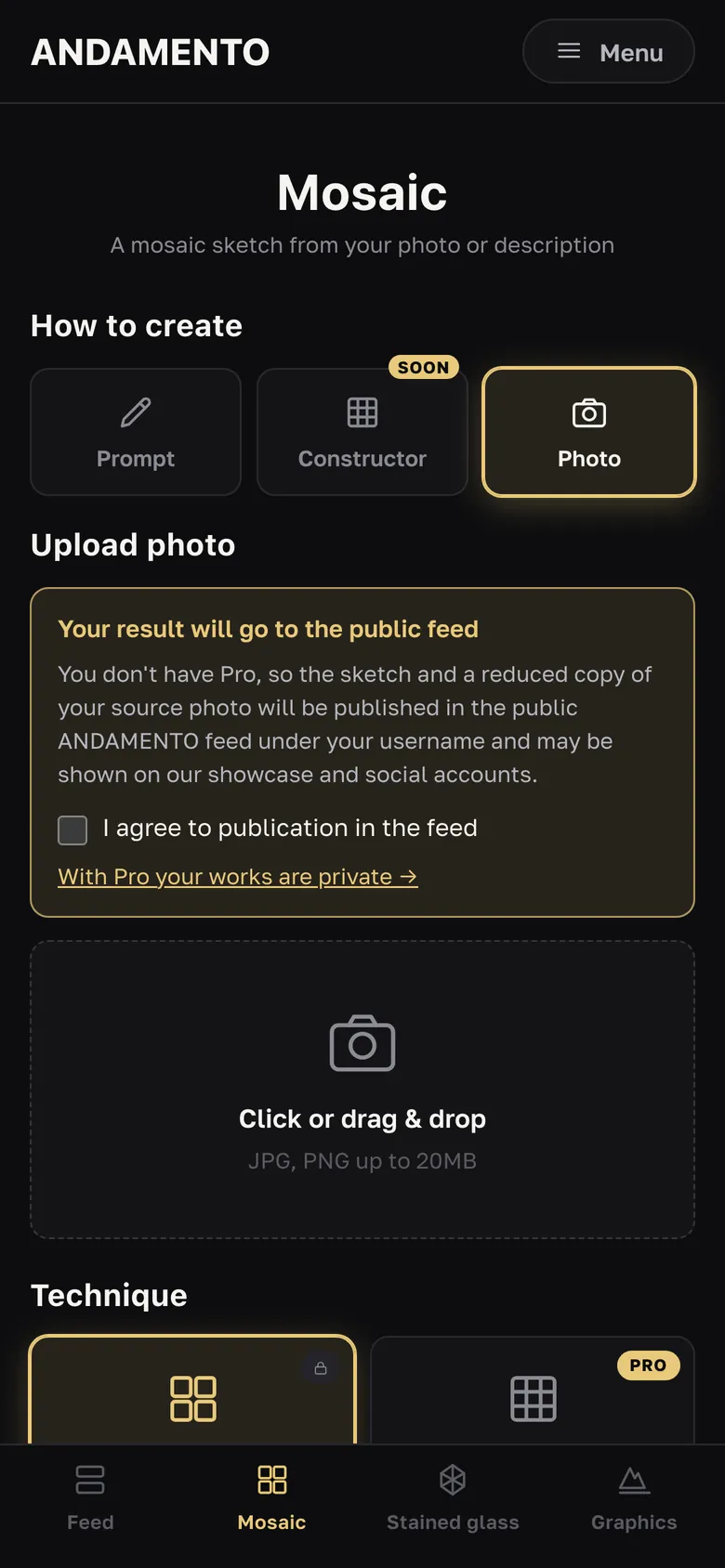
Upload a picture
Tap the field or drag the file in: JPG or PNG up to 20 MB. Without Pro, the sketch and a reduced copy of the photo are published to the public feed — tick the consent box.
Choose technique and palette
“Classic AI” — an artistic layout with a flowing module. Palettes: MELTI 24 colors, ArtWorker V3.2 · 163 colors, MELTI + V3.2 · 186 colors, “All Colors” (Pro). “Matrix” (Pro only) — a pixel layout on a grid: 24, 48 or 128 colour palettes, 10, 15 or 20 mm module, 1–3 mm joint.
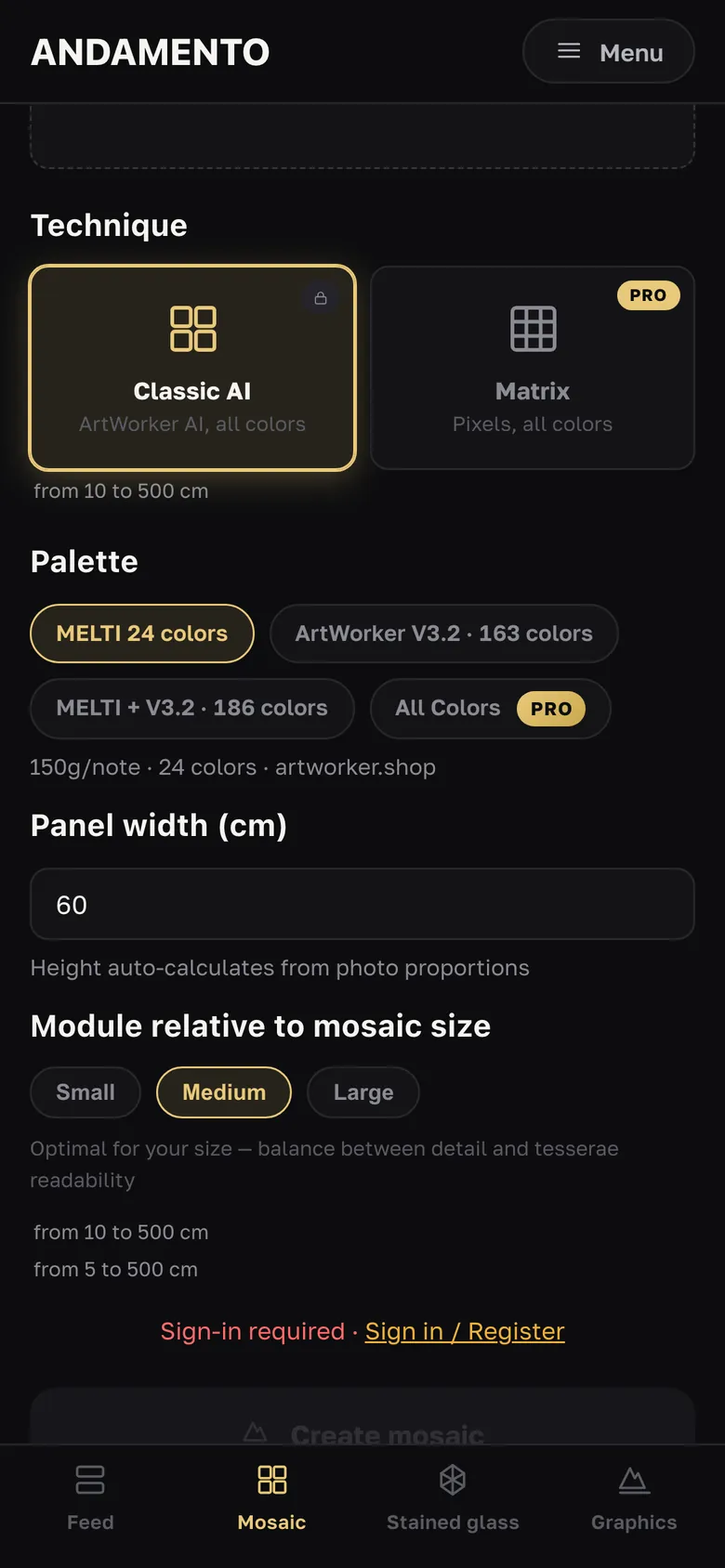
Set width and module
Panel width — 10 to 500 cm; the height follows the photo proportions. Module relative to mosaic size: small, medium or large — a balance between detail and tessera readability.
Tap Create mosaic
The cost in credits is shown under the button. Wait, or leave — the finished work appears in the feed and in your account.
What to do with the result
Download (with a watermark without Pro), download in 4K for 2 credits, email a link, share. For the MELTI palette — “MELTI Materials” and “Add to cart at artworker.shop”. For Matrix — a colour breakdown and “Email me the calculation”.
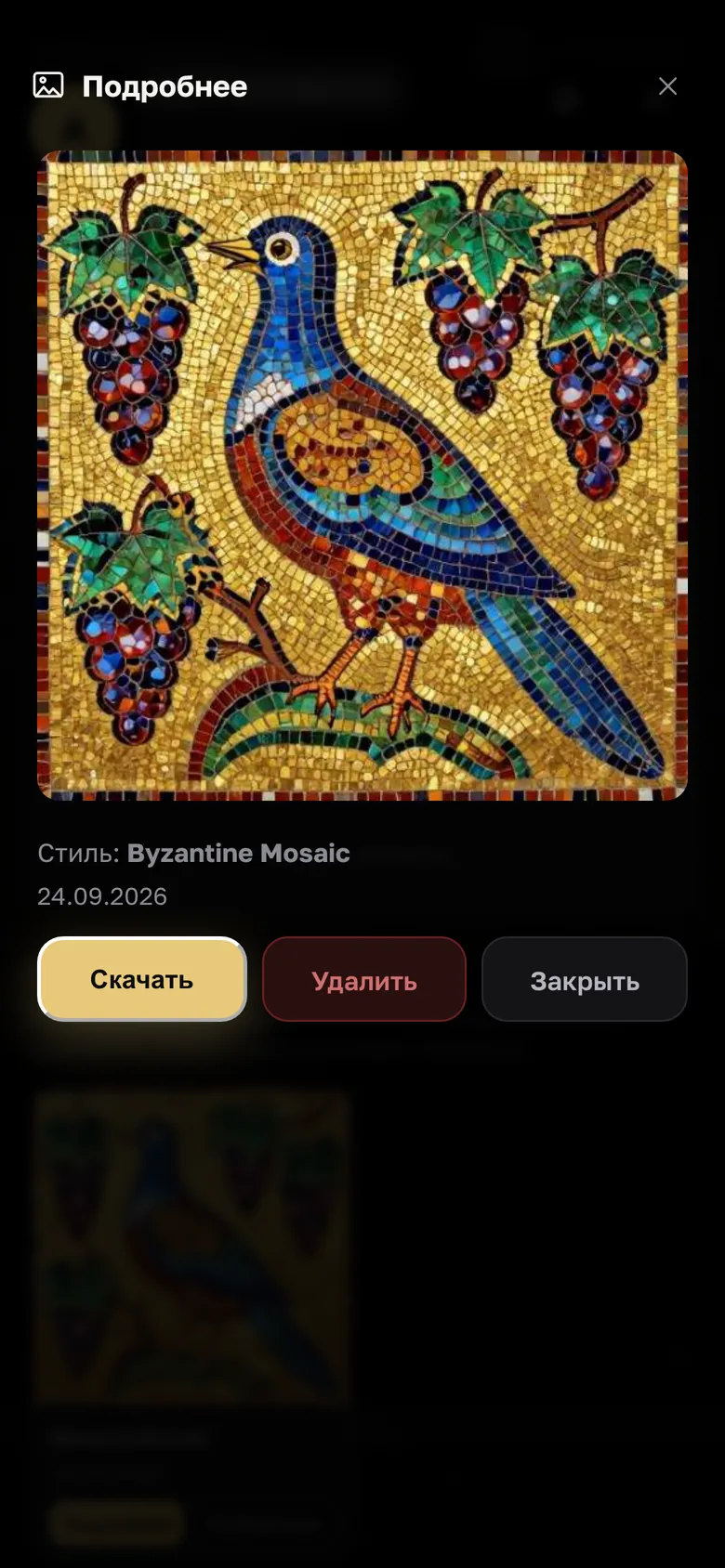
- Pictures with a clear subject and contrast work best — a face, an animal, a close-up flower.
- For exact note counts, start with MELTI 24 colors: it comes with a materials count and a cart.
Questions
How does Classic differ from Matrix?
Can I lay a real mosaic from the sketch?
Try it yourself
10 credits on sign-up and 3 every day — free.
More guides
A mosaic sketch from a prompt
No suitable photo? Describe what you want to see. A sketch in the chosen historical style appears in a couple of minutes.
How much material for a mosaic
Enter the panel size and see how many kilograms of material you need. No credits, no sign-up.
Install, credits and account
ANDAMENTO runs in the browser — nothing to install from an app store.