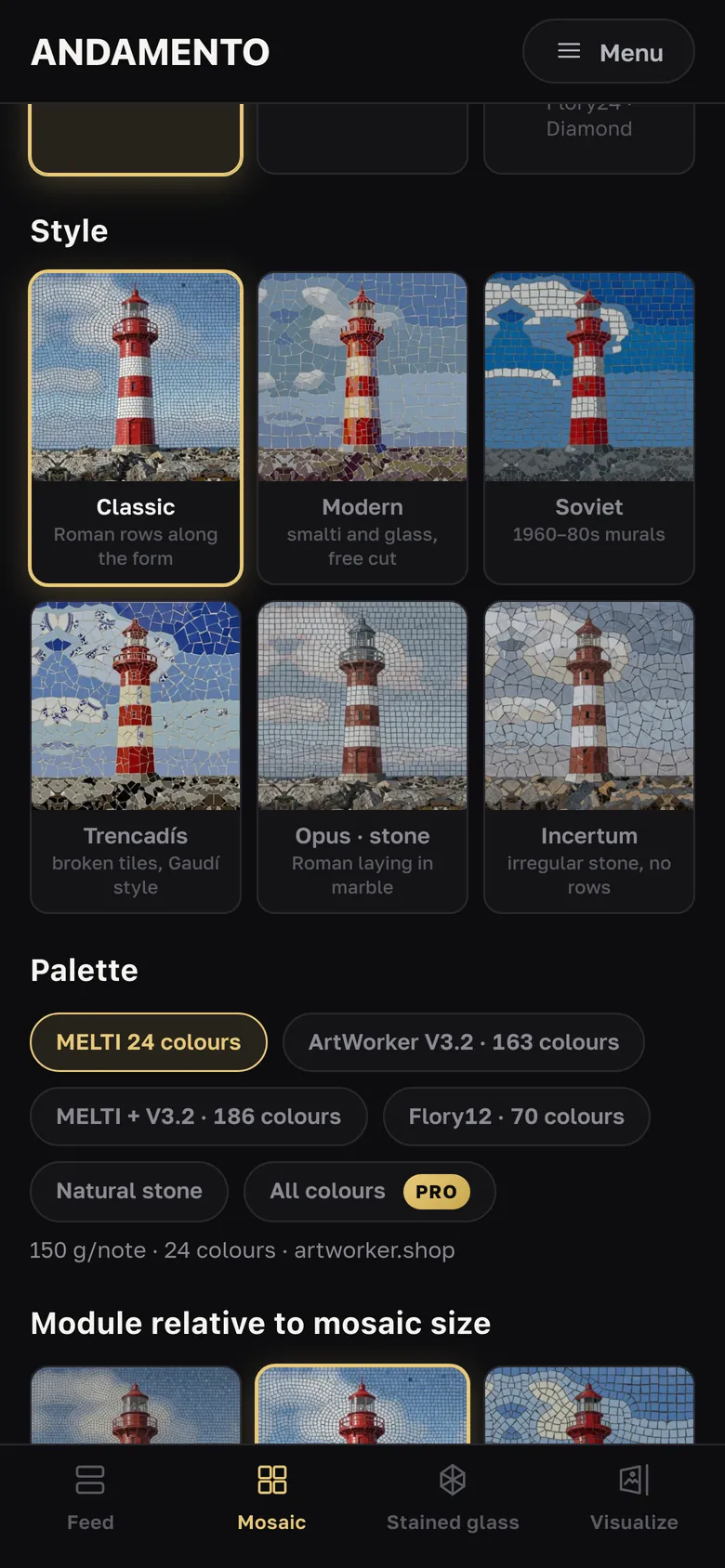
Guide
The feed and “Repeat this style”
The feed is the first thing the app opens. You see what other people make, and any style you like can be taken in one tap.
freeCost
not neededSign-in
Scroll the feed
Each work shows its style and settings: technique, palette, size; prompt works also show the prompt (“Show more”). Pull the feed down to refresh.
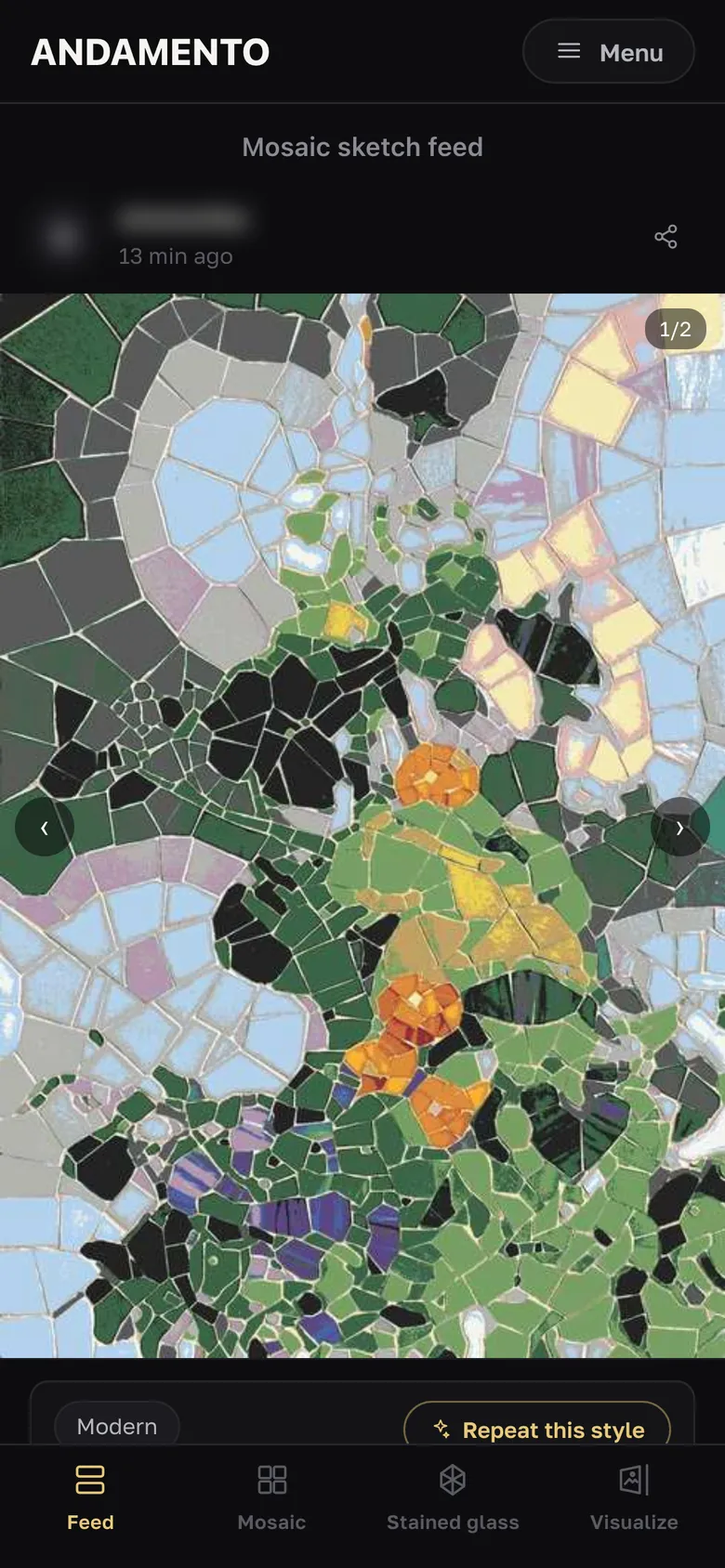
“Repeat this style”
The button copies the work's technique, style and palette into the creation form — you only add your photo or prompt. It appears on works made since the new mosaic styles came out (10 Oct 2026).
Visualizations in the feed
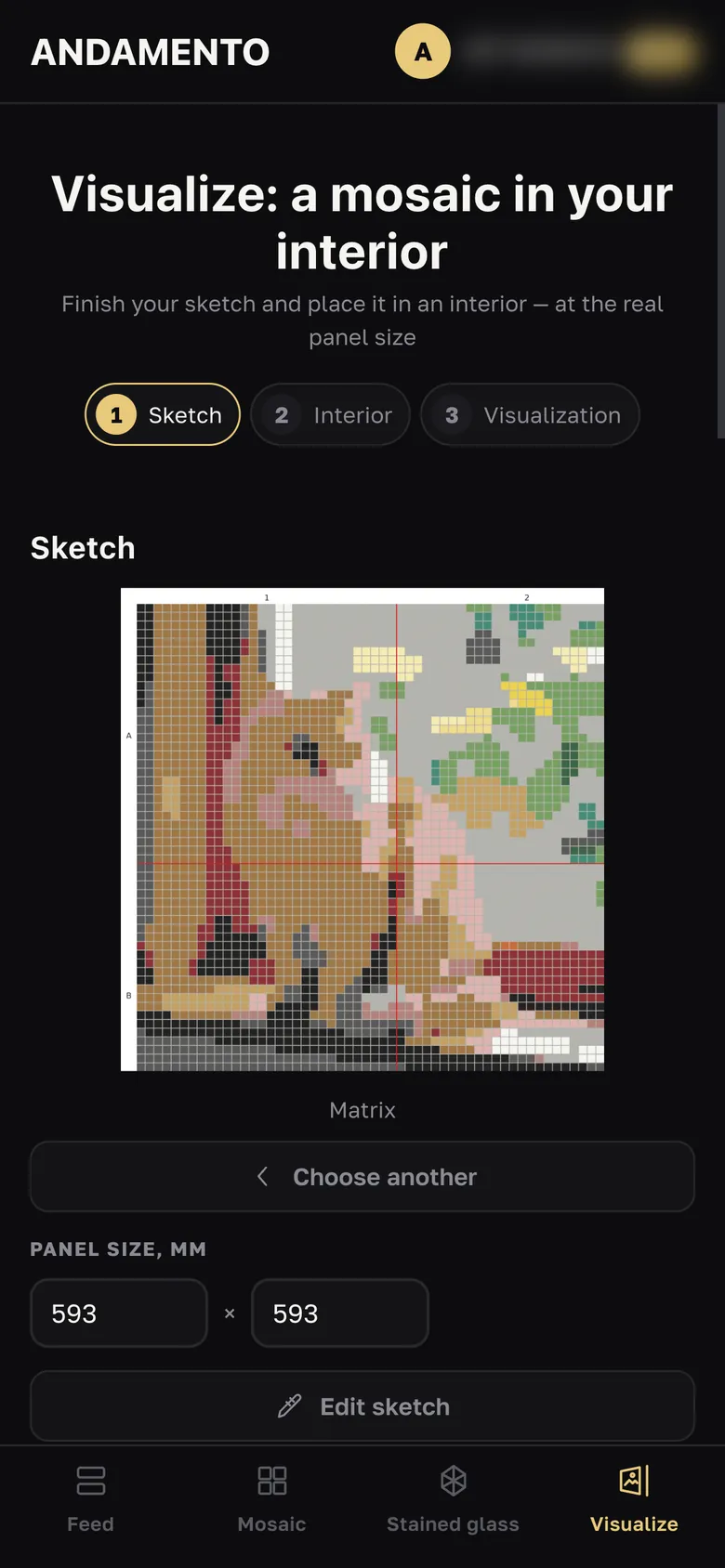
Interior try-ons show how they were made: with or without AI, on a wall, a floor or in a window. “Repeat this style” opens Visualize with the same sketch and settings.
Tips.
- Without Pro your works are also published to the feed under your username. With Pro your works are private.
Try it yourself
10 credits on sign-up and up to 3 every day — free.