A mosaic cartoon
A cartoon is the drawing a mosaic is laid from: the rows follow the tile module, you can check them with a ruler and print them at actual size.
Mosaic → the Cartoon technique
Cartoon is on both the From photo and From prompt tabs (sign-in required). Without Pro the work is published to the feed, like other sketches.
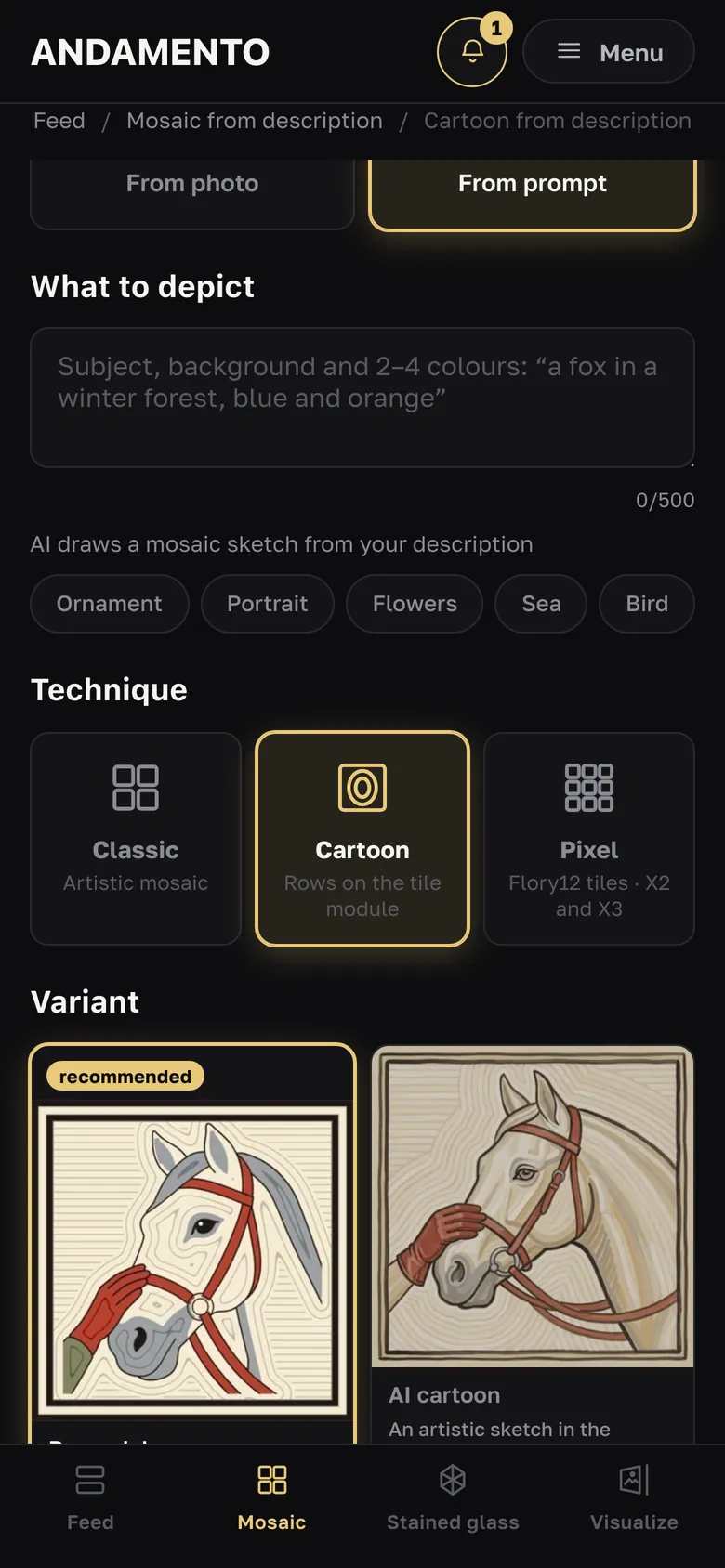
Variant
“By module” (recommended) — rows are calculated on the tile module plus a 1 mm joint: you can check them with a ruler and print 1:1; fine details are simplified to the tile size. “AI cartoon” — an artistic sketch in the manner of our school's cartoons: the number and pitch of rows aren't exact, it's for inspiration and the overall look.
Background, module, border, palette
Background — how the rows run around the motif: “Roman laying”, “Waves” or “Fan”. Module — 10, 15 or 20 mm (10 and 20 with Pro, 15 without). “Border” — a dark row around the edge. Palettes: MELTI, ArtWorker V3.2, MELTI + V3.2, Flory12, Natural stone, All colours (Pro); there is “Monochrome”. For “AI cartoon” the background, module and border are drawn by the AI itself.
Size
Each side is 500 to 1000 mm; presets 500 × 500, 700 × 700, 1000 × 600, 600 × 1000, 1000 × 1000. From a photo the height follows the picture's proportions. Rows are fitted to the size: the pitch holds across the panel, and a partial row is split evenly at the edges.
“Create cartoon” and changes
From a photo — 3 credits, from a prompt — 2. On the finished cartoon you can change the background, palette, border and monochrome for free — it is redrawn in a couple of seconds; a module with a different level of detail needs a new generation.
1:1 and mirrored print
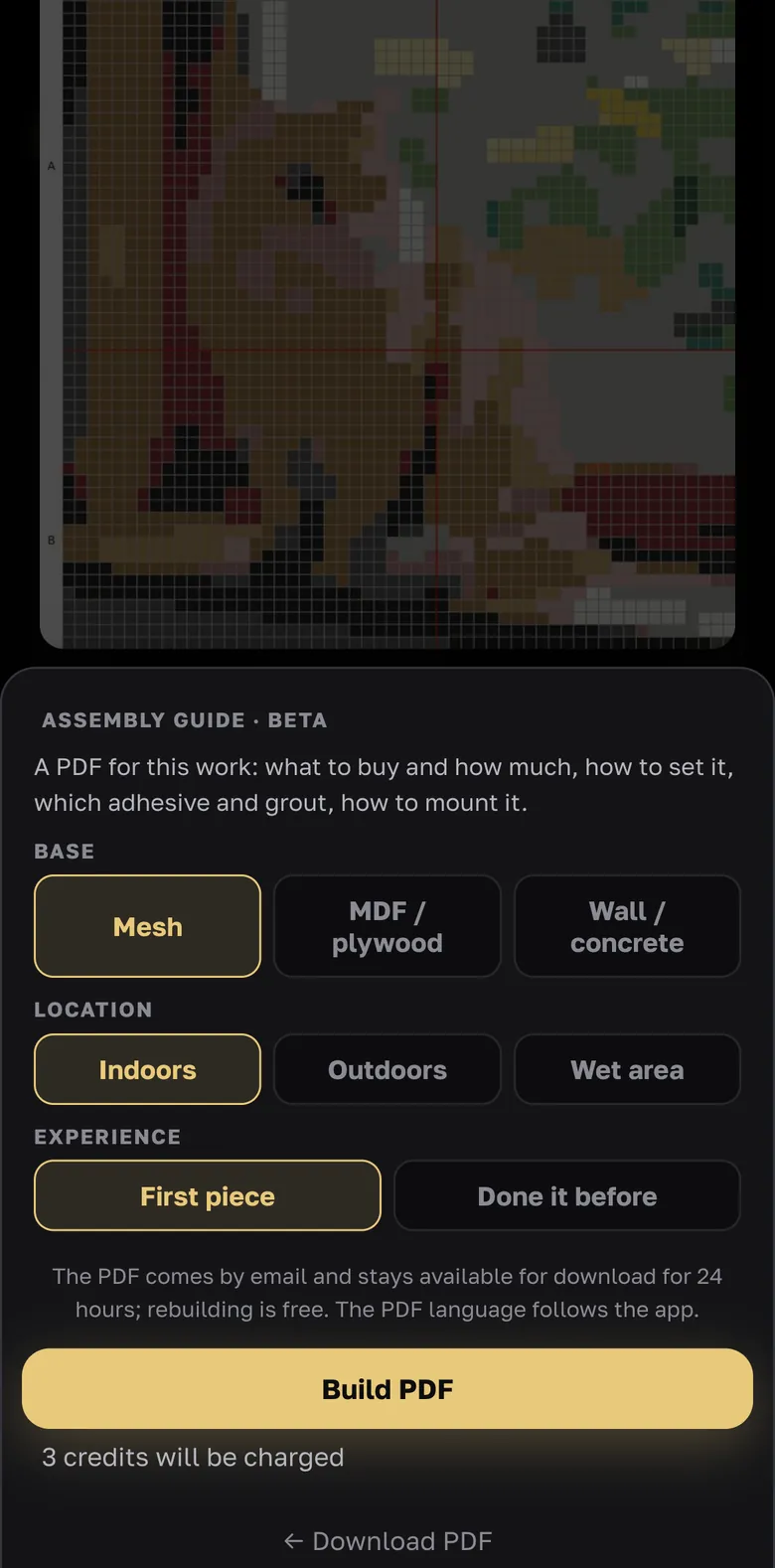
Download PDF → Print layout A4/A3 (Pro, no credits): for “By module” it is at actual size and the rows match the tile module. The “Mirrored” box is for the indirect method: the cartoon is laid face down, so the drawing on the sheets is mirrored.
- For laying, choose “By module”; “AI cartoon” is for seeing the overall look and for inspiration.
Try it yourself
10 credits on sign-up and up to 3 every day — free.
More guides
From sketch to a real mosaic
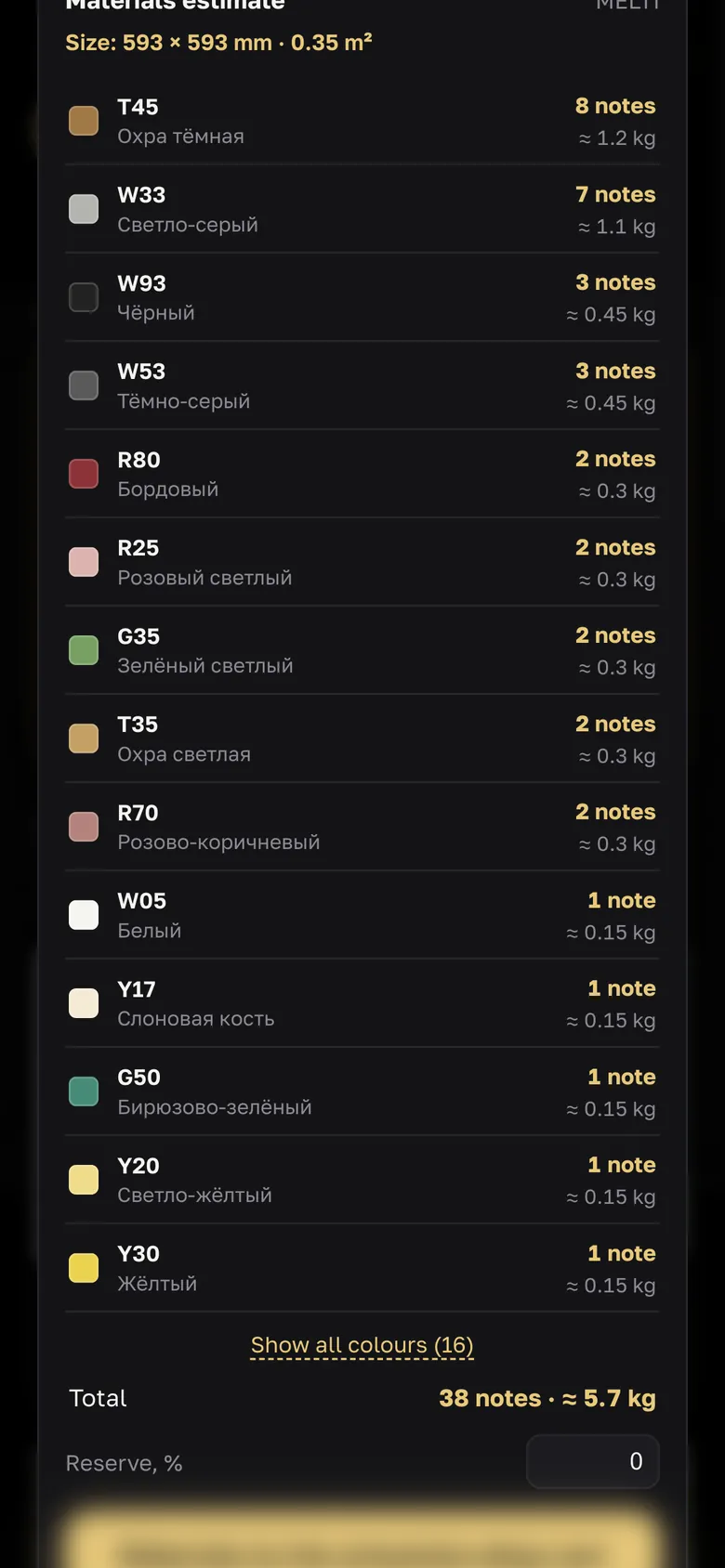
The sketch is just the start. Here is the way from a picture in the app to a panel on the wall.
Mosaic from a photo
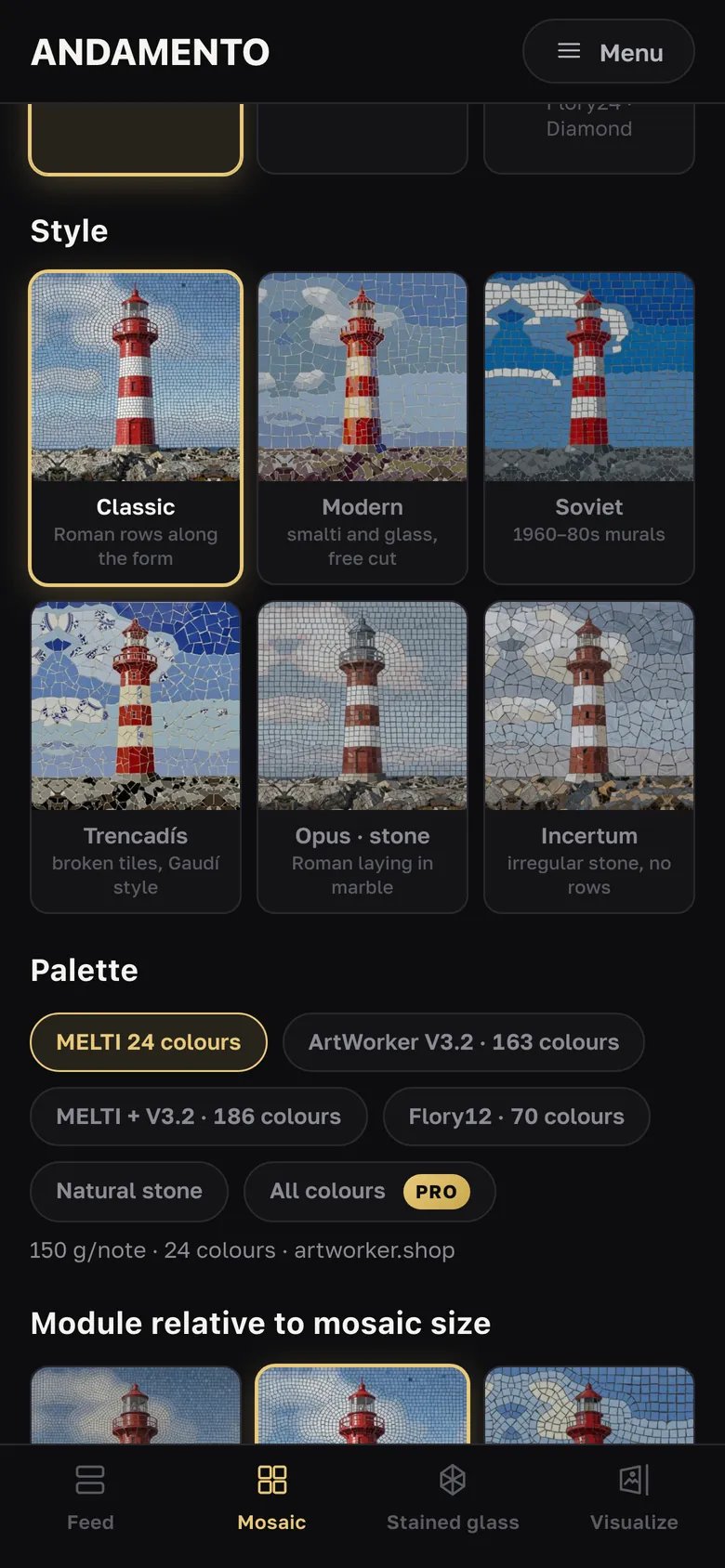
From a picture to a mosaic sketch in one of six styles, on a palette of real smalto, glass tile or stone, at the size you need.
Assembly guide
From sketch to handwork: the PDF is built for your work, your base and where the panel will hang.