From sketch to a real mosaic
The sketch is just the start. Here is the way from a picture in the app to a panel on the wall.
Cartoon and print
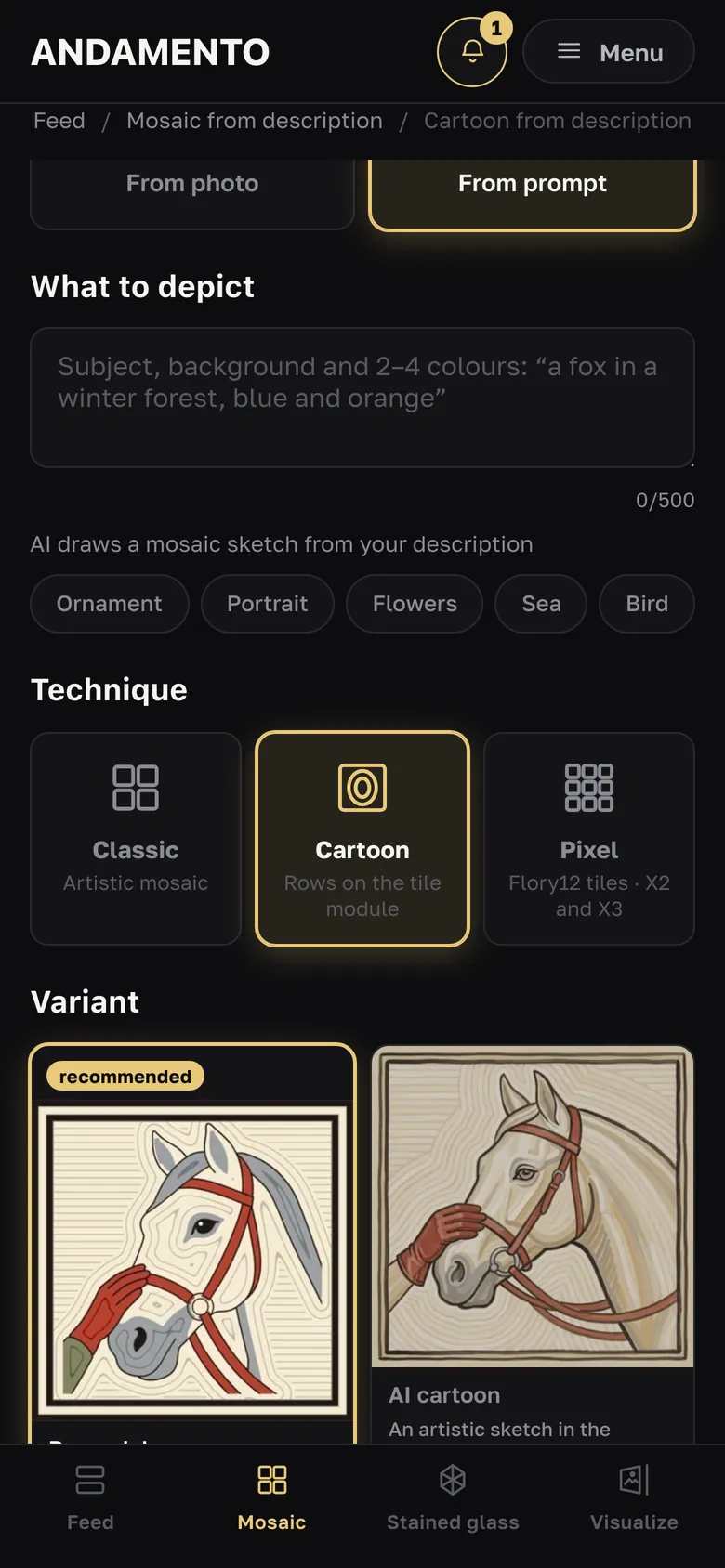
Laying needs an actual-size cartoon: the Cartoon technique (“By module”) or “Print layout A4/A3” for any sketch — with Pro, no credits; for the indirect method — “Mirrored”. Panels up to about 1 × 1 m are easy to print at home, larger ones at a print shop.
Material estimate
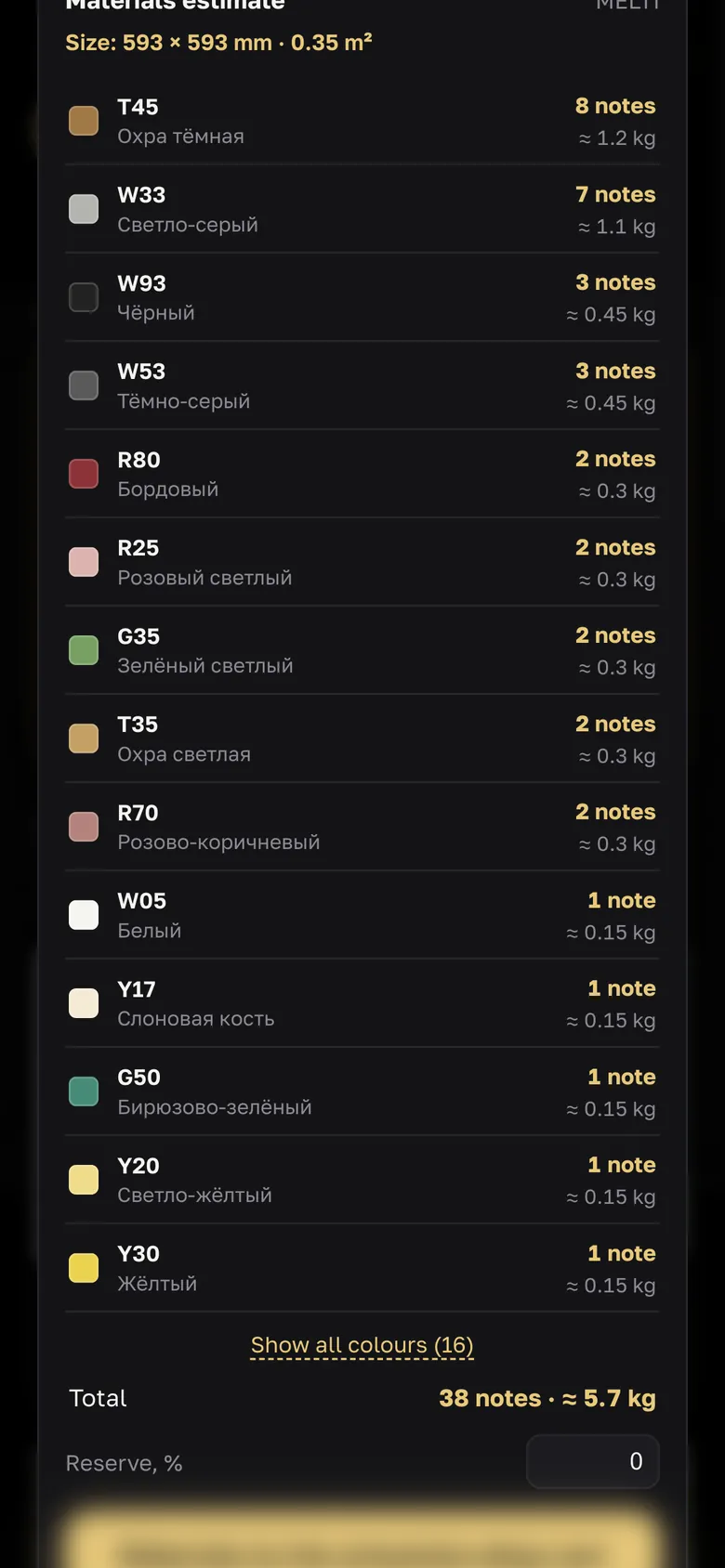
“Materials estimate” under the result: how much of each colour — usage and to buy, “Another palette”, “Materials to the artworker.shop cart”. Free; the estimate is saved with the work and goes into the Sketch passport.
Adhesive, grout, tools
Pick materials, adhesive, grout and tools for your sketch at artworker.shop/page/podbor-materialov. How much grout and adhesive — the calculators in the app menu. The Assembly guide (PDF, 3 credits) puts it all together for your work.
Practise and learn
Build a mosaic by hand on screen in ANDAMENTO Play, free. Learn from mosaicists at the online school artworker.school.
Try it yourself
10 credits on sign-up and up to 3 every day — free.
More guides
A mosaic cartoon
A cartoon is the drawing a mosaic is laid from: the rows follow the tile module, you can check them with a ruler and print them at actual size.
Size and materials estimate
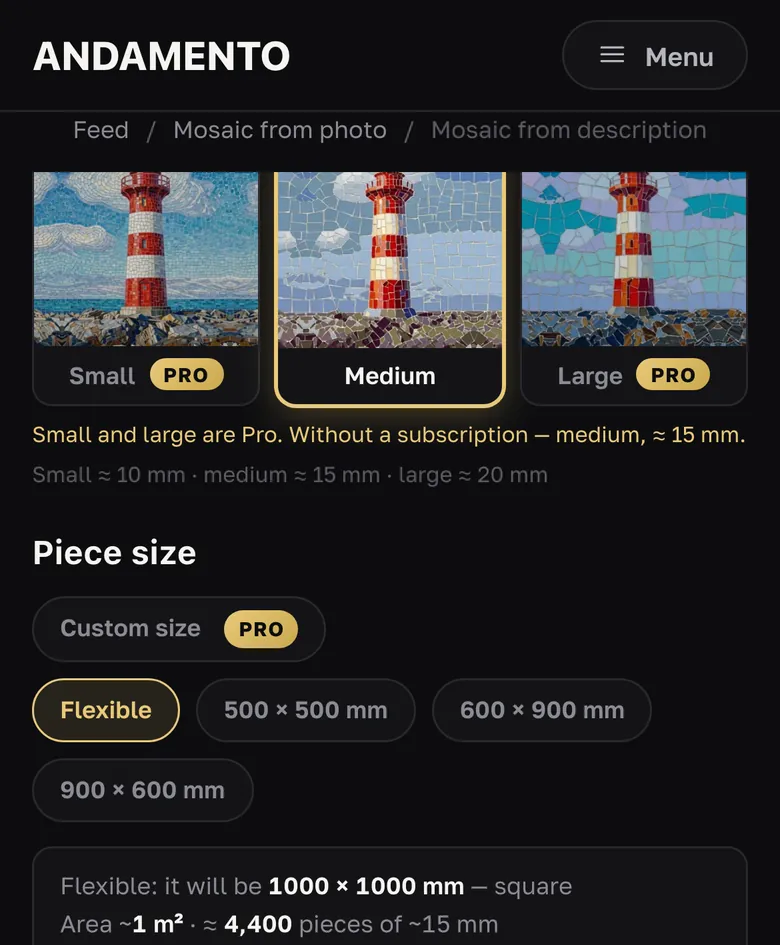
The size is set before generation, the estimate comes after it: how much of each material to buy, free.
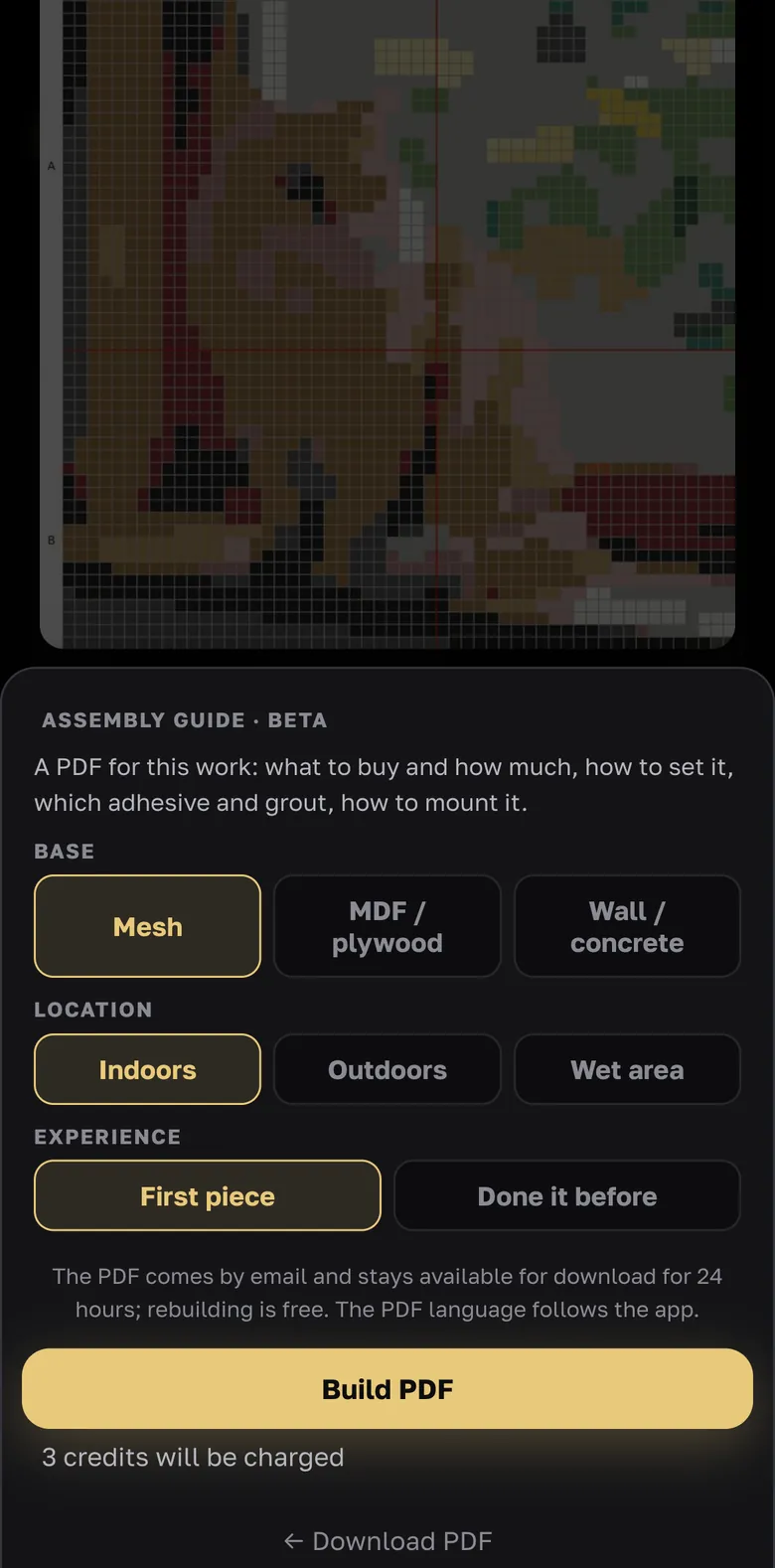
Assembly guide
From sketch to handwork: the PDF is built for your work, your base and where the panel will hang.