
A mosaicist's desk
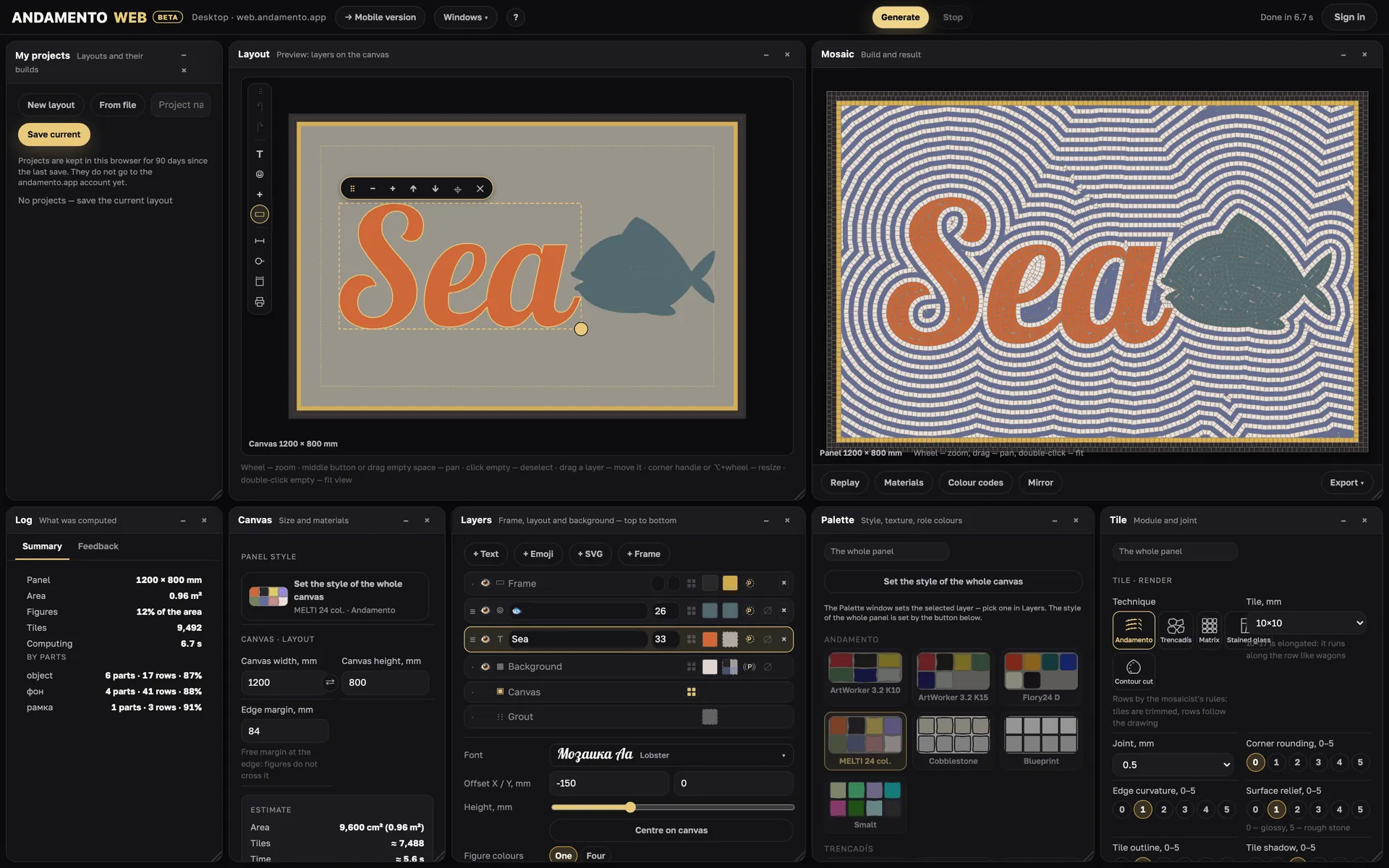
A desktop web constructor: a layout of layers, five laying techniques, palettes of real materials and files for the workshop. It runs in a desktop browser, window 1440 × 900 or larger.
Windows like a workbench
The workspace is made of windows. Drag a window by its title, resize it by the edge; a double-click on the title collapses it. Windows snap to their neighbours and to the edges.
- Windows ▾ — which windows to show, and Reset layout
- ? — a short tour of the workspace
- Generate and Stop sit in the header, next to the cost and your balance
- Undo and redo — ⌘Z and ⇧⌘Z, up to 60 steps
Layers, top to bottom
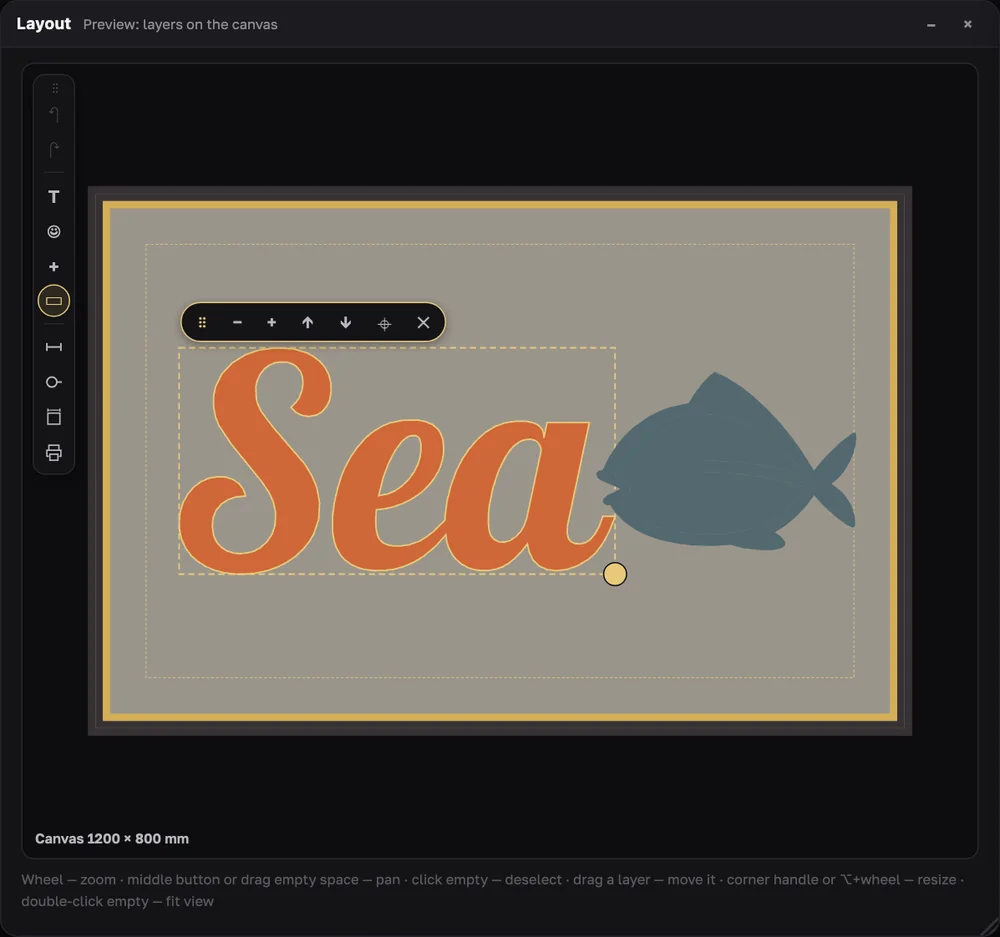
The Layers window lists the frame, the layout layers, the background, the canvas and the grout. Order works as in graphics editors: the top of the list lies on top.
- + Text, + Emoji, + SVG, + Frame — add a layer
- Per layer: eye (show/hide), height in mm, figure colour, holes colour, background outline row, layer outline
- A layer's own style: another palette, technique and tile — say, a brass inlay on a smalto background
- Figure colours: one or four
- Grout — grout colour: white, light grey, grey, dark grey, black or your own
- The selected row decides what Palette and Tile edit: The whole panel or Layer: …
Text and fonts
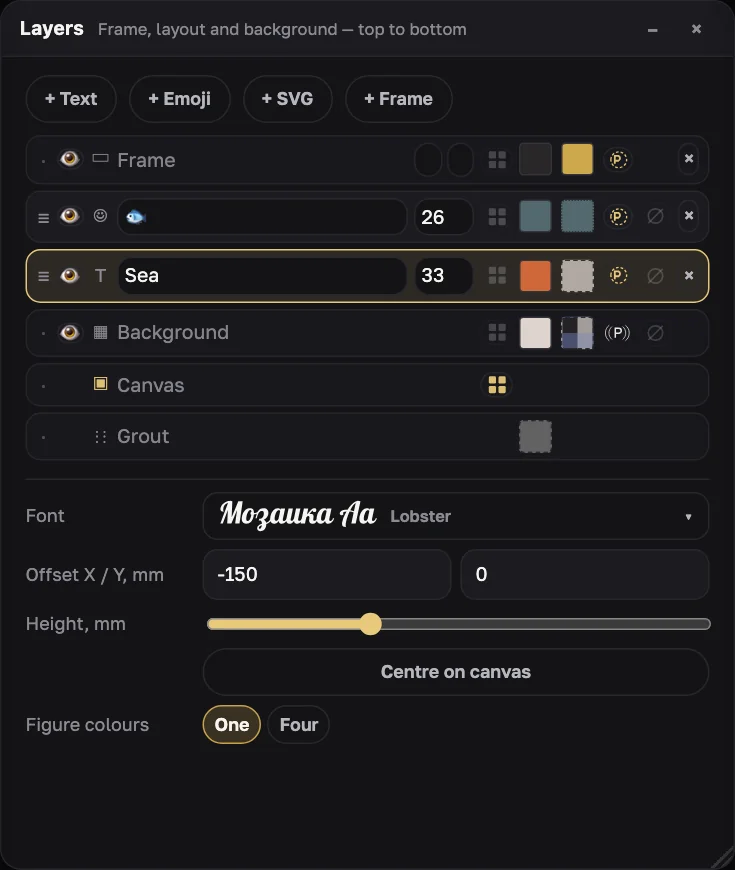
22 fonts with full Cyrillic (free OFL licence): Russo One, Oswald, Montserrat, Playfair Display, Lobster, PT Serif, Bitter, Podkova, Rubik Mono One, Yeseva One, Caveat, Marck Script, Bad Script, Neucha, Pacifico, Great Vibes, Amatic SC, Kurale, Comfortaa, Ruslan Display, Kelly Slab, Unbounded. The “Мозаика Aa” sample is drawn from the same outlines the tiles will follow.
- Own font from a file (.ttf, .otf)… — up to 25 MB; it is turned into outlines right in the browser and never goes to the server
- A font installed on this computer… — in Chrome and Edge, with search
- Thin scripts (Bad Script, Great Vibes) suit large lettering only
Emoji and your own SVG
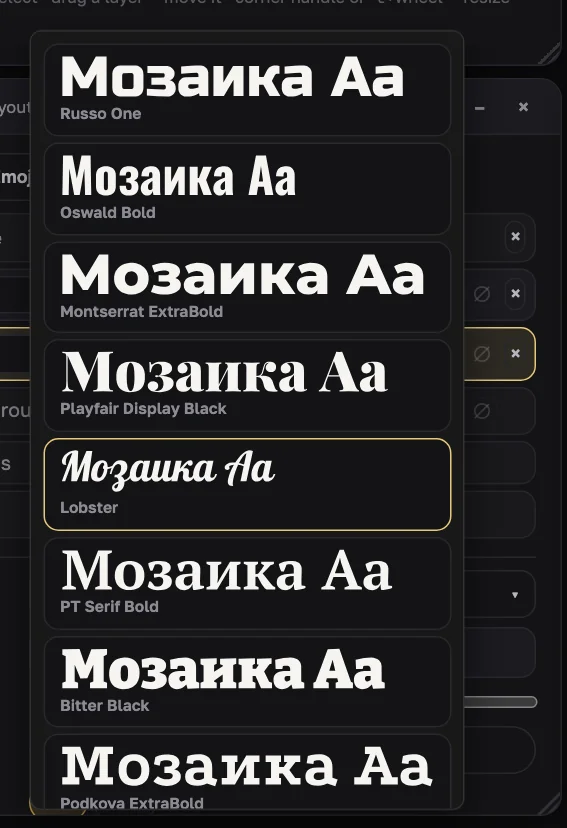
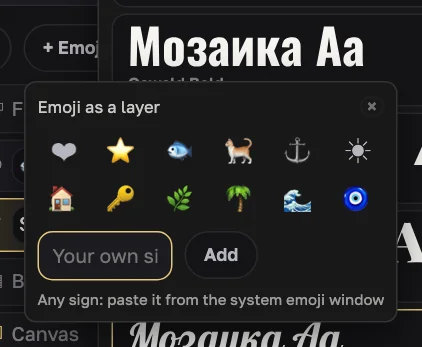
An emoji is laid as an outline (Noto Emoji); the tile gives it colour. The popup offers 12 common signs and a field for any other — paste it from the system emoji window.
+ SVG — a layer from a ready vector: the file's closed contours, up to 400 KB. Inner contours (the eye of “O”, “A”) are transparent by default, so the background runs through them.
Frame
Two bands around the perimeter — outer and inner, 0–6 rows each, each with its own colour and, if you like, its own style. The frame is always above the layout. The background can outline the frame with a row.
Patterned background
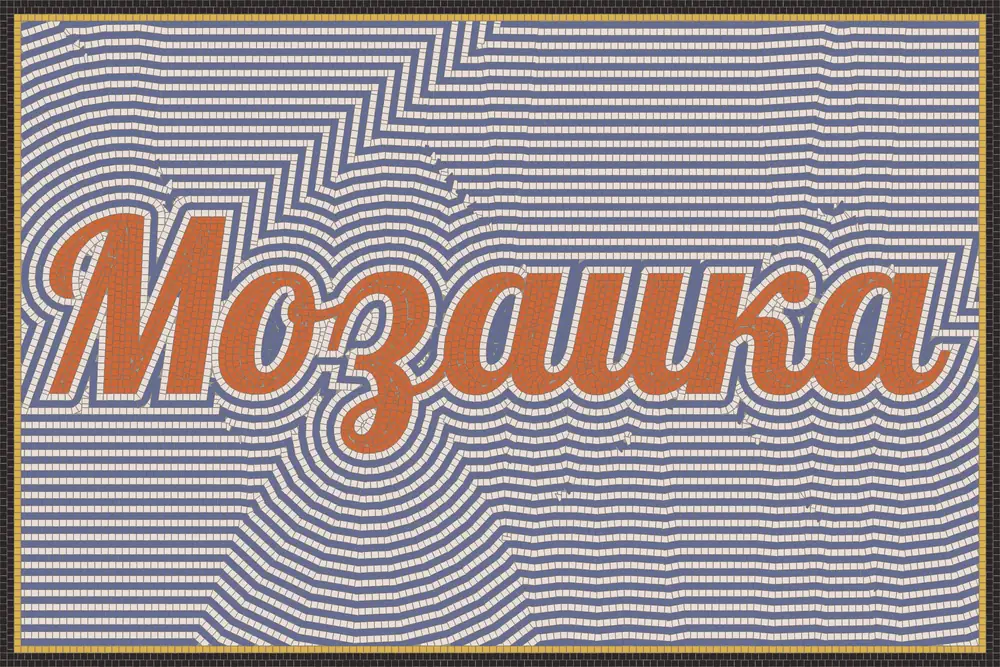
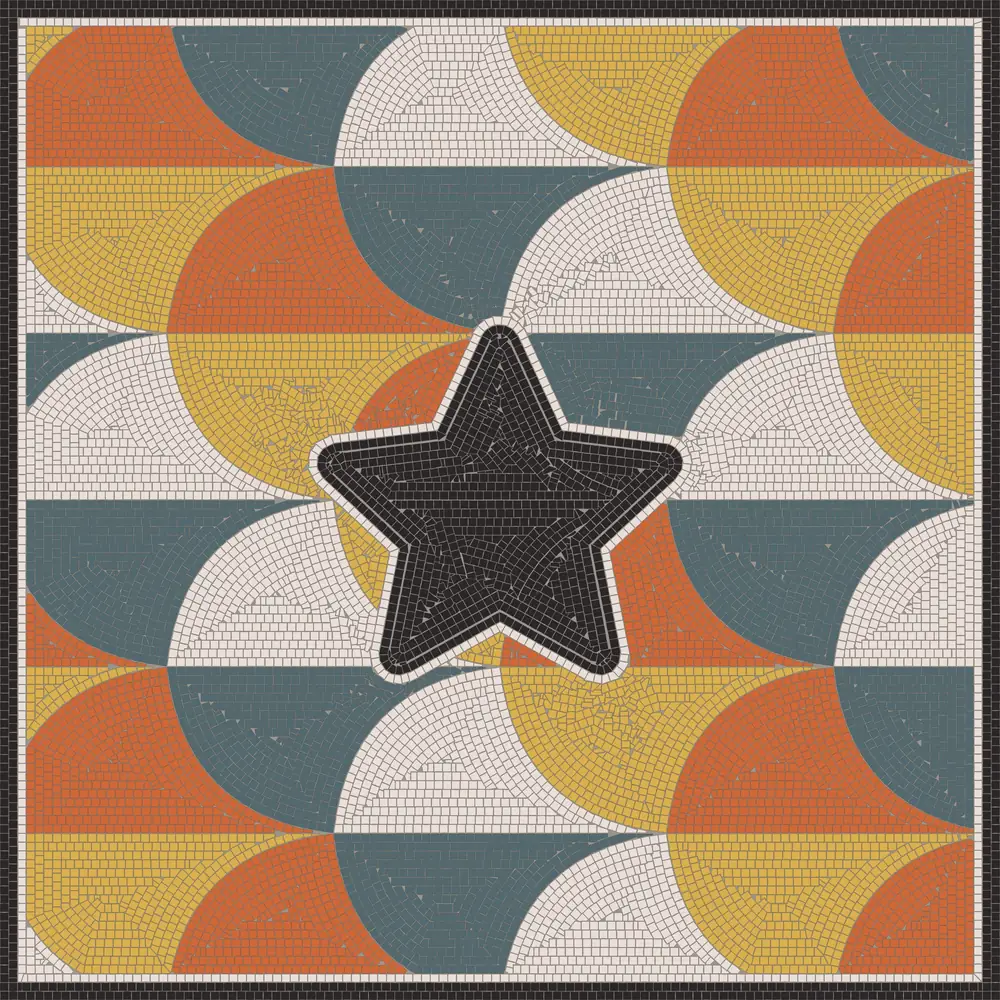
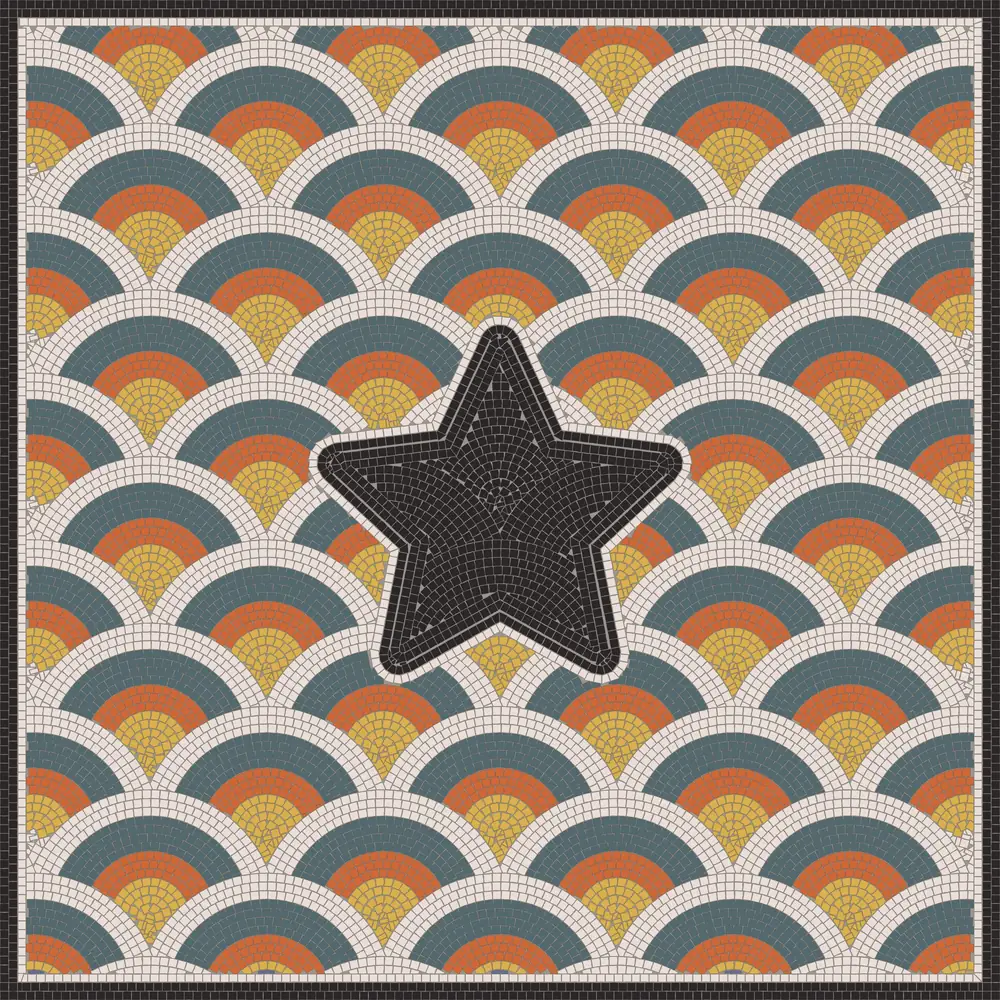
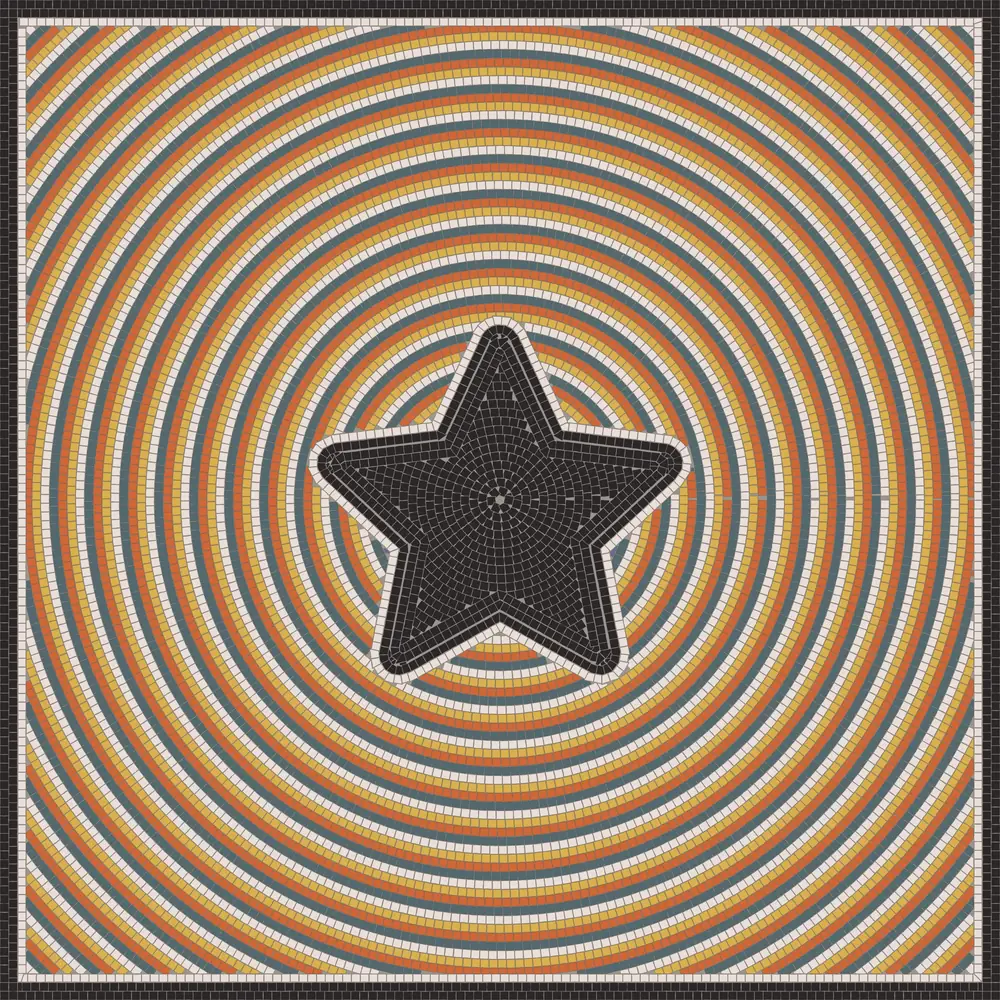
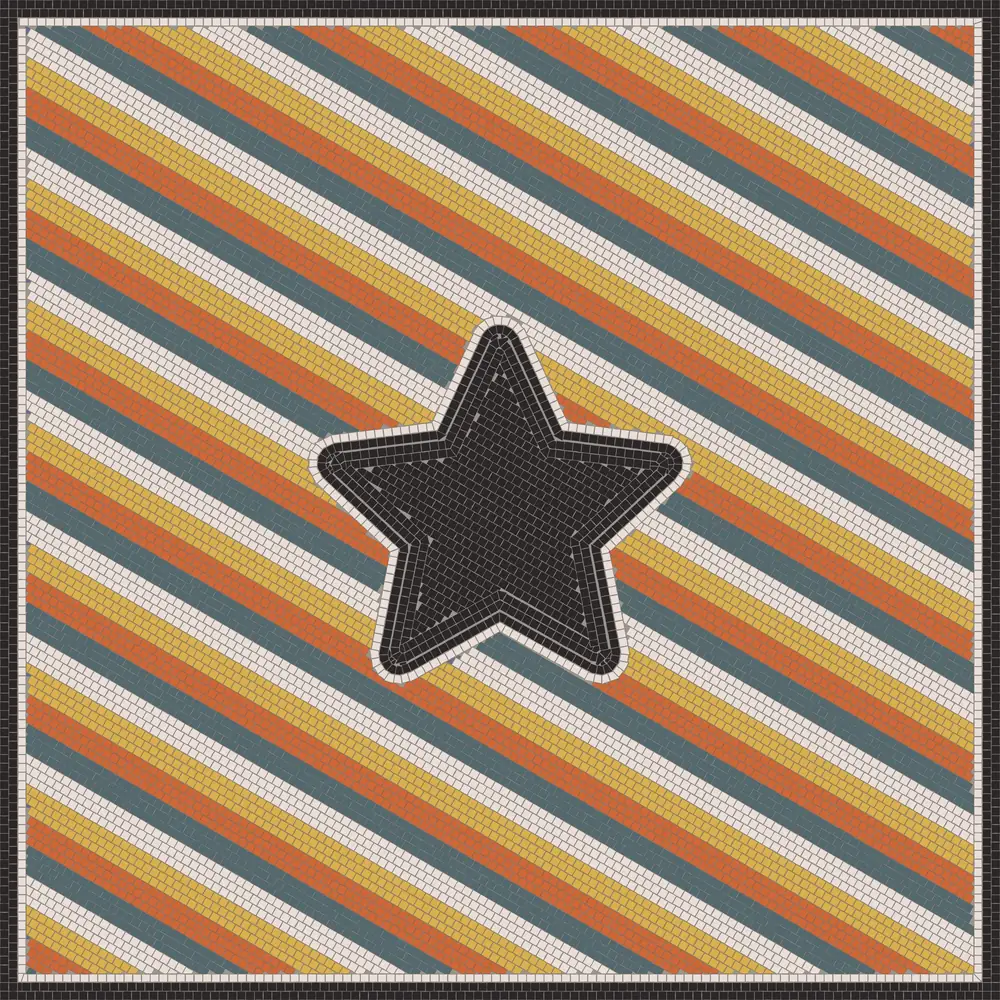
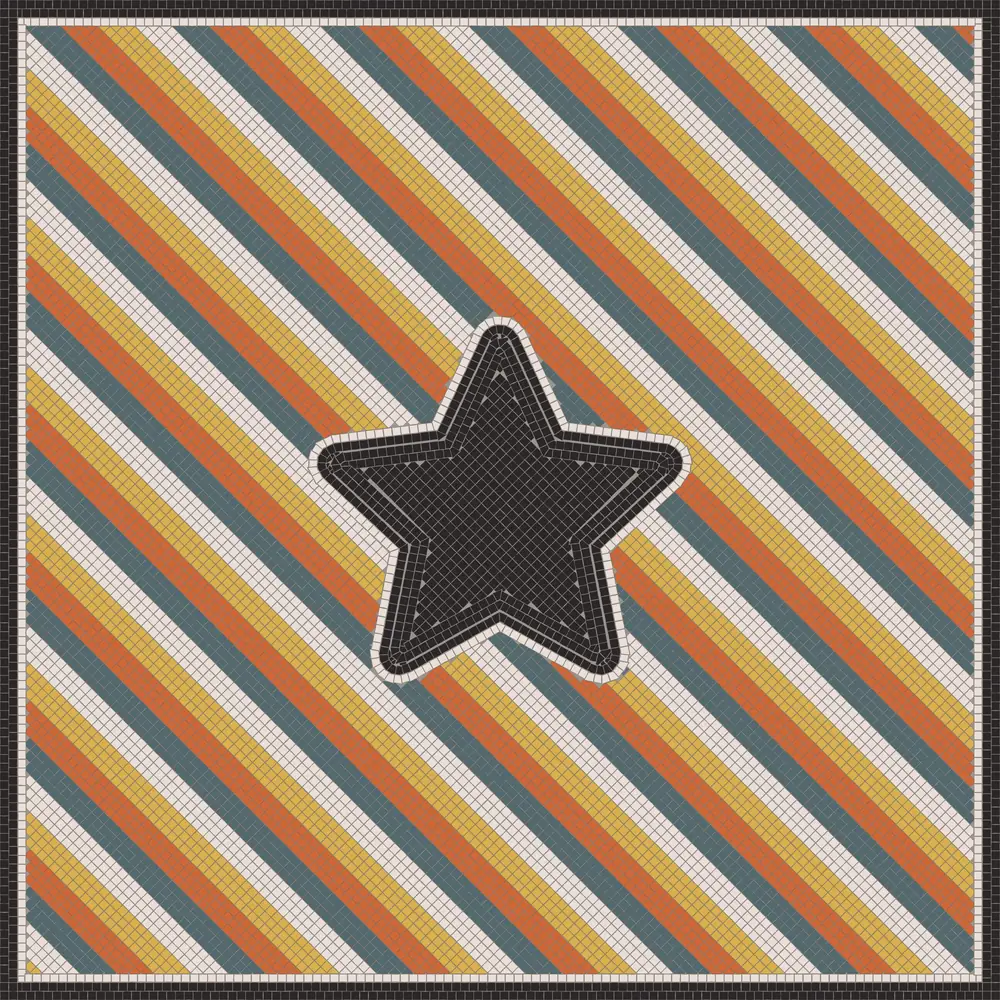
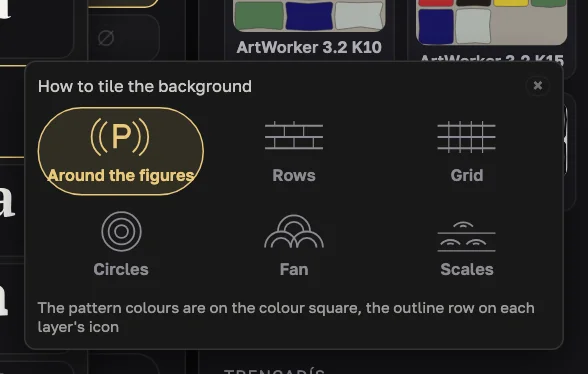
How to tile the background: around the figures — rows flow around the letters (classic andamento), or a pattern over the whole field: rows, grid, circles, fan, scales. Patterns take sizes and rotation, and one or four colours. The pattern grid is centred on the panel, so it continues inside the letters.
Tile look
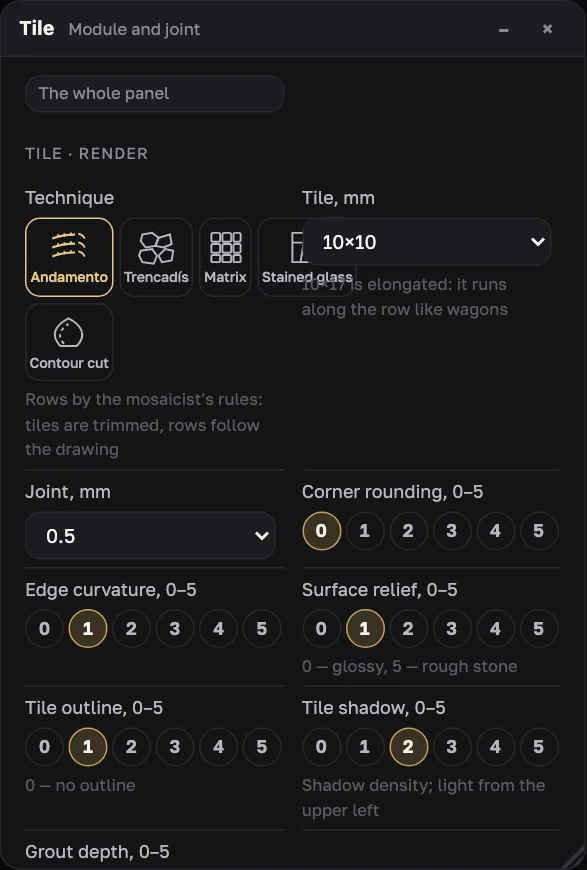
The Tile window holds the technique, tile or piece size, joint, and six look controls on a 0–5 scale:
- corner rounding, edge curvature, surface relief (0 — glossy, 5 — rough stone)
- tile outline, tile shadow (light from the upper left), grout depth
After a build, look and colours change without recounting — the sheet is simply redrawn. Change the layout and the app tells you: “Layout changed — generate again”.
Dimensions and tape
On the Layout side toolbar: a dimension line in mm (two clicks, saved with the project), a tape for measuring without saving, and the canvas size on the preview. Points snap to corners and midpoints; Shift keeps them horizontal or vertical.
Print dimensions on the mosaic and in the file — dimensions go into SVG, PDF, PNG and JPG (never into the Sketch).
Projects and the .andamento file
Save current — the project is kept in this browser for 90 days after the last save. Projects do not go to the andamento.app account yet.
To keep or share a project, export Project (.andamento): all settings and layers in one file. Open it via My projects → From file.
After an engine update an old project may lay slightly differently (better). Keep the exact result as SVG or PDF.
How to get into ANDAMENTO WEB
Account
Sign in or sign up on andamento.app — one account for both apps.
PRO subscription
ANDAMENTO WEB comes with PRO. Pricing.
Open WEB
On a computer — web.andamento.app/lab.
Limits
What the app accepts in one build today.
| Parameter | Limit |
|---|---|
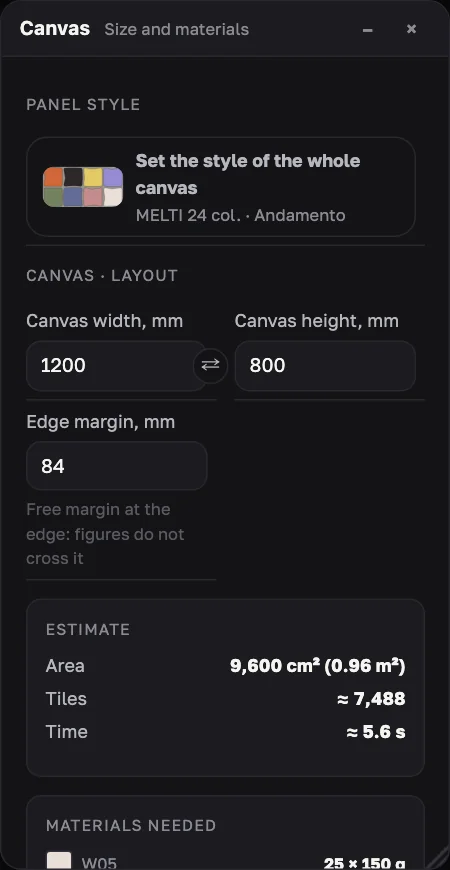
| Canvas | 500–3000 mm per side (up to 9 m²) |
| Layers on the canvas | 12 |
| Text across all layers | 200 characters |
| Layer height | 20–1000 mm |
| Tiles per build (estimate) | up to 80 000 |
| Frame | 2 bands of 0–6 rows |
| SVG | up to 400 KB |
| Own font | up to 25 MB |
| Raster export | 2000, 4000 or 6000 px on the long side |
| Projects in the browser | 90 days since the last save |
Try it on your own panel
ANDAMENTO WEB runs in a desktop browser with a PRO subscription. For a sketch from your phone, use the mobile app — 10 free credits when you sign up.